As an Android fan, there’s only one iOS feature I want Google to copy
Apple’s seamless iPhone-to-iPhone migration is the gold standard that Google still hasn’t matched for Android in 2026.
Ryan Haines / Android Authority
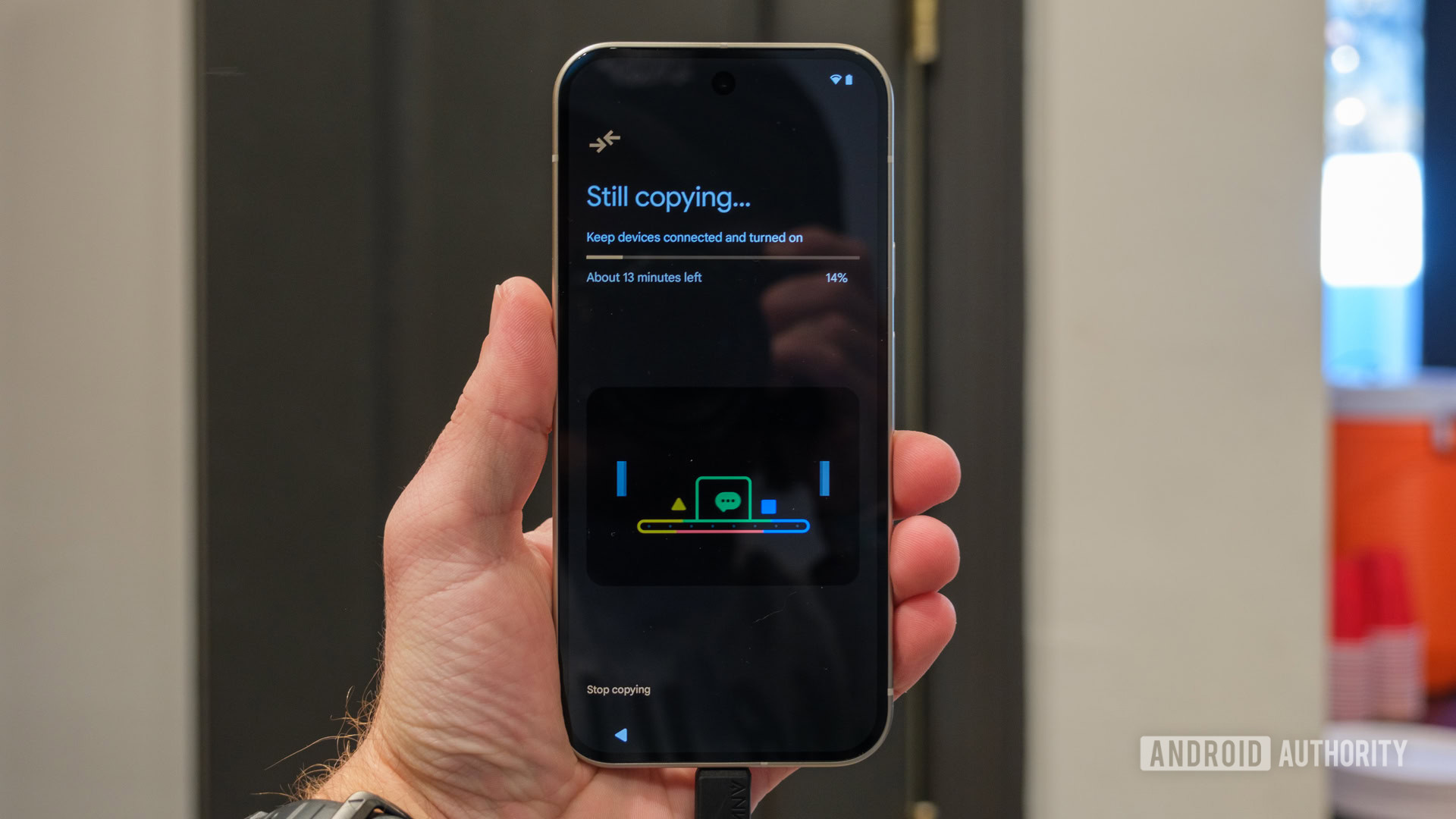
Android has long reached a point of maturity where it does a whole lot of things right for most of its user base. However, there’s always room for improvement, and one area that still frustrates me as an Android user is the process of migrating to a new phone. After using the past few generations of iPhones, I’ve noticed how excellently seamless and straightforward Apple’s iPhone migration process is, and it’s one of the first things I miss when I switch back to Android flagships. Google, it’s 2026, and it’s high time you copied Apple’s simplicity in migration.
What do you think about Android's backup and restore process?
295 votes
Apple gets iPhone-to-iPhone transfers just right
Aamir Siddiqui / Android Authority
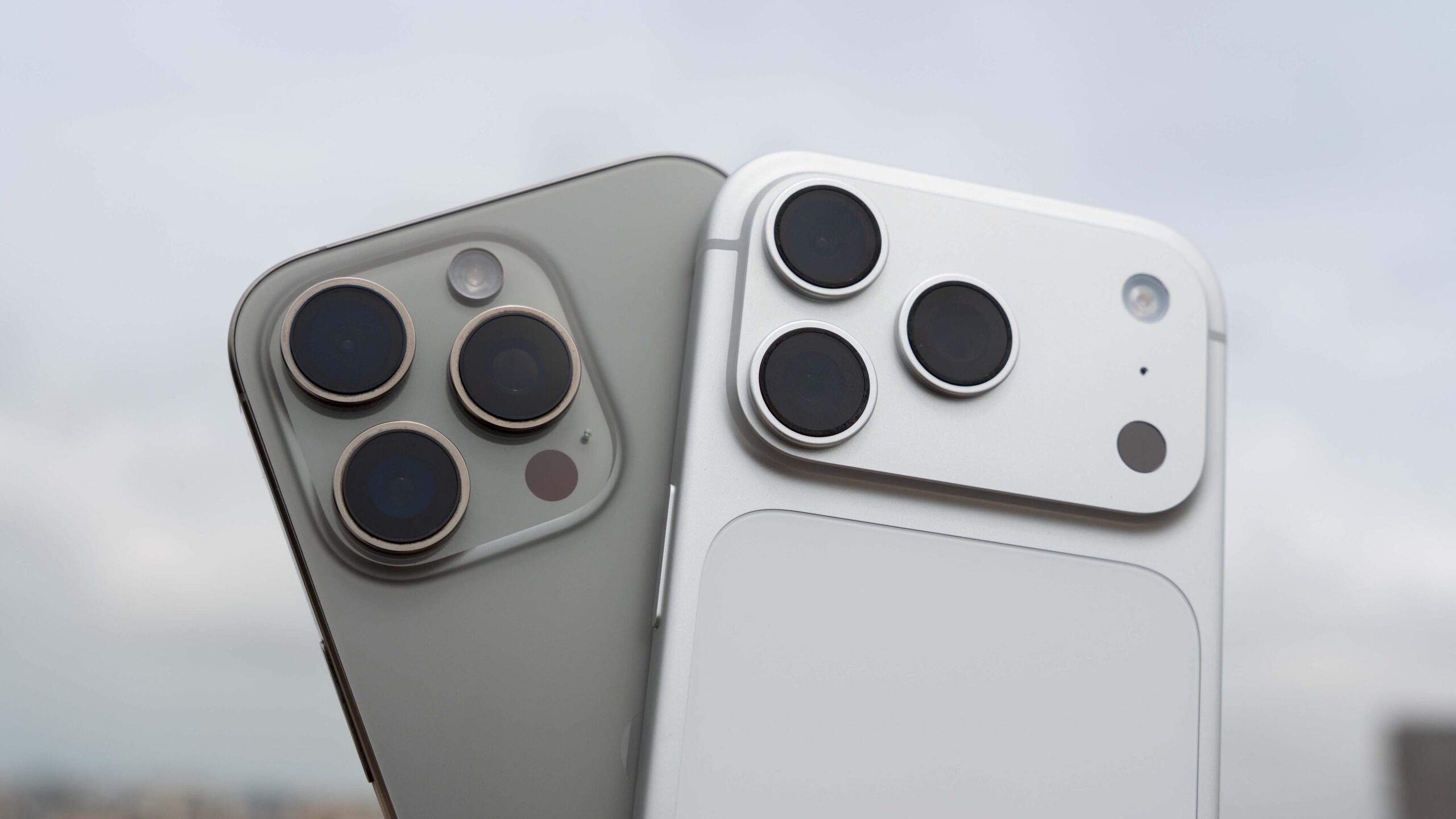
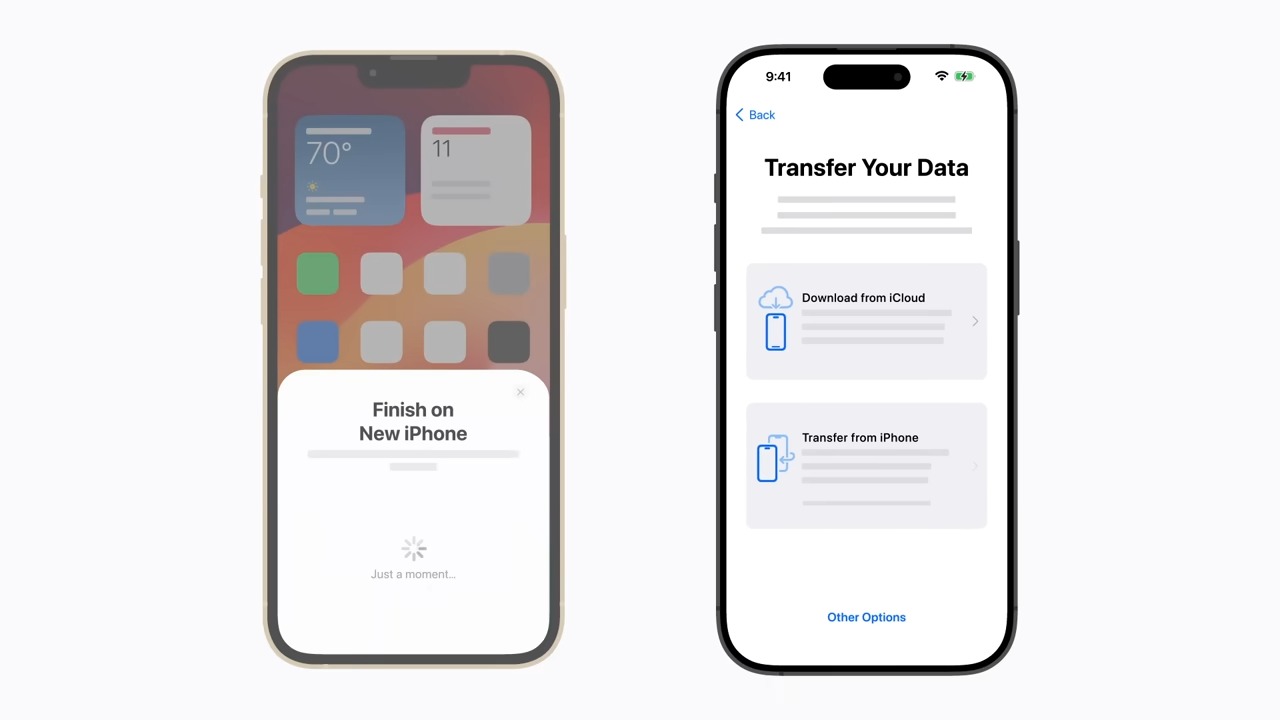
If you’re jumping between Android and iOS, you’ll have a headache-inducing experience. But for Apple users who are switching from one iPhone to another iPhone, Apple has made the data transfer experience mind-bogglingly easy.
You have to place your new iPhone next to your old one, and iOS will transfer practically everything by itself — including messages, photos, all your apps and their sign-in states (really!!!), your passwords, your home screen, and everything else. It’s like you barely put your old phone down and picked it up again.
The first time I experienced an iPhone-to-iPhone transfer, it felt like magic in a way that my past Android-to-Android experiences had never even come close to. Every time I switched my primary Android phone, it would invariably involve spending a few hours setting everything back up. I didn’t have to spend any time setting up the new iPhone beyond its migration screens, and that left me speechless.
Part of what makes this magic possible is that all iPhones run iOS. Apple tightly controls the ecosystem, ensuring near-perfect compatibility even if both phones aren’t on the latest iOS version. An Android-to-Android transfer can be between Samsung, Google, OnePlus, or many other Android phone brands, each with its own software quirks, adding more rough edges and points of failure. Adding the complexities of backward compatibility, it becomes clear why perfection may be difficult to achieve in this area. But that’s not a concern for the end user, as they still experience frustration.
iPhone-to-iPhone migration feels like magic, in a way that Android-to-Android migration never does.
With the iPhone, you don’t even need to have your new iPhone with you for a seamless transfer. When you buy a new iPhone through Apple, you receive free temporary iCloud storage before your new phone arrives, allowing you to back up all the data from your old iPhone to iCloud for a near-perfect restore on your new phone. This is very handy if you need to hand over your old iPhone for a trade-in at the time of delivery for your new one.
iCloud backups are also great if you ever lose your iPhone. Apple will back up your iPhone daily when your phone is connected to power and Wi-Fi, and is locked. This ensures you always have a recent backup to restore to your new iPhone. You don’t necessarily need to pay for iCloud to store your backups, but realistically, most of us will quickly exceed the free 5GB storage limit. The cost might be worth it for the peace of mind, especially since you can be back up and running on a new iPhone in no time.
Kaitlyn Cimino / Android Authority
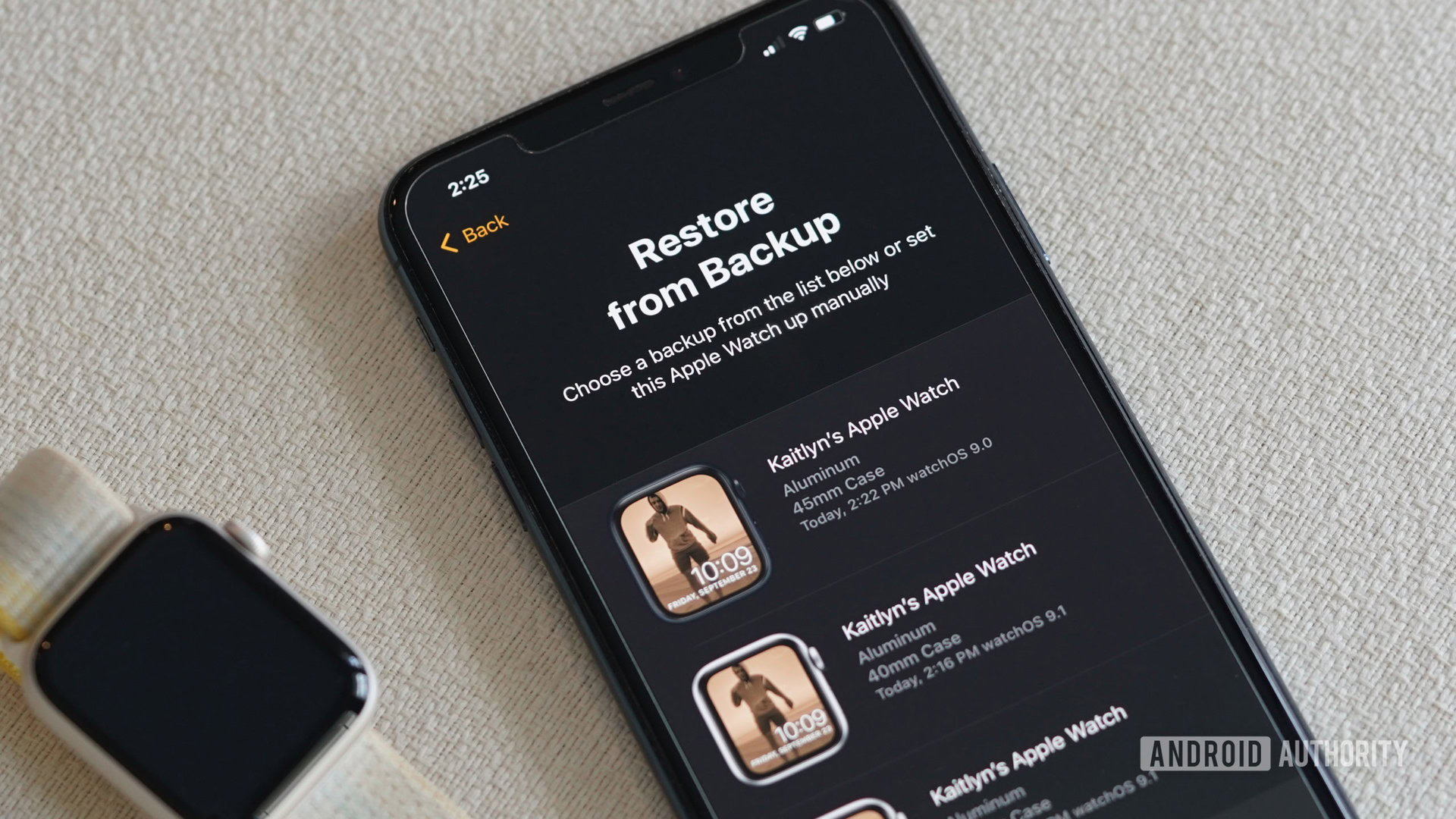
iCloud backups also include Apple Watch backups, so you don’t have to set up your smartwatch either if you lose it.
It’s 2026, and Android-to-Android migration still sucks
When talking about Android-to-Android migration, I need to break things down into several categories, depending on whether you are migrating within the same brand or across different brands.
Migrating within the same brand is tolerable, but still imperfect
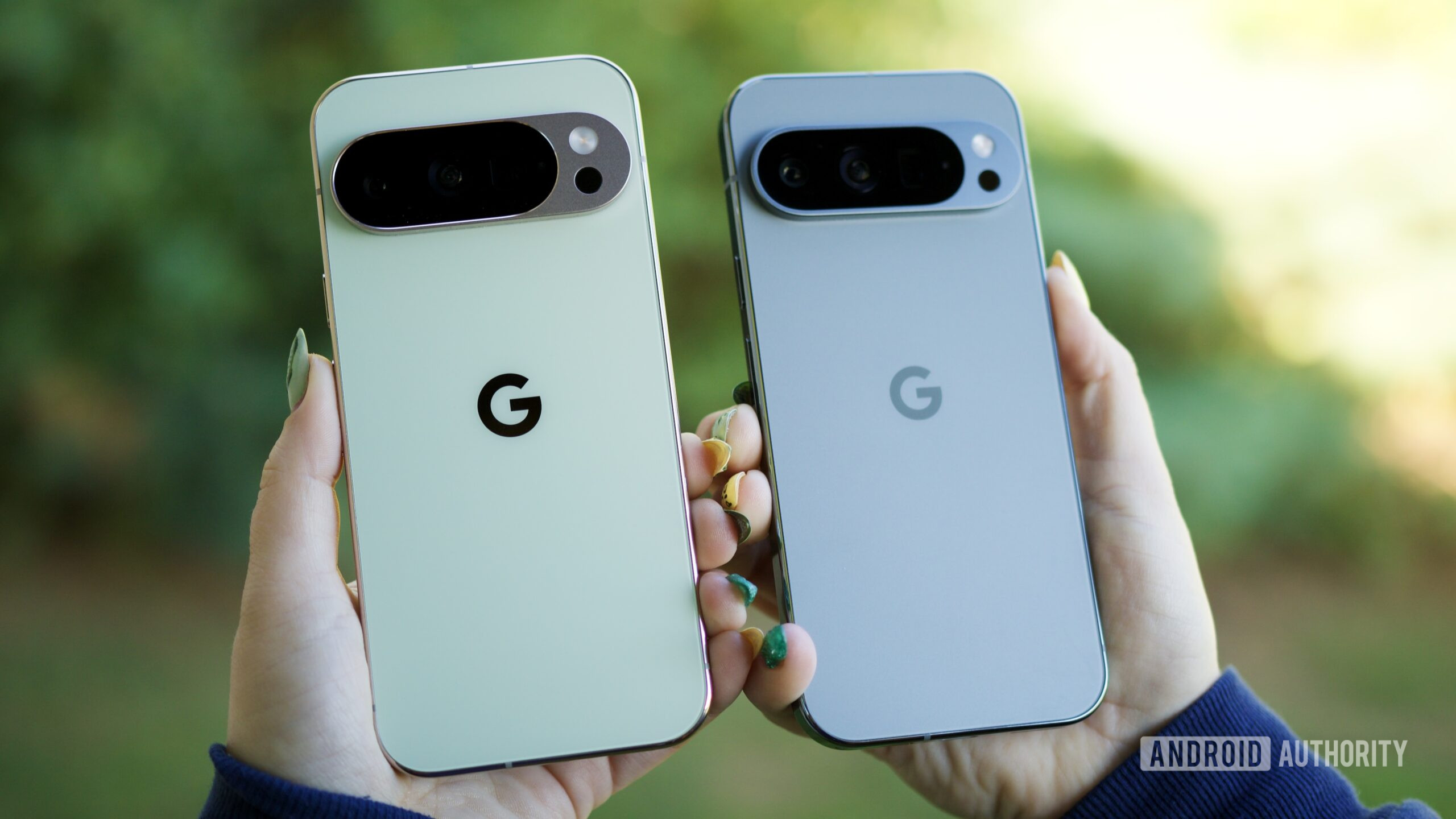
When migrating phones between the same brand of phone, such as from a Samsung Galaxy to another Samsung Galaxy or a Google Pixel to another Google Pixel, the migration process is tolerable, yet not perfect. You usually get a usable phone with a few taps (still more than what is needed on an iPhone), but you still miss out on several key features for a complete backup and restore.
Joe Maring / Android Authority
To start, you will be majorly missing out on app sign-in states. This is personally my biggest pain point, as it means I have to log into every single app all over again. Google did announce the Restore Credentials feature last year to keep you signed into apps when you switch phones, and more recently, we’ve seen apps like Uber take advantage of it for a better migration experience. But it’s still very much an opt-in process for app developers — so unless the developer of your favorite app decides to implement it, you’re still going to get logged out of the app, lose all your in-app preferences and settings, and even miss out on notifications.
The problem compounds with games. If a game doesn’t use social sign-in or cloud backup features (like through Google Play Games), which a bunch of casual games tend to overlook, you’re going to be losing out on game progress, too. Starting over on your favorite and losing hours of progress simply because Android couldn’t get its act together soon enough is a big bummer.
Then there are apps that we tend to set and forget for certain features, like Google Photos backup, Google Maps location sharing and timeline, and Health Connect. If you don’t actively remember setting them up again on your new phone, chances are that you’ve already forgotten about them. For features like Google Maps timeline, you need to remember to actively import your timeline from your old phone and set it to back up on your new phone. The situation is similar for Health Connect and Google Photos backup.
Migrating across Android OEMs might make you tear your hair out
Robert Triggs / Android Authority
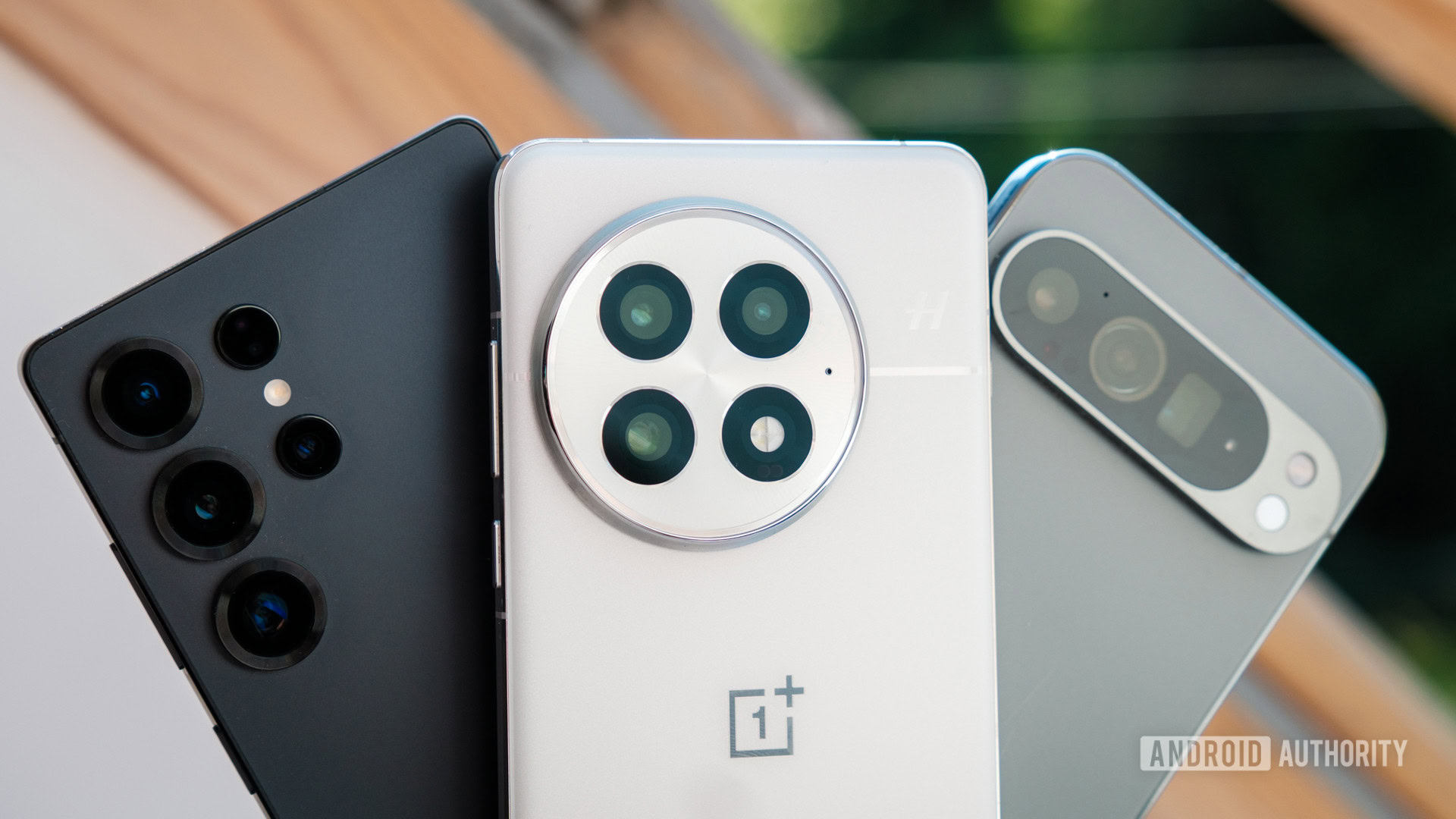
If you’re migrating across OEMs, all hell breaks loose. While Google would like you to believe the process is smooth and simple, with numerous ways to migrate your data, the reality is that all of it remains imperfect and hit-or-miss. Not only do all the limitations mentioned above apply, but you also have to deal with migrating basic settings, such as your home screen and ringtone preferences, saved Wi-Fi networks, and Quick Settings toggles, as these settings are rarely carried over perfectly. You practically have to set up your phone as new again, with only your photos, messages, and files carried over.
You practically have to set up your phone all over again if you switch between Android brands.
What compounds the issue is that app permissions often get reset in the migration process, and most people (and even the app itself) won’t realize why. For instance, whenever I’ve migrated phones, WhatsApp video calls will display a blank preview until I check the app permissions and realize that camera permissions have not yet been granted on the new phone. The Restore Credentials API is supposed to resolve this issue, but a year after its release, we’re still not there yet.
Did I say your photos and files have carried over? Check again. If you’ve used an OEM migration tool, there’s a very good chance that your media files have been dumped into a single, flat folder, disregarding any folder hierarchy or creation metadata from the previous phone. So, while you will technically have your photos and files on your new phone, you will likely have to start over with organizing them.
What if you no longer have your old Android phone? Good luck

Edgar Cervantes / Android Authority
If you lose your Android phone, there’s a high likelihood that you’ll also lose some data. Google provides Cloud Backup through Drive, but it backs up your apps, call history, device settings, contacts, and calendar. It may sound sufficient, but you’re missing photos (unless you’ve separately set up Google Photos) and files, as well as other smaller details, such as your home screen layout. There’s no single iCloud Backup-like solution from Google, and that’s a shame.
There's no single iCloud Backup-like solution from Google, and that's a shame.
There’s an argument to be made that Google’s unbundling of photo backups into Google Photos is superior to Apple’s bundling of all services with iCloud backup. You can back up and restore one without the other, and Google does make it tough to ignore/forget to enable Photos backups. To Apple’s credit, you can create iCloud backups without photos, but the steps are not straightforward, so most users simply opt to back up everything.
For trade-in situations, brands like Samsung do provide temporary cloud backup, so that’s a win for Galaxy users. However, it’s high time Google also considers doing the same with temporary Google One storage for intra-Android migration backups.
Google needs to rethink Android migration and backup
Ryan Haines / Android Authority
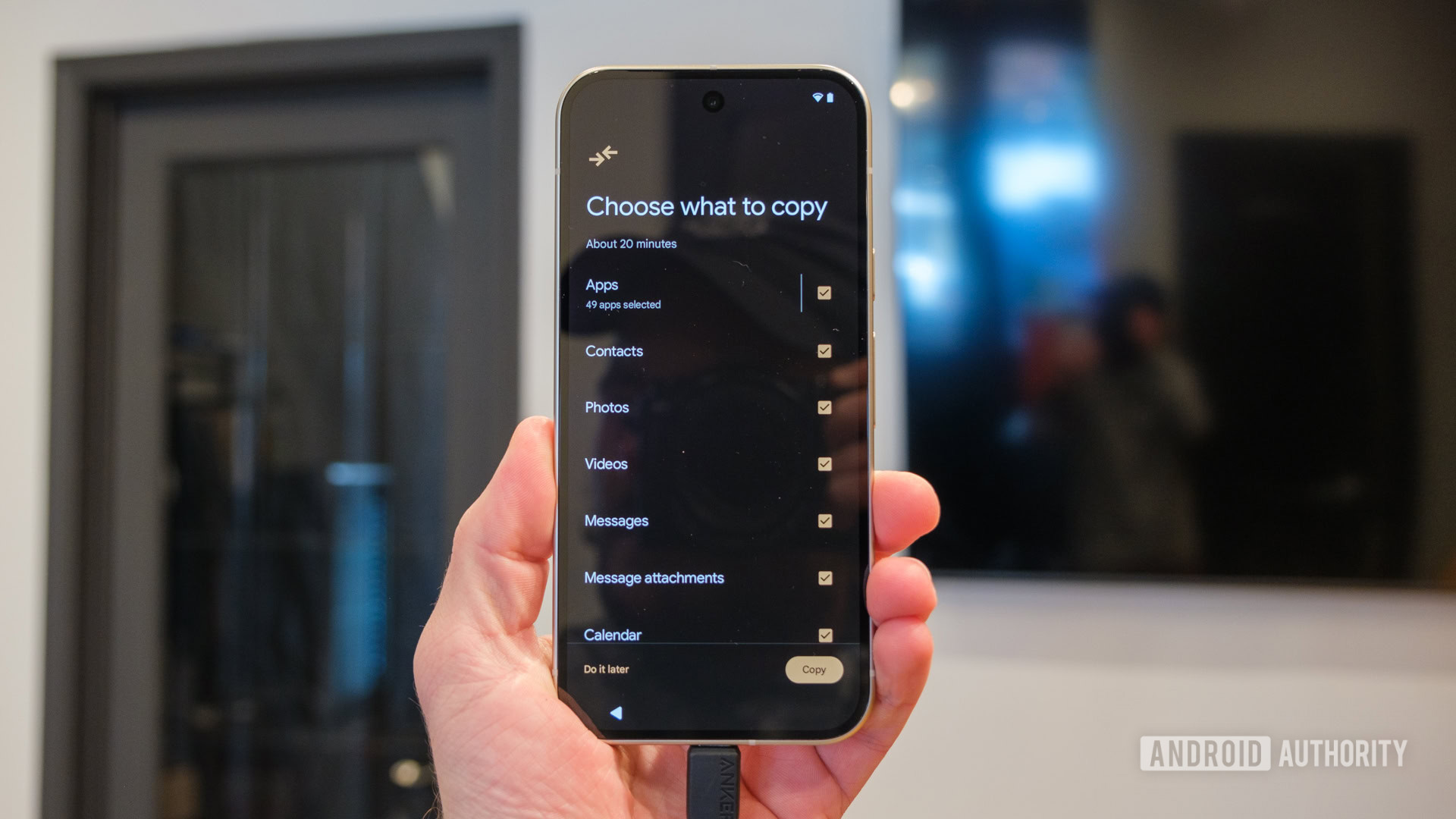
It’s 2026 already, and Android backup and migration are still far from perfect. Granted, most users do not routinely migrate phones as I do as a phone reviewer. But on the few occasions that they do have to switch phones, the process is painful enough to create a lasting impression.
What is the most frustrating part of switching to a new Android phone?
63 votes
For people wanting to experience Android’s diversity by jumping between phone brands, the migration process makes them curse this very diversity, as it seems everyone is Doing Their Own Thing. It’s almost like punishing a person for buying a new phone, and that’s not a good experience. For all the efforts that Google has put into making it easier to switch from an iPhone, it’s about time the company takes a look at the Android ecosystem and makes this transition seamless.
Follow
Thank you for being part of our community. Read our Comment Policy before posting.