Chrome for Android is fixing its most annoying Reading mode problem
A small UI change could finally make Chrome’s Reading mode feel dependable.
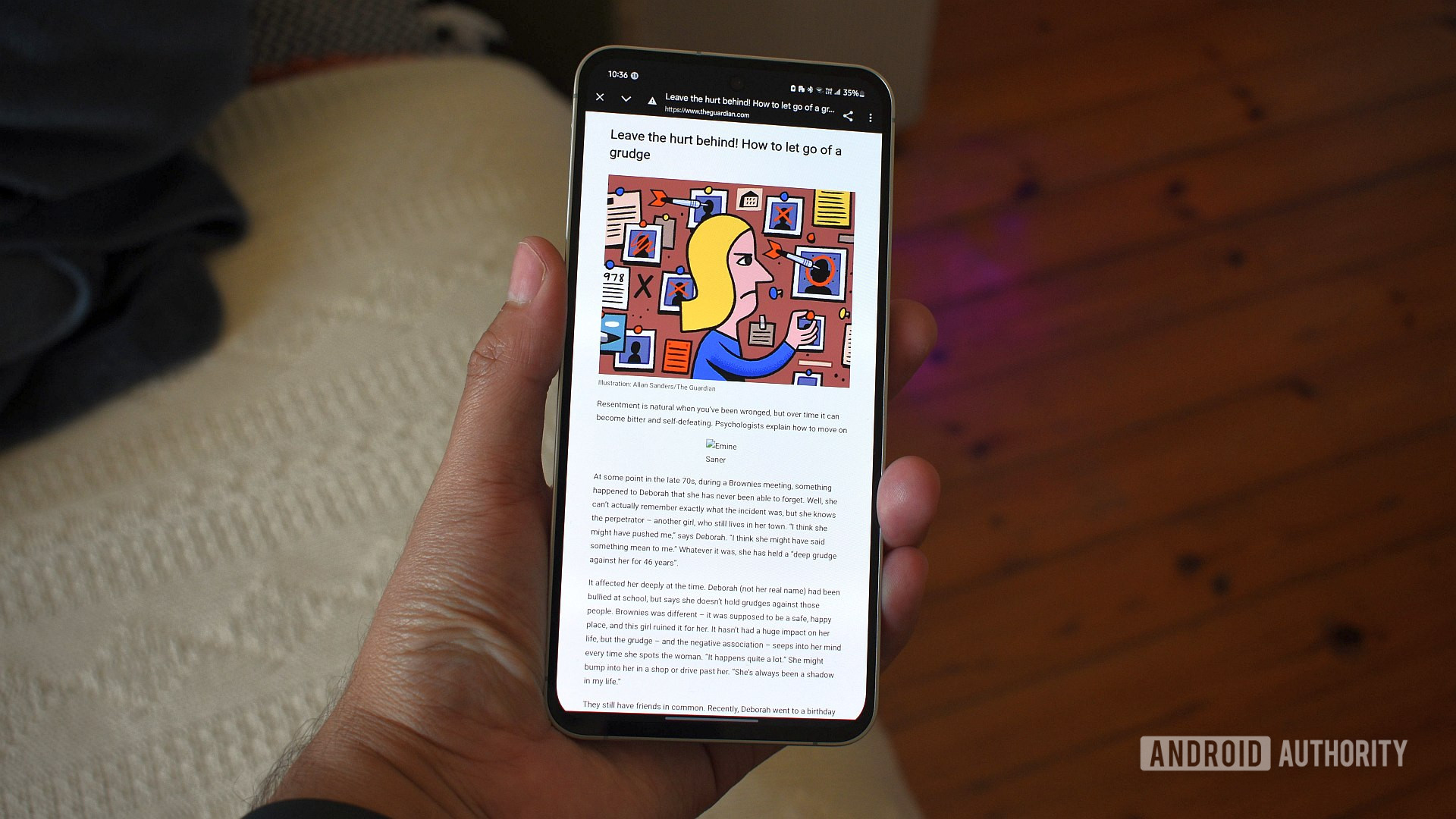
Andy Walker / Android Authority
TL;DR
- Chrome for Android is testing a redesigned Reading mode that’s easier to access and less inconsistent.
- Reading mode now lives permanently in the three-dot menu and keeps the address bar visible while reading.
- The update requires Chrome 143 and a manual flag toggle for now, suggesting a limited test rollout.
Reading mode has been available in Chrome on Android for a while, but using it has never been particularly reliable. It only appeared on certain pages, relied on Chrome deciding whether an article qualified, and could vanish just as quickly as it showed up, which made it easy to forget the feature existed at all. That looks like it might be changing.
As spotted by 9to5Google, Google is now testing a redesigned Reading mode in Chrome for Android that makes it far easier to trigger and less disruptive to use. The updated version moves Reading mode into Chrome’s three-dot menu, where it appears consistently below “Listen to this page,” rather than sporadically near the address bar.
Tapping “Show Reading mode” no longer switches to a full-screen view. Instead, the page stays visible with the address bar still in place, making Reading mode feel more like an overlay than a separate mode you have to enter and exit. There’s still a straightforward way to leave Reading mode, but you’re no longer pulled away from the normal browsing experience to simplify an article.
Visually, the new interface leans into Google’s latest Material 3 Expressive design direction. Controls now live in a larger bottom sheet with rounded containers and clearer separation between options, replacing the flatter look of the older version. The customization tools themselves are familiar: you can switch between sans-serif, serif, and monospace fonts, increase the text size up to 250%, and choose between light, sepia, or dark backgrounds.
There are a couple of caveats to the rollout. The redesigned Reading mode has been spotted on devices running Chrome 143 on the stable channel, but it doesn’t appear to be enabled by default. At least for now, you also need to manually turn on the relevant Chrome flag (chrome://flags/#reader-mode-improvements) to see the new behavior, suggesting Google is still testing the new version ahead of a wider rollout.
Follow
Thank you for being part of our community. Read our Comment Policy before posting.