Does swiping away apps save your phone’s battery life? The answer isn't what you think
Most of us panic a little when we realize dozens of apps are 'open' on our phones. But does closing them actually help?

(Image credit: Shutterstock / valiantsin suprunovich)
Even as our phones get bigger batteries and smarter power systems, we’re still obsessed with squeezing out every last bit of charge. Did I pack a portable charger?Where’s the cable? Does anyone have a spare? Some days it can feel like keeping your phone alive is a full-time job.
That’s why battery-related myths spread so easily. They promise quick wins and a sense of control. We’ve already looked at whether you should charge to 100%, but here’s another myth that refuses to die: that closing all of your open apps will save battery life.
The myth
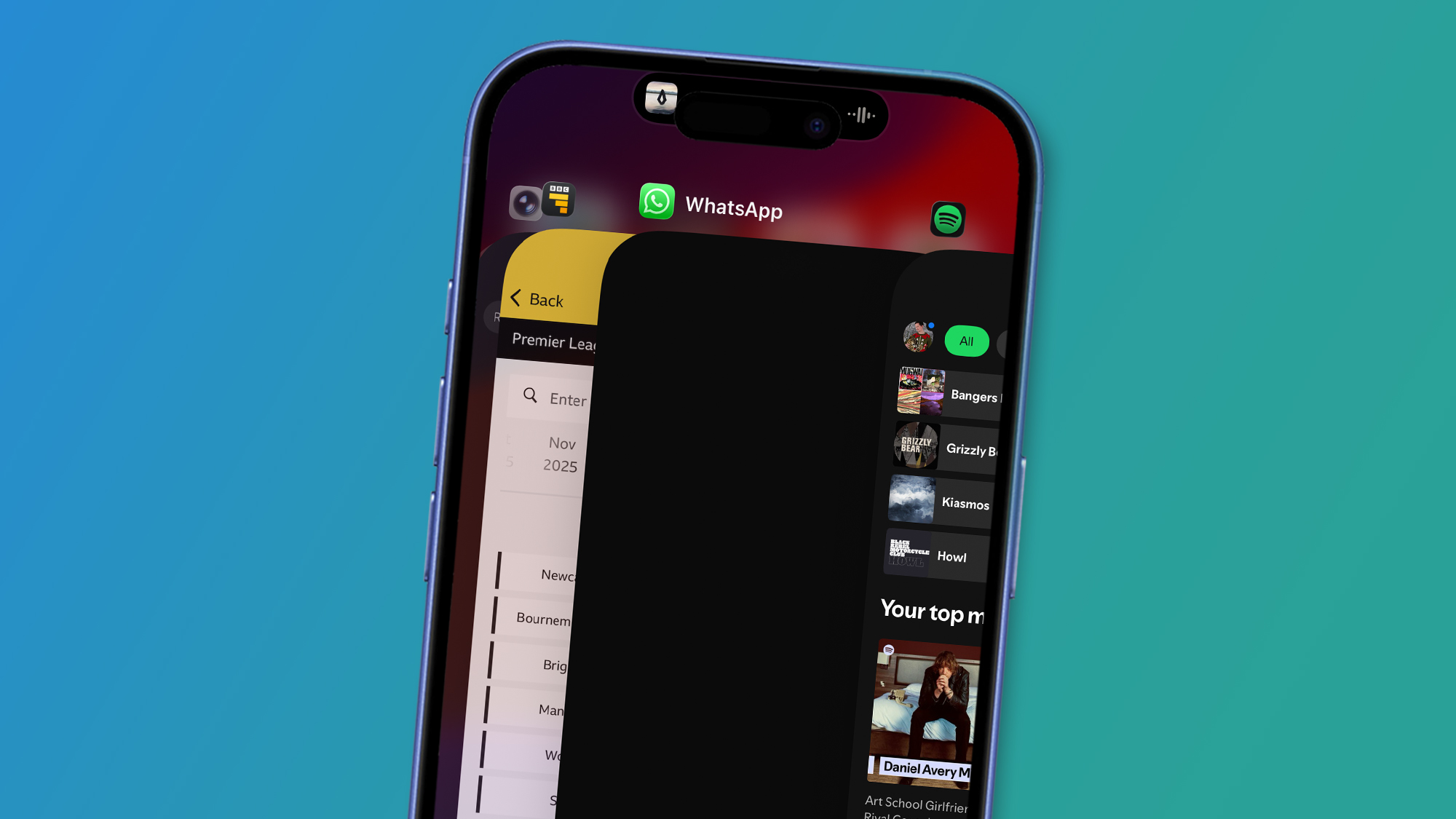
Swiping up from the bottom of the screen on iOS opens the App Switcher, where you can close apps by swiping up on their preview. (Image credit: Apple)
The belief is simple. If all of those apps are 'open', they must be actively draining your battery. And swiping them away feels productive and satisfying. As if you’re tidying up your phone and giving it less to think about.
You probably already know the app-closing process. On iPhones, you swipe up from the bottom of the screen (or double-click the Home button on the iPhone 8 and earlier), then swipe up on the app to flick it away and close it. On Android, swipe up from the bottom of the screen, hold and let go, then swipe up on the app.
It’s easy to see why this belief has stuck. The interface makes those apps look like they’re sitting there, all running at once, quietly burning through lots of power. Which is why clearing them feels sort of like maintenance. But the way modern phones work is very different from what most people imagine.
What experts say
“Force-closing apps does not help your battery,” Steven Athwal, CEO and Founder of refurbished tech company The Big Phone Store, tells me. “Yes, it's a widely believed hack, but it is misused.”
Sign up for breaking news, reviews, opinion, top tech deals, and more.
Athwal explains that when you force close an app and then reopen it later, your phone has to reload it from scratch. “Doing this then takes power from your processor and RAM, for which your battery pays the price.” In other words, the act of closing and reopening can use more energy than simply leaving the app suspended in the background.
TL;DR
You don’t need to constantly close most apps. In fact, it can use more power. Instead, turn down brightness and turn off background refresh and location permissions.