Goodbye, brain rot – I'm ditching my smartphone for this tiny ereader in 2026, here's why
Can an ereader do everything a phone can? I found out by giving the Boox Palma 2 Pro a whirl, comparing its features to those of my Android phone.
(Image credit: Future)
I’ve always been a big fan of using the best ereaders instead of other tech when possible. They strain my eyes far less than phone screens, have longer-lasting battery lives, and always make me feel like I’m on vacation – I guess I associate them with holiday reads.
In the past I’ve figured out how to send all my PDFs to a Kindle in order to use them for work, replaced my iPad with an ereader for creative tasks and doled out ereader tips to TechRadar readers because I’ve used the gadgets so much. But my new year tech resolution takes this to a whole new extreme.
To say ‘adieu’ to the brain rot that comes with using a smartphone, I want to see if I can ditch it for a lookalike ereader. Specifically, the Palma 2 Pro from Boox, which costs $399 / £379 / AU$679 – a little expensive for an ereader, but cheap for a smartphone.
Reading and writing
(Image credit: Future)
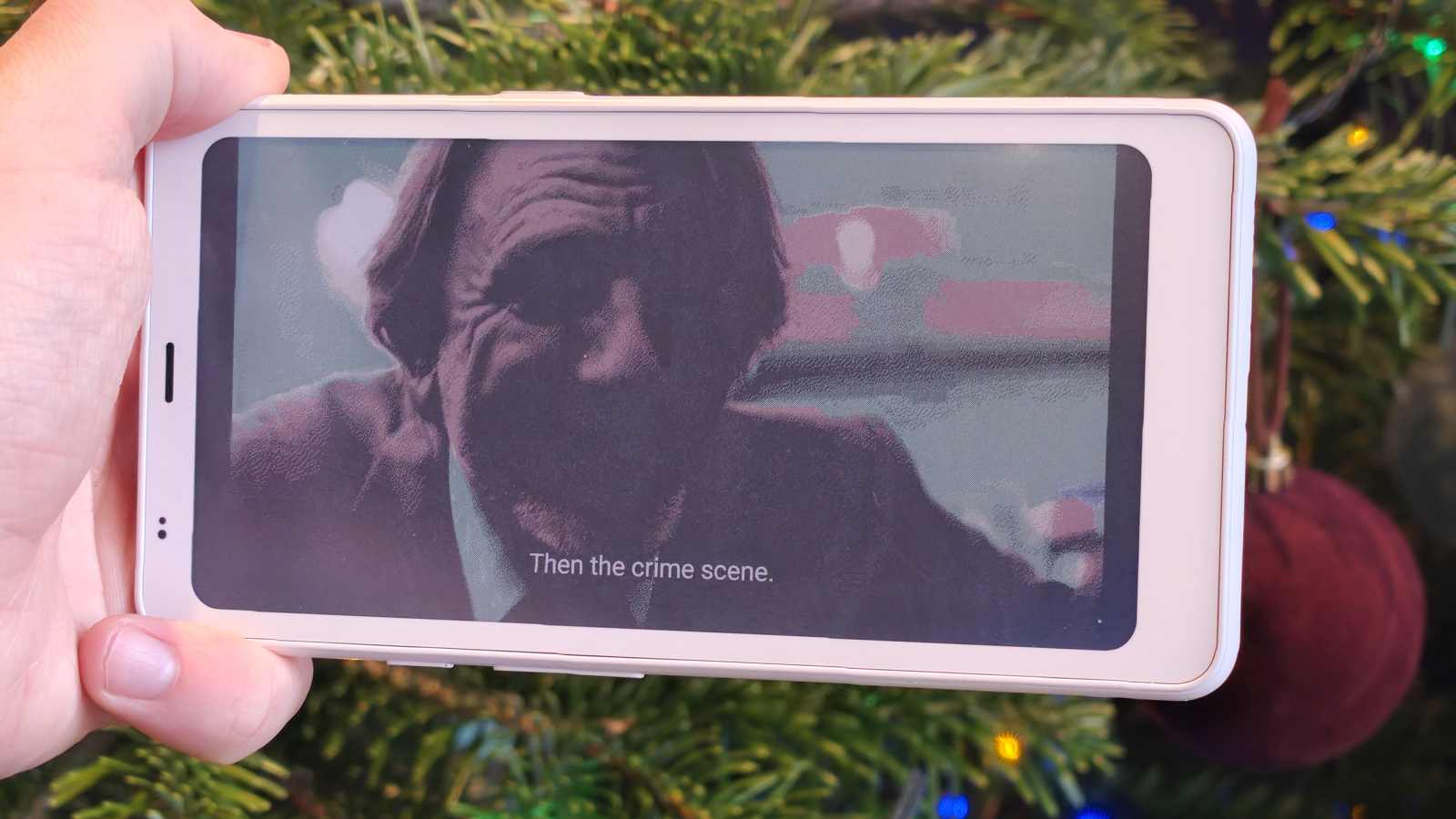
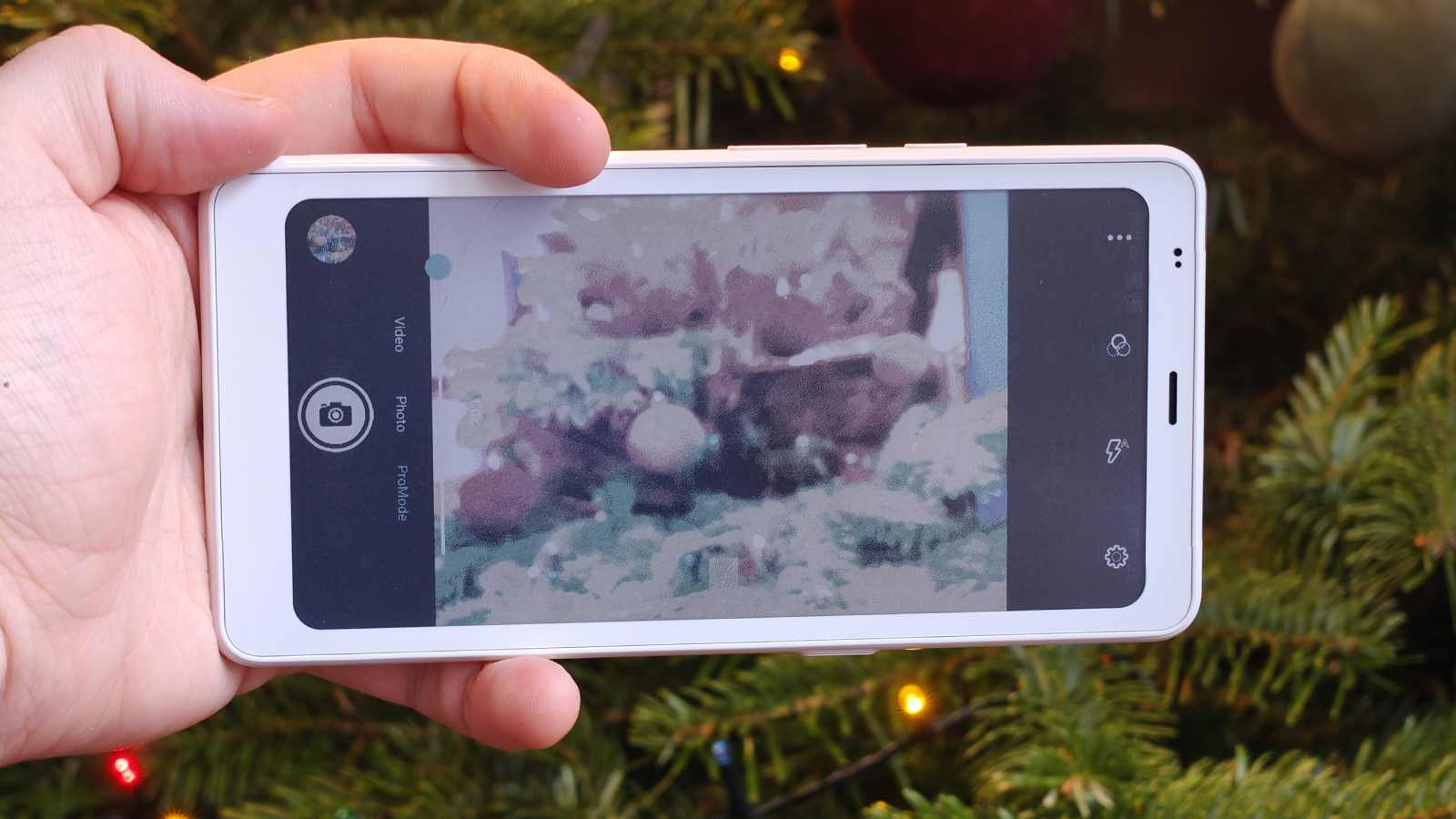
In case you think it’s unfair to compare a smartphone to an ereader, I’m going to start by serving the ball into the Boox’s side of the court. The device’s E-Ink screen has a 824 x 412 resolution when viewing color content, and double that for black-and-white viewing. I’m the kind of guy who’ll happily sacrifice color when using an ereader, but some demand it.
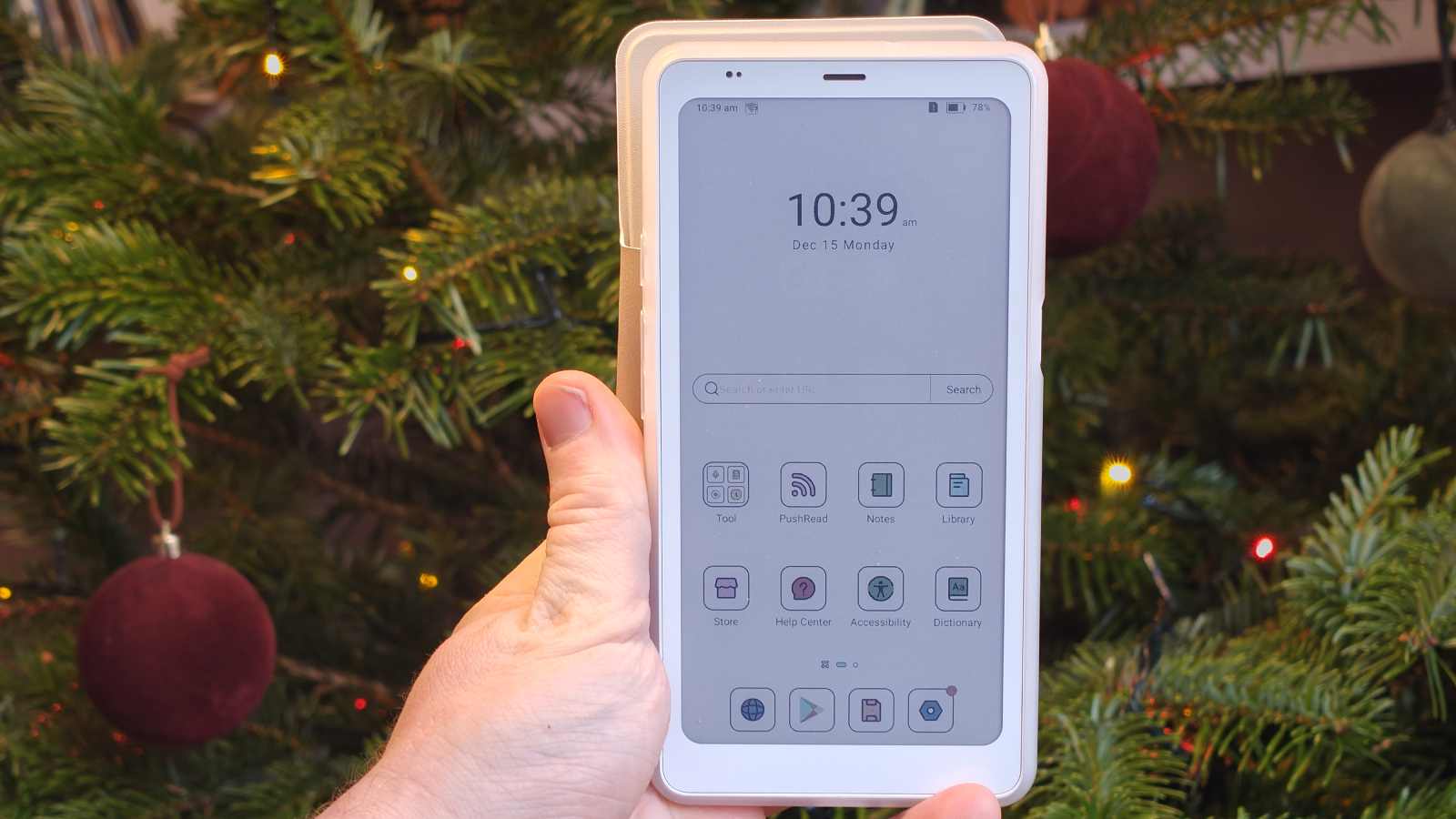
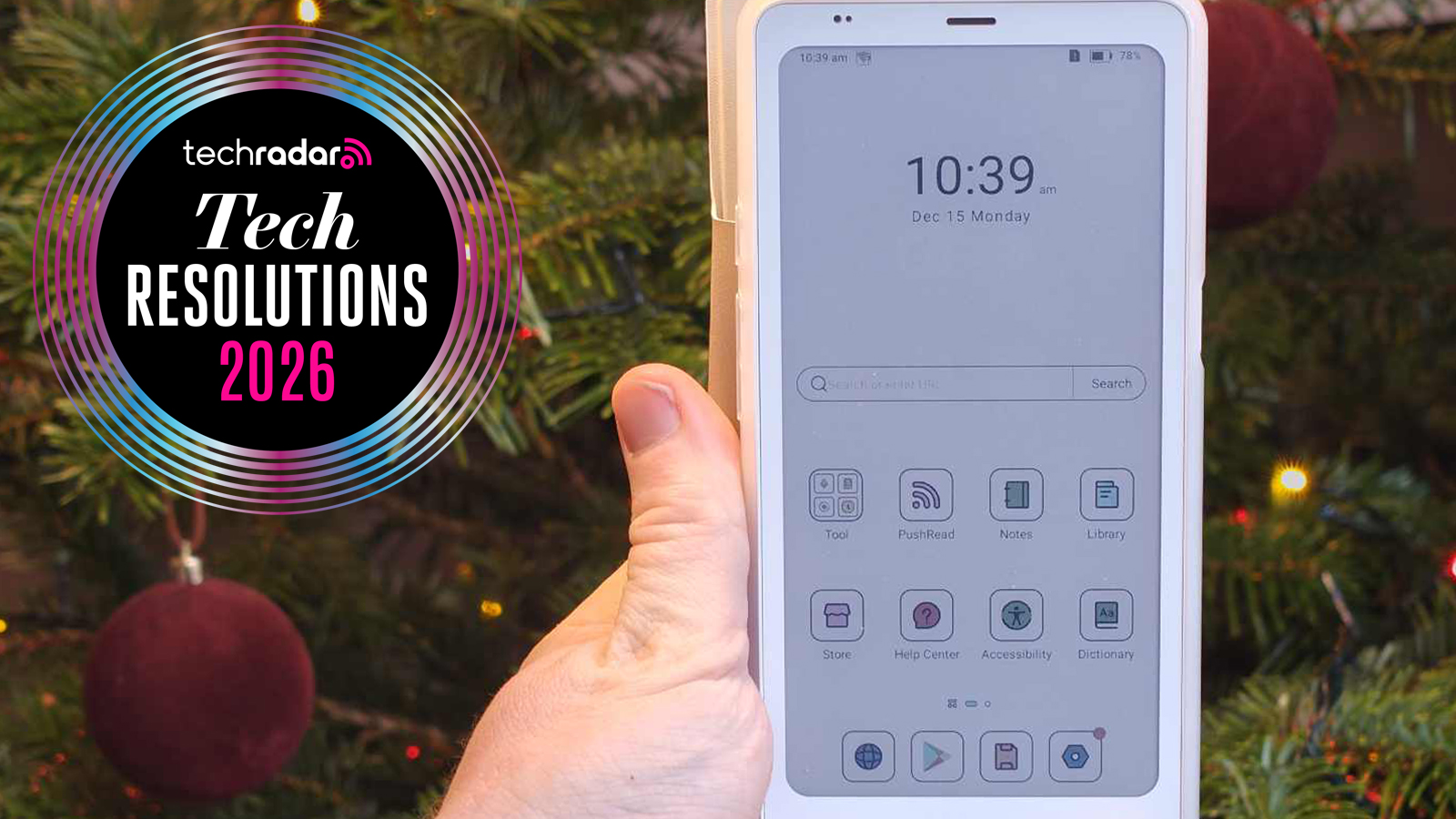
Ereaders were always designed for reading, and it’s what they do best. As soon as you turn on the Boox, its library, dictionary and book store are on the front page; it has apps for managing documents and sending/receiving them from a PC.
Sign up for breaking news, reviews, opinion, top tech deals, and more.
I use my phone a lot for reading, and it’s easy to boot up the Kindle app or Play Books to jump into a novel. That's the same as on the Palma, but E-Ink is a lot better for reducing eye-strain and late-night reading than my mobile's OLED screen. It looks like a real page, and reading it feels like reading a page, instead of staring into a blinding beam of light
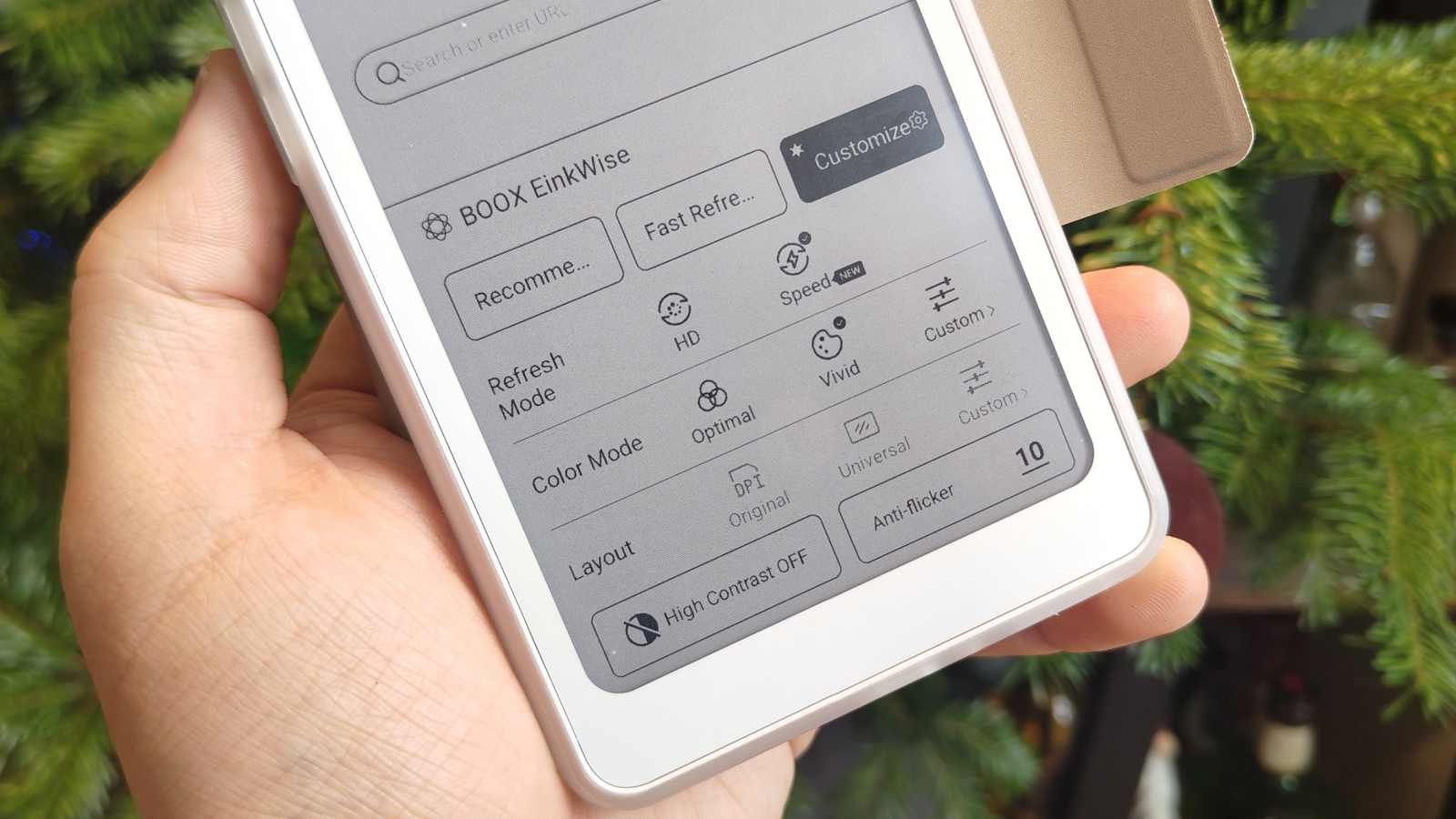
I’ve enjoyed Boox devices for marking up documents and making notes too, but while I was sent a stylus with the ereader, the case doesn’t have a compartment for it, so it was too much of a faff toting the thing around. Note-taking was a little annoying then, as you can’t use your finger to handwrite in the Notes app, and typing is slower than on a phone due to the slower refresh and pick-up speed.