Google is quietly making the Pixel Launcher faster with a new shortcut
You can now open apps more quickly with a shortcut instead of tapping the app icon.
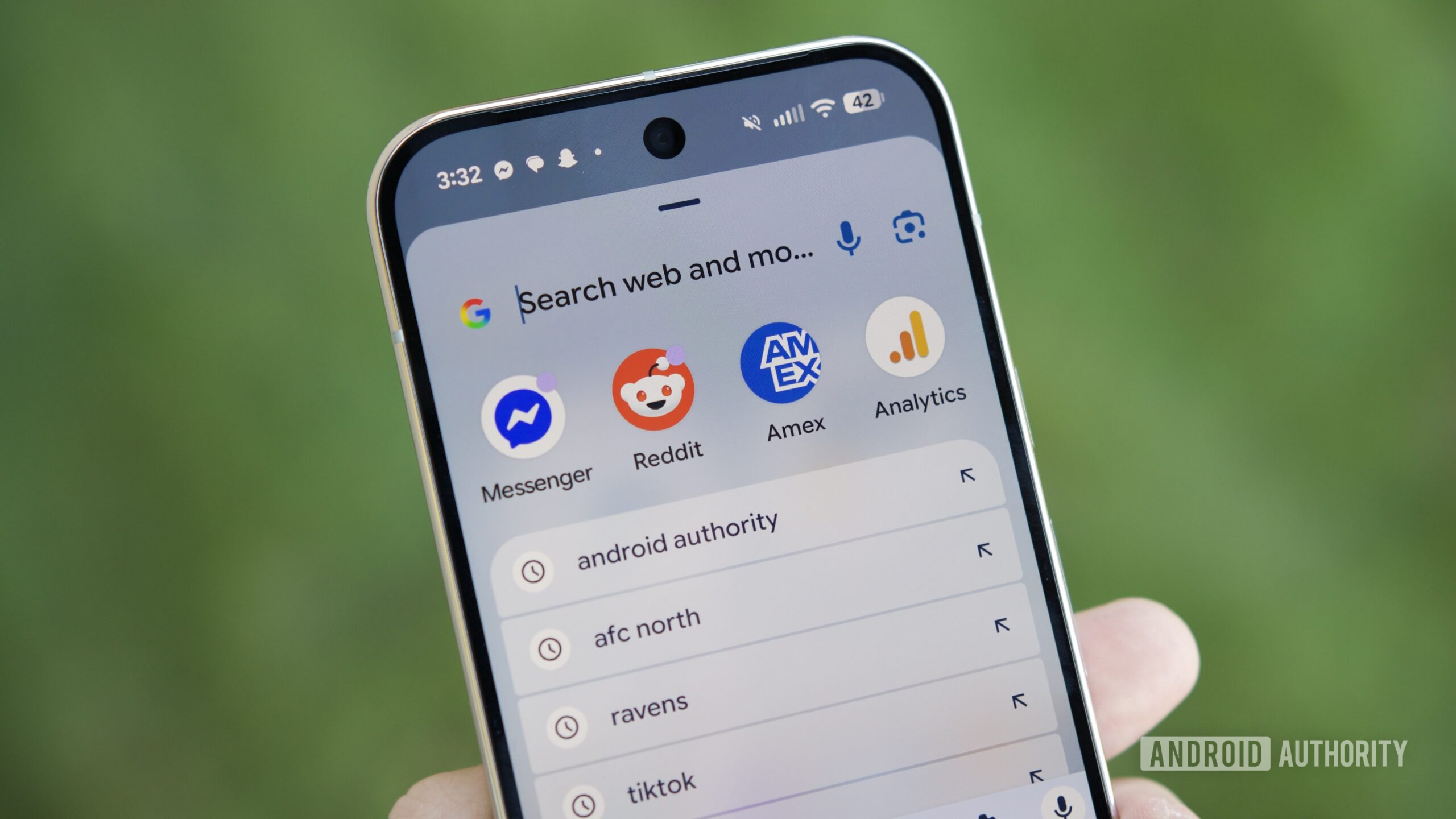
Joe Maring / Android Authority
TL;DR
- Google is pushing out a Pixel Launcher change that lets you open apps by pressing Enter after partially typing their name.
- The keyboard button switches from Google Search to an arrow/Enter shortcut when an app name is detected.
- After a limited test, the feature now appears to be rolling out to more Pixel users via a server-side rollout.
Google appears to be rolling out a small but meaningful upgrade to the Pixel Launcher that makes opening apps faster than before. After previously testing the feature with a limited group of users, reports now suggest the change is reaching a wider audience.
As flagged by users to Android Authority’s Mishaal Rahman on his Discord channel, Pixel owners are now seeing the ability to launch apps from the Pixel Launcher by partially typing an app’s name and pressing the Enter key on the keyboard. In other words, there’s no need to tap the app icon from the results list.
When you search for an app in the current experience, the Pixel Launcher displays the app as the top result. However, pressing the keyboard’s bottom-right button triggers a Google Search instead of opening the app. With this new change, that button transforms into an arrow or Enter key when an app match is detected, and pressing it opens the app instantly.
While this is a minor tweak, it definitely improves one-handed usability by removing an extra tap and keeping the entire interaction on the keyboard.
Interestingly, this isn’t a completely new idea. Earlier versions of the Pixel Launcher behaved similarly before Google removed the functionality in late 2022. The company briefly experimented with restoring it in 2023, but that test never expanded beyond a small rollout. This time, however, the growing number of user reports suggests Google is finally committing to the change.
The rollout still appears to be server-side, meaning there’s no clear app update tied to it. Some users are seeing the new behavior, but I am still not seeing it on my Pixel 10 Pro XL running the stable Android 16 QPR2 update. This is typical of Google’s gradual feature rollout, and I’m hoping it will be widely available to everyone soon.
Follow
Thank you for being part of our community. Read our Comment Policy before posting.