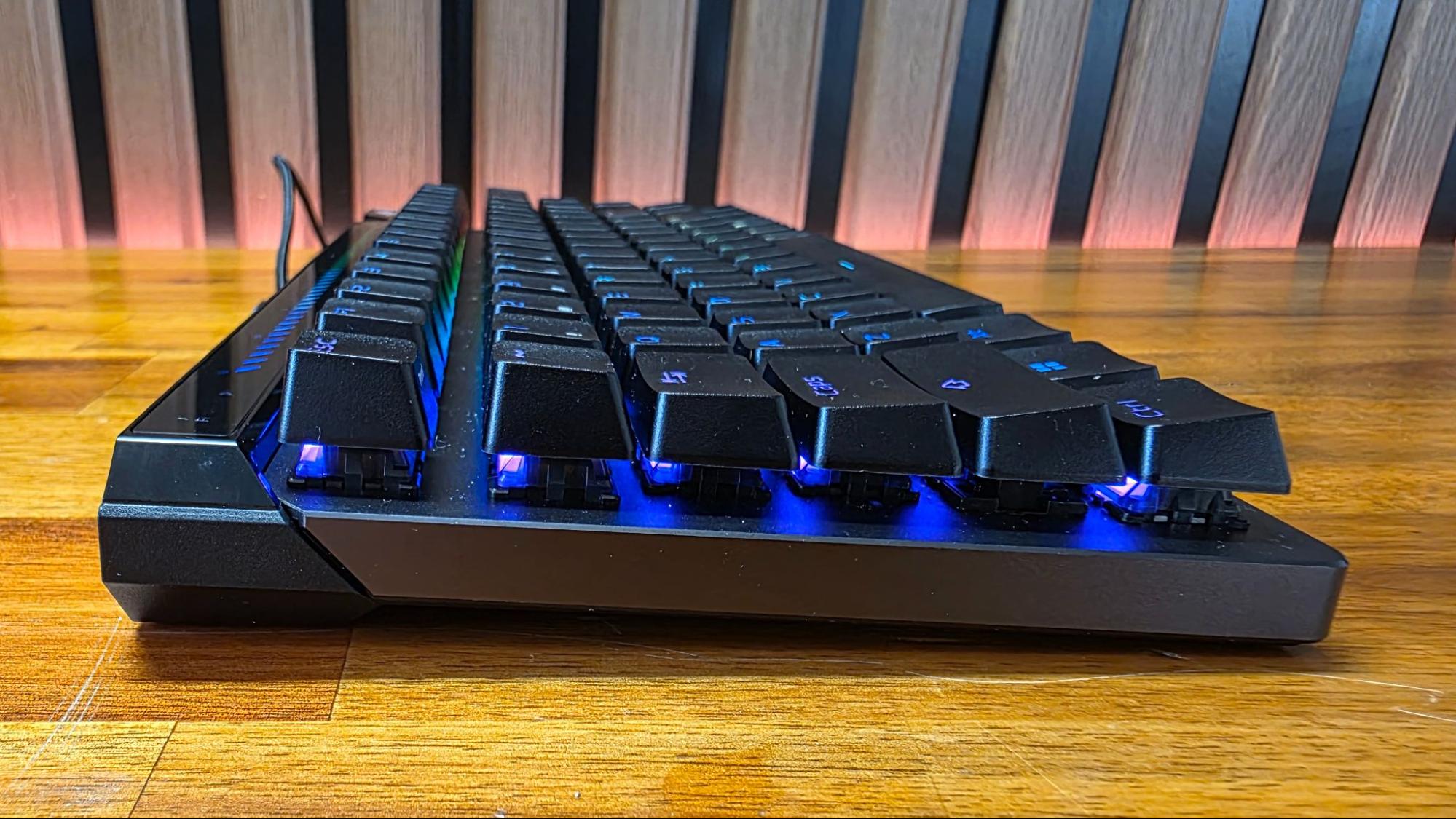
Hands-on with Asus’s ROG Falchion Ace 75 HE: Premium gaming, with an emphasis on physical adjustments and web-based configuration
Asus’s ROG Falchion Acer 75 HE checks all the boxes for a premium gaming keyboard in 2026, including magnetic switches, 8K polling, Rapid Trigger, a web-based utility, and, of course, RGB. Its stand-out feature is a tactile rocker wheel that lets you fine-tune the switches on the fly.
(Image credit: Tom's Hardware)
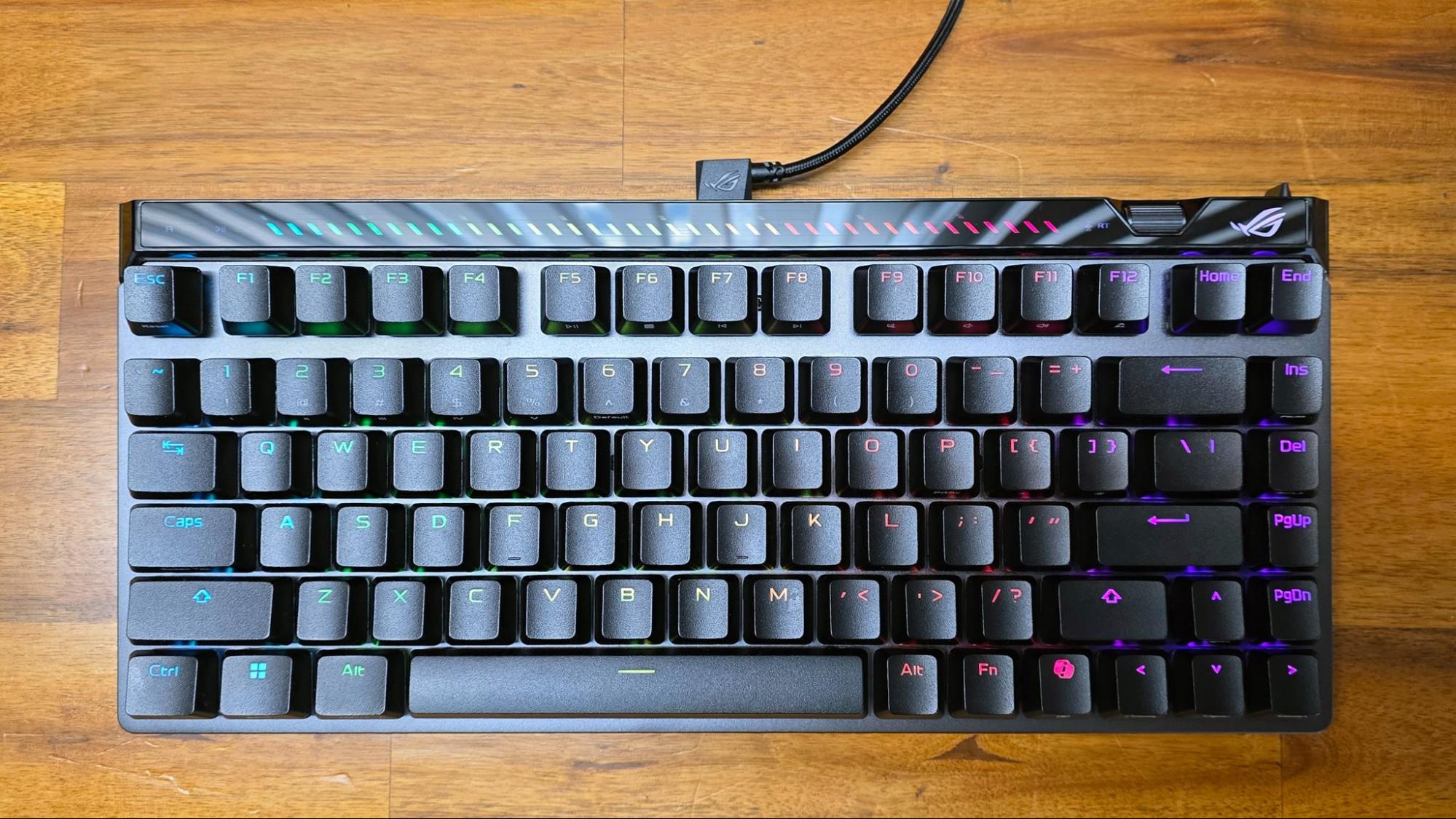
Although its name is a mouthful, the Asus ROG Falchion Ace 75 HE, debuting at CES 2026, ticks a lot of the boxes for a modern gaming keyboard. You get magnetic switches (Asus’ own factory-lubed HFX V2, to be specific), 8K polling, Rapid Trigger, a web-based configuration utility (important because all gaming peripheral software is awful), and of course, RGB. The only thing I find lacking here is a battery for wireless operation. But considering the high polling rate, magnetic switches, and plethora of RGB, you’d probably want to keep a charging cable close by, anyway.
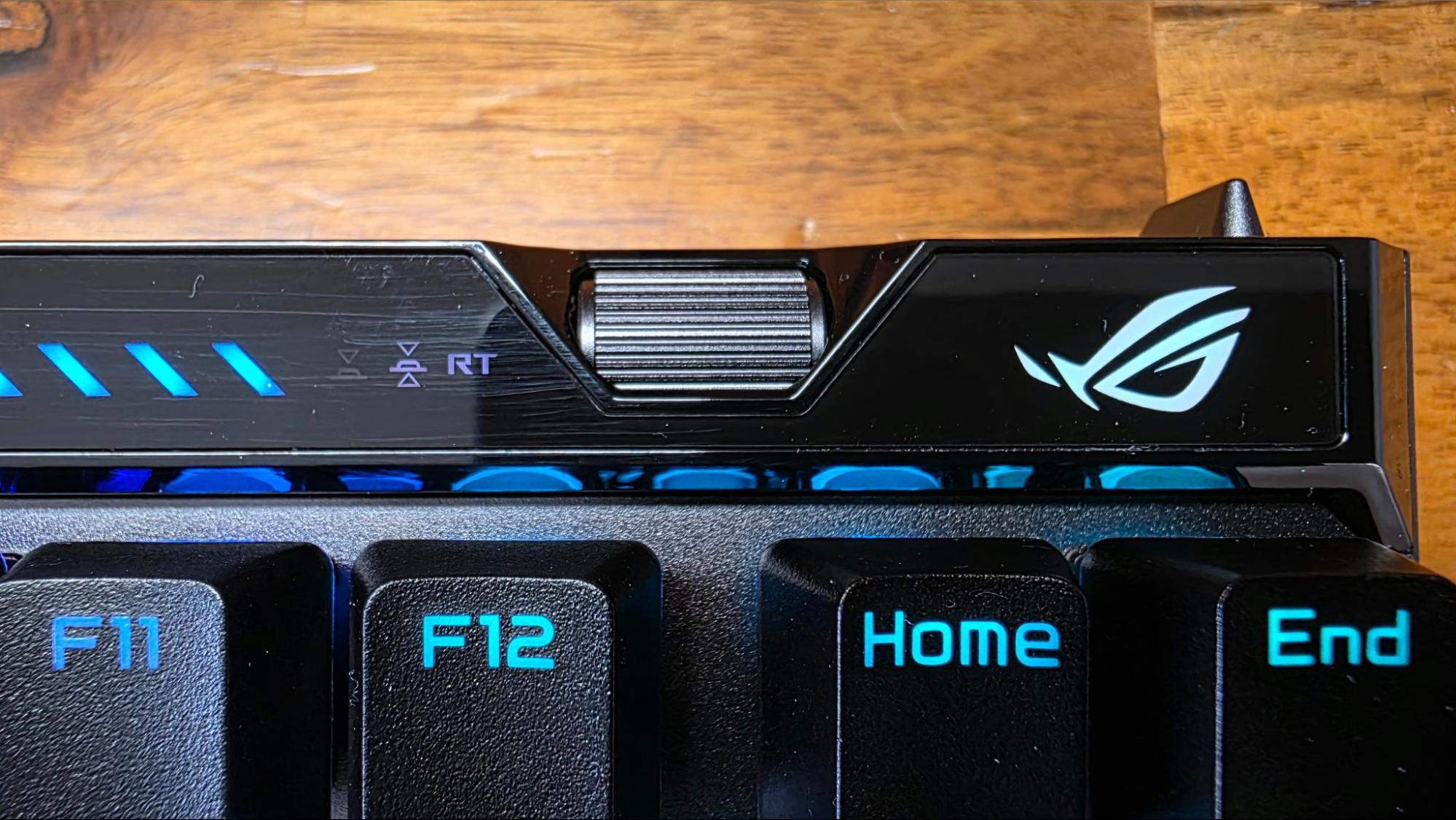
The keyboard’s stand-out features are a programmable touch bar on the back left edge (which we’ve seen in previous Falchions), and a small jog wheel near the upper-right corner. The latter isn’t for volume adjustments or scrolling documents, but for fine-tuning the actuation point and rapid trigger sensitivity on all keys or a specific key, without having to jump into software or even enter the web interface. The idea, it seems, is to get the actuation point close to where you want it via the browser interface, then fine-tune it from there. That said, it would be nice if there were a tiny two-digit readout near the wheel that would actually tell you what number you’re setting things to with the wheel.
(Image credit: Tom's Hardware)
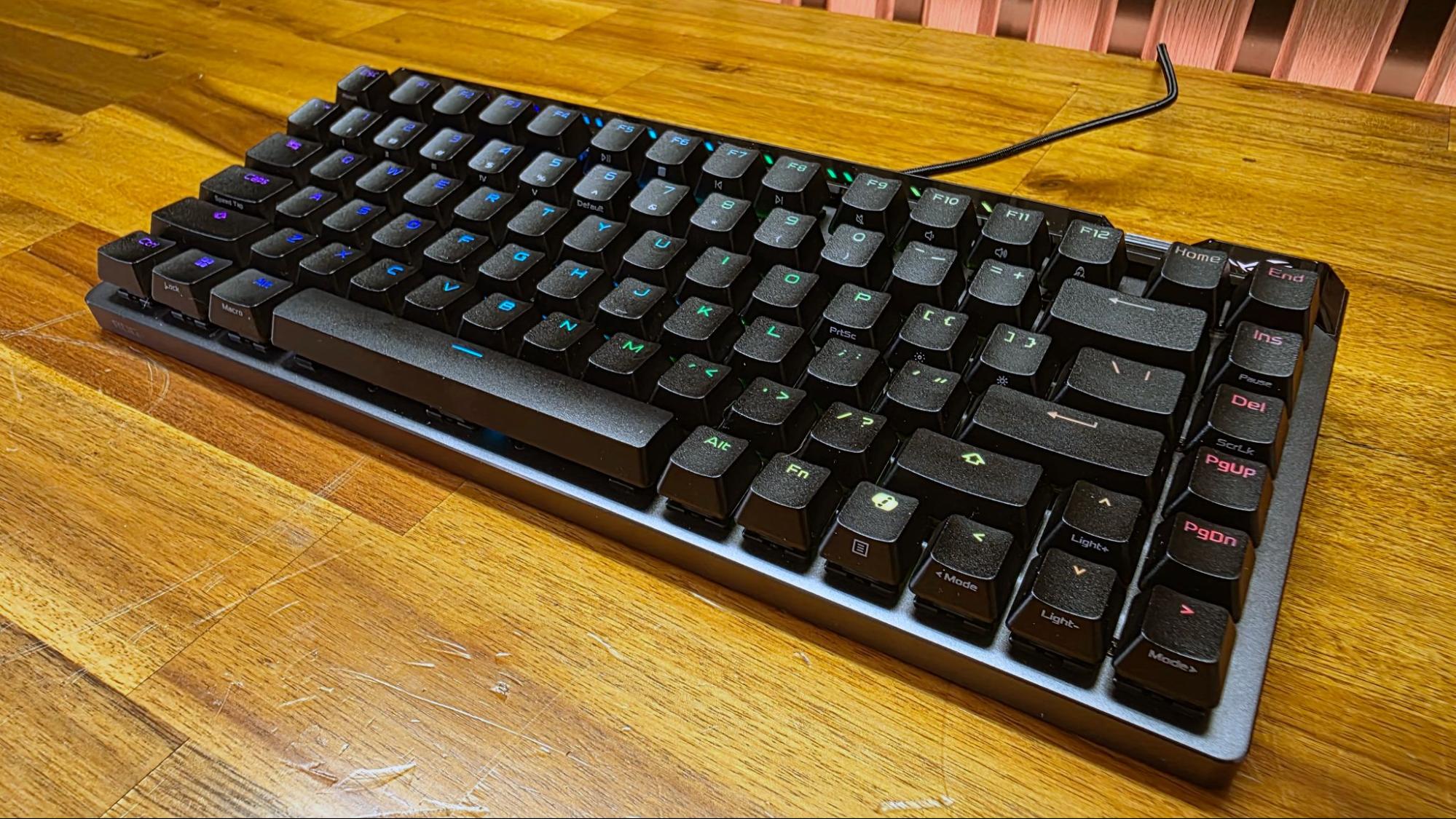
This feels like an important feature on a modern magnetic gaming keyboard. Because no one wants to keep jumping in and out of a game until things feel right. And when you aren’t gaming, you might want an easy way to turn the sensitivity down so you can type without the frustrations of super-sensitive switches. This works well with the keyboard’s layout, as well. At 75%, it’s nearly as compact as 65% models, while still offering up arrow keys and one column of useful keys to the right of the backspace button for work. There’s also an easily flippable switch on the rear right corner that lets you turn Rapid Trigger on and off.
While I didn’t get enough time with the keyboard before heading to CES 2026 to do a full review, I did spend a couple of days with it, playing Borderlands 4 and editing / writing as 2025 wound down.
(Image credit: Tom's Hardware)
The lubed ROG HFX V2 switches feel smooth and pleasing, and I noticed effectively no key wobble. Their actuation range, between 0.1 and 3.5mm, is a bit shorter than most other HE keyboards / switches, which have a range of 0.1-4mm, but I certainly didn’t miss the extra distance. I slightly prefer those in the Keychron K8 HE for their slightly softer sound and more cushioned feeling when bottoming out, but I’d have no major complaints switching to the Falchion Ace 75 HE and its ROG HFX V2 switches – for gaming or for work. And if I were meticulously dialing in actuation points for my favorite games, I would prefer the Asus ROG keyboard because it makes it easier to turn some of those features off when I’m doing things other than gaming, thanks to the adjustment wheel and the Rapid Trigger switch.