How Android 16 quietly became Google’s best update in years
It started as the most boring update, but Android 16 has grown into a very impressive, feature-filled version.
When Android 16 landed on Pixels early last summer, it didn’t make much of a splash. To say that many of us were disappointed by what we saw — or what we didn’t see, to be fair — would be an understatement. Android 16 felt like Android 15.1, a minor upgrade with some interesting new features, but nothing more.
A lot of what was promised with Android 16 didn’t come with that first release. Instead, it took a few months and a couple of quarterly updates, but it’s obvious to me now that Android 16 is the best Android version we’ve had in many years.
Is Android 16 the best Android version in the last few years?
279 votes
Android 16 is a grower, not a shower
Mishaal Rahman / Android Authority
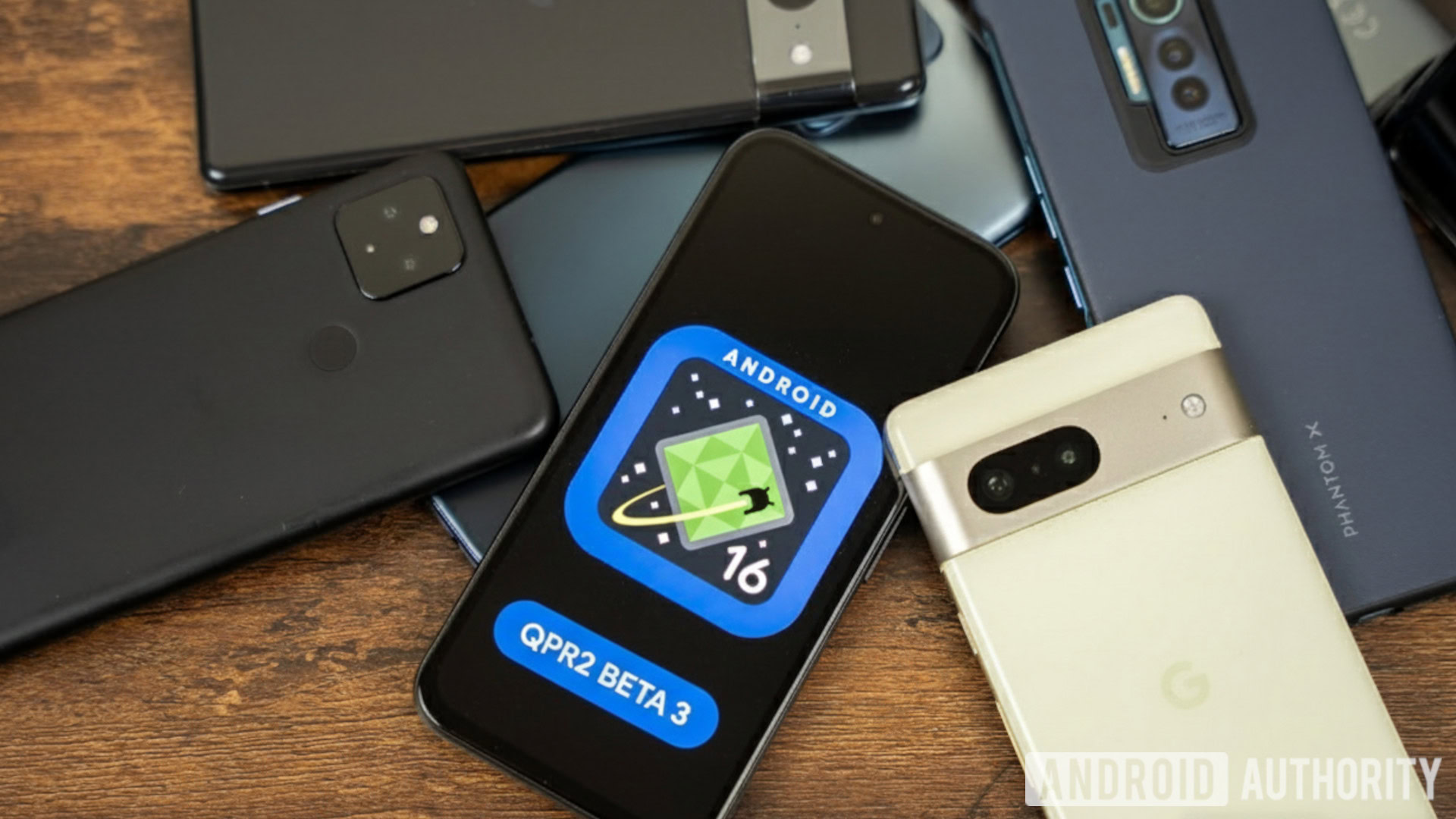
The first Android 16 stable release packed a bunch of interesting APIs and under-the-hood changes, but its user-facing features were very limited. We got treated to notification cooldown, Wallet quick access with the power button, and force-grouped notifications, but none of the more interesting updates were packed in, so we were all left very underwhelmed.
When my colleague Mishaal argued that Android 16 was a big update, readers complained, calling it “a small update,” “crap update,” or a “weak update with zero to get excited about.” Someone went as far as saying that “LITERALLY NOTHING has changed for the consumer,” and for good reason. There was even a point in time when Samsung phones got One UI 8 Beta with some of Android 16’s promised features like 90:10 app multi-tasking, Live Updates, and Advanced Protection, while Pixels running Android 16 didn’t have any of these.
In retrospect, though, this first Android 16 stable release was nothing more than an appetizer for the real meal that came with the first quarterly release — the sexily-named QPR1.
Ryan Haines / Android Authority
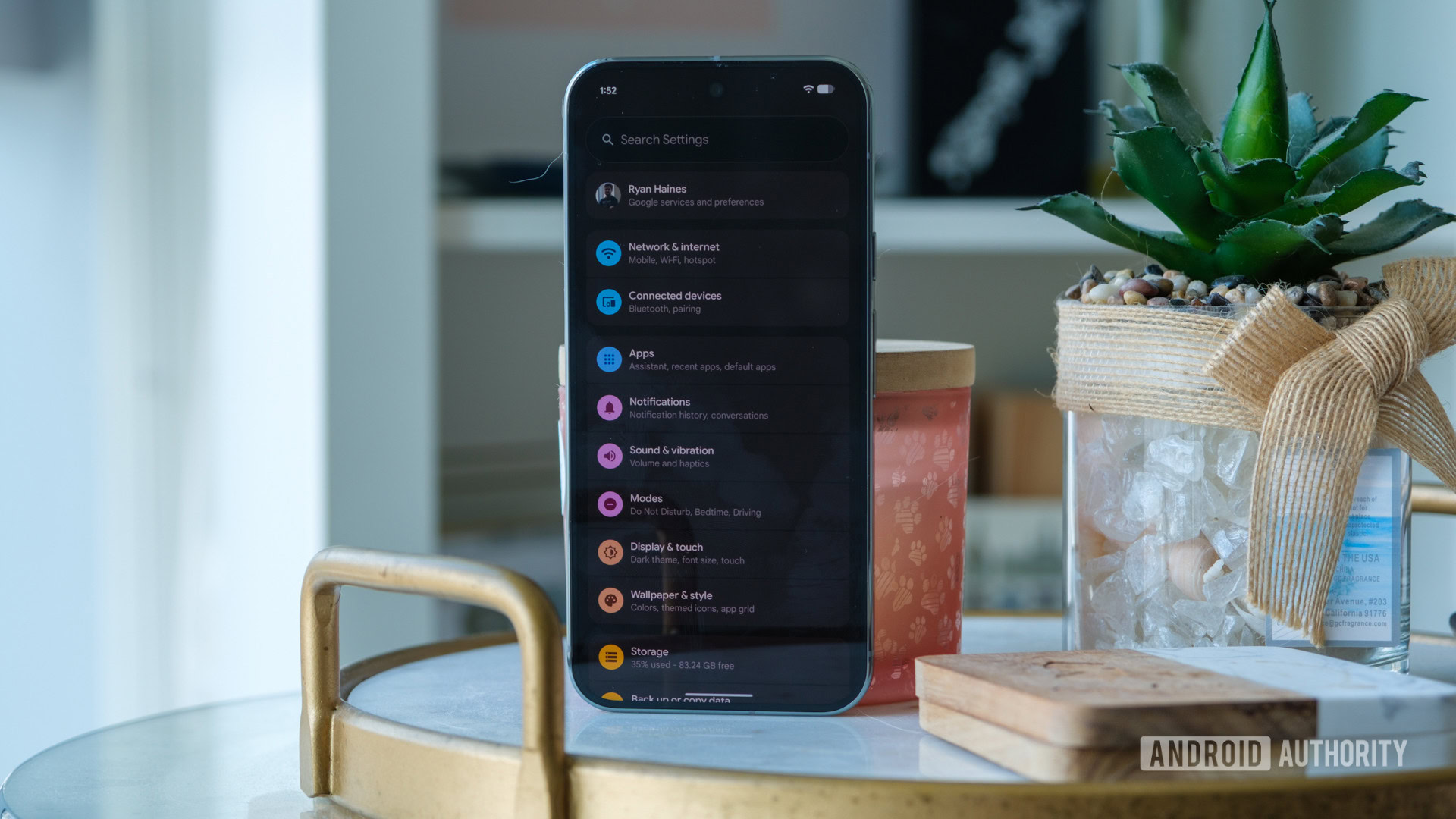
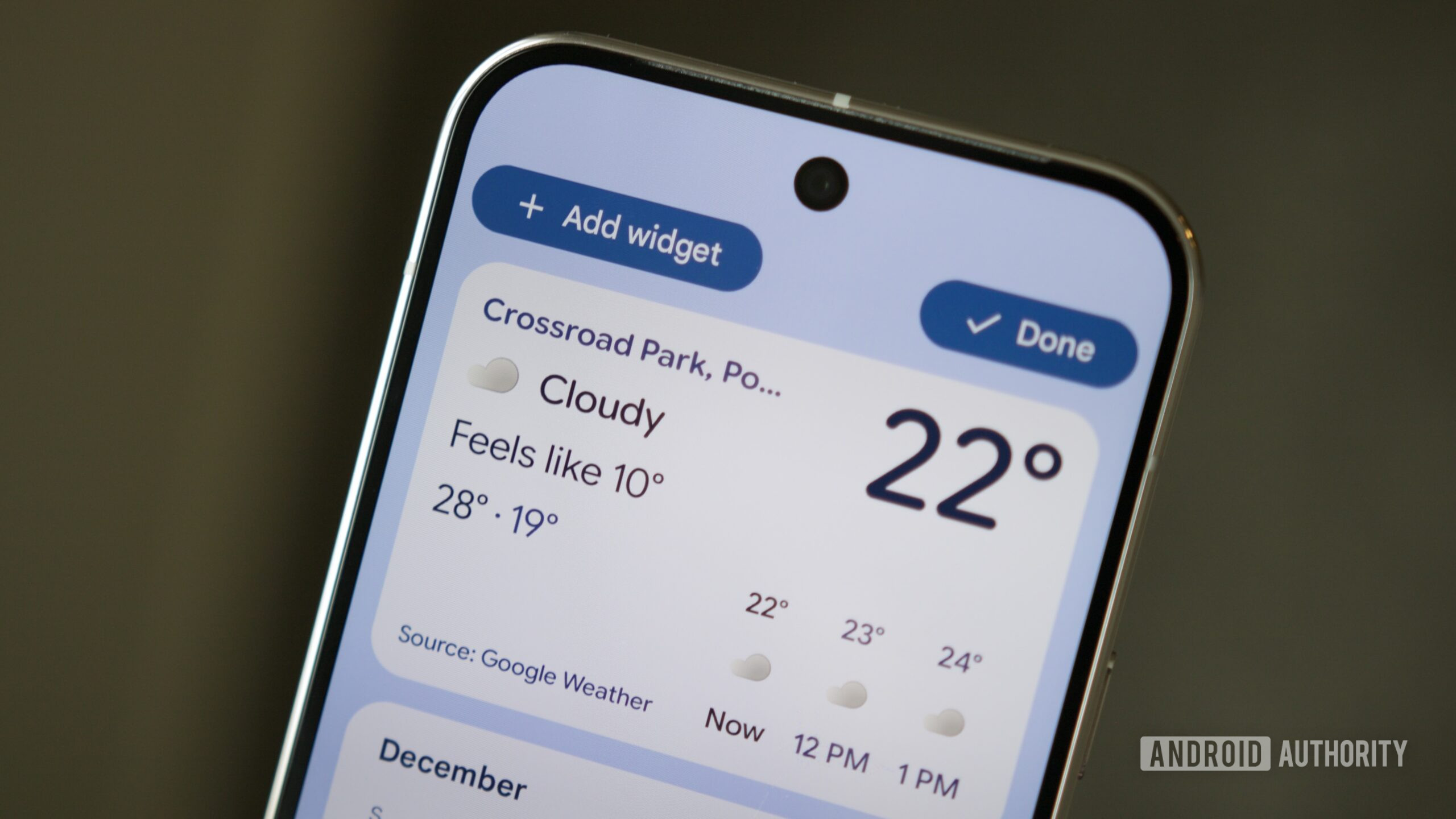
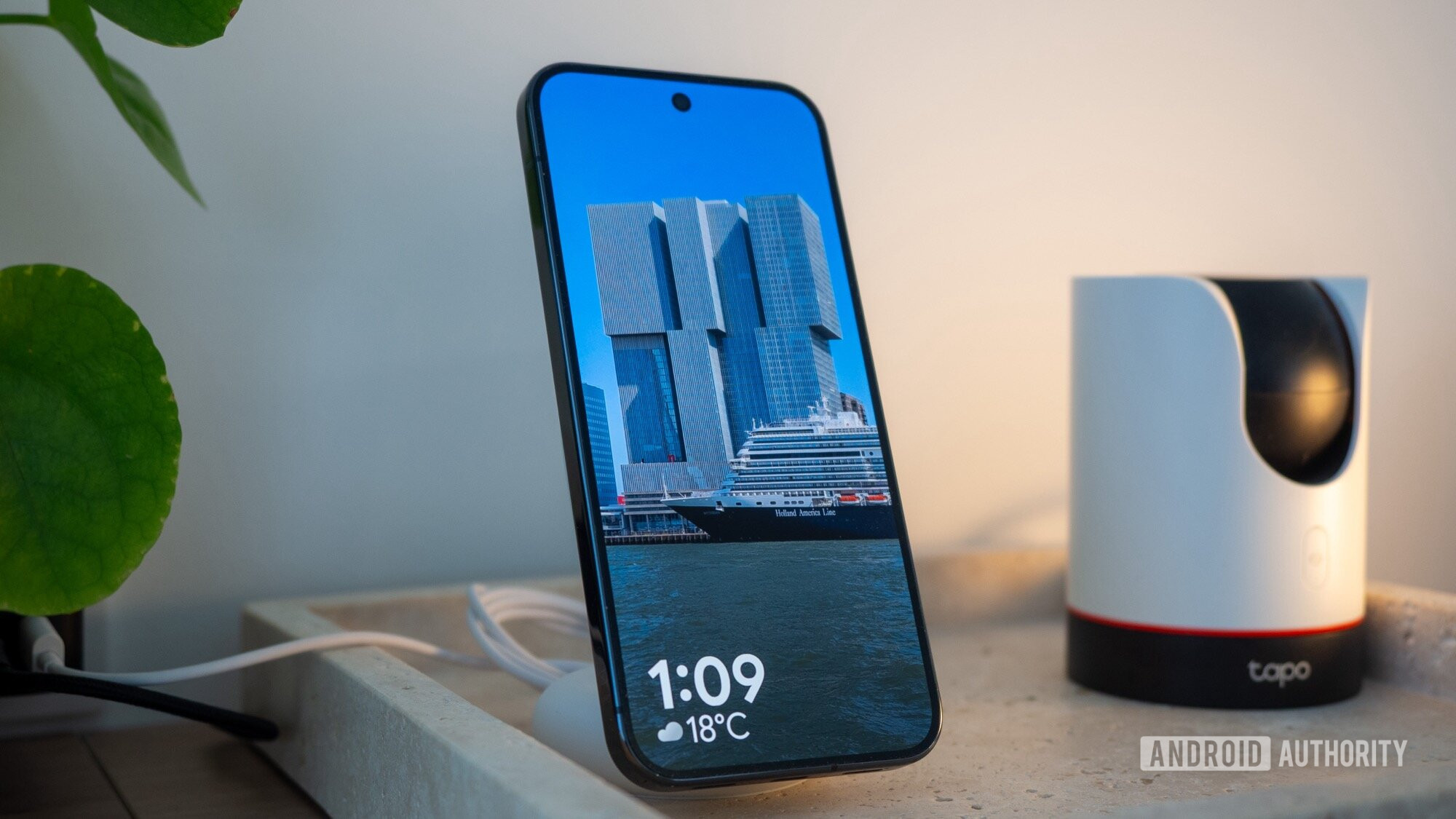
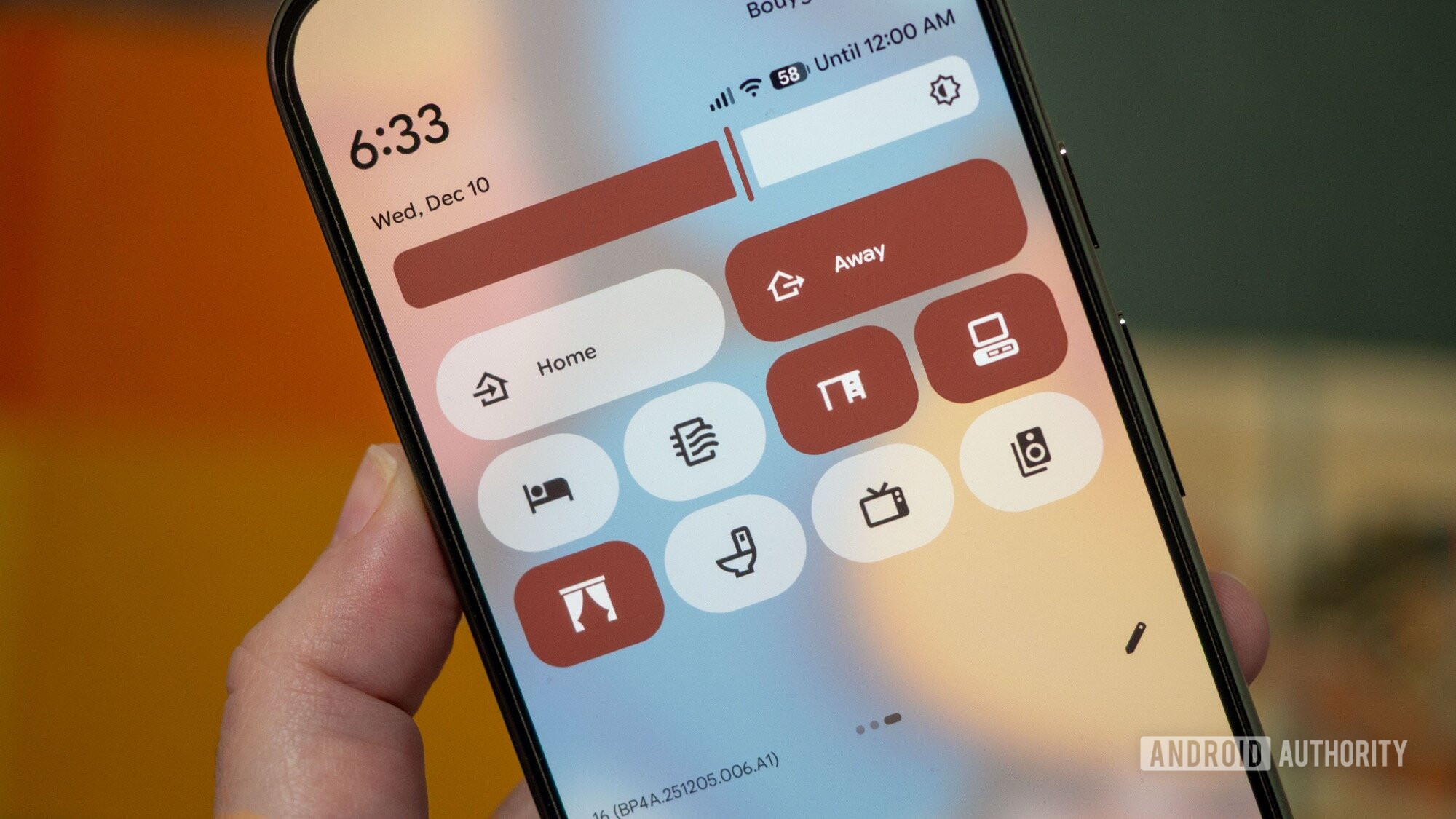
QPR1 was the “real” Android 16 upgrade. It brought a huge design overhaul with Material 3 Expressive that affected everything in the interface, from widgets to the Settings app and Quick Settings drop-down. On top of this, we got upgraded screen saver options that show photos, smart home controls, or the weather. The lock screen received some love, too, with a few different clock designs to choose from.
Android 16 was the amuse-bouche, but the real meal came with QPR1 and QPR2.
QPR1 finally made use of Android 16’s promised Live Updates, and apps like Uber and Google Maps implemented the new feature. Better than priority notifications, these progress bars show up on the lock screen (even if you have chosen to hide notifications) and on the always-on display, so you can always glance at your phone and see where your ride is or how long you need to wait before you switch trains.
90:10 split-screen mode came with Android 16 QPR1, too, to finally make multi-windows on an Android phone more useful and efficient. Unlike regular split-screen, this mode enlarges and minimizes each app as you switch between them, giving you more screen estate on both apps without having to manually resize after every switch.
A couple of months after QPR1 landed, Google released a small Pixel Drop in November that didn’t move the needle a lot, but still brought the ability for apps to run in low-energy mode on the always-on display — a feature that’s excellent for Google Maps — as well as notification summaries.
Joe Maring / Android Authority
Then, late in December, the second quarterly release of Android 16 made its way to Pixels. QPR2 brought lock screen widgets to phones, forced icon theming on icons where lazy developers haven’t implemented the feature yet, brought back various icon shapes, added a new Extended dark mode, and notifications categories. It even made Pixels a little faster.
This is the most fun and interesting Android has felt in years
Rita El Khoury / Android Authority
All of this has added up, bit by bit, to transform Android 16 from a boring upgrade to the most exciting and interesting Android version in the last few years. When I look back at Android 15, 14, and 13, I don’t remember any version bringing this many new useful features or reviving my interest in the platform as much as Android 16 has done.
Even Android 12 and the burgeonning of Material You didn’t have as much of an impact on me as Android 16. Material You was a small step in embracing a more modern design, but it felt unfinished and unnecessary. The funnily-shaped widgets had no reason to exist, app icons weren’t properly themed because developers had to get on board, and there was a mish-mash of new and old elements throughout the entire interface. Despite Google promptly updating most of its apps to follow the Material You design language, a lot of it felt to me like a vision in progress. It took a few years for that vision to materialize (no pun intended), and by then, my enthusiasm for the new design had waned off.
Material You felt like an unfinished experiment for a few years, but Material 3 Expressive is intentional and fully implemented from the get-go.
In contrast, Material 3 Expressive is more intentional, implemented more fully throughout the entire interface from the get-go, and it brings me a certain joy every time I interact with it. I was the first one to critique it as a useless change for change’s sake, but after a month using it, Material 3 Expressive won me over. I called it a dopamine hit and said whoever designed it seems to have had the time of their lives, and the result is contagious. I’ve seen many people complain about it, but the reality is that 63% of Android Authority readers love Material 3 Expressive and 27% think it’s fine, with only 8% hating it.
Rita El Khoury / Android Authority
Looks aren’t the only way Android 16 won me and many of you over. The many updates and multiple new features have all had a positive impact on us. For me, Live Updates have brought more clarity when commuting in Paris, 90:10 split-view with app pairs made multitasking more realistic on my phone, Google Maps’ low-energy mode made it easy for me to drive in Lebanon over the holidays without having to worry about battery life, and the new lock screen widgets helped me use my secondary Pixels more efficiently at my desk.
I love the new screen saver options on my primary Pixel, especially the option to show off my stunning Pixel-captured photos, as well as the new lock screen clock, and I finally have enough space in my Quick Settings panel to add all the toggles I need on the first screen and turn the second one into a smart home panel. And for the first time since themed app icons were implemented, I’ve been able to adopt them because they’re no longer an ugly mix of themed and unthemed icons.
I’m still not completely sold on notification summaries and categories, but almost everything else Google has added to Android 16 has found a way into my daily use. This is the first time I can say this about any Android version in the 2020s, perhaps even since the Android Pie days. This is also the first time in years where I can list more than two or three useful additions to a new Android version. Android 16 has packed dozens of these changes, and it’s not letting up.
Android 16 QPR3 is already in beta and promises to bring granular flashlight brightness controls, 160 new emoji, customizable navigation buttons, and more. Months later, it’s fair to say that Mishaal was right all along: Android 16 is a massive update, but we just had to be patient to see all the pieces get molded together into this final product.
Follow
Thank you for being part of our community. Read our Comment Policy before posting.