I turned my Pixel 10 Pro into a 2026 BlackBerry and LG Wing — seriously
Keyboard cases aren't my thing, but the Clicks Power Keyboard has my attention.
Joe Maring / Android Authority
For the last couple of years, Clicks has been one of the more interesting brands in the mobile accessory space. After creating keyboard cases for various iPhone and Android phone models, the company came to CES 2026 to showcase something a little different: a keyboard you can attach to any smartphone, without the commitment of a full-on case.
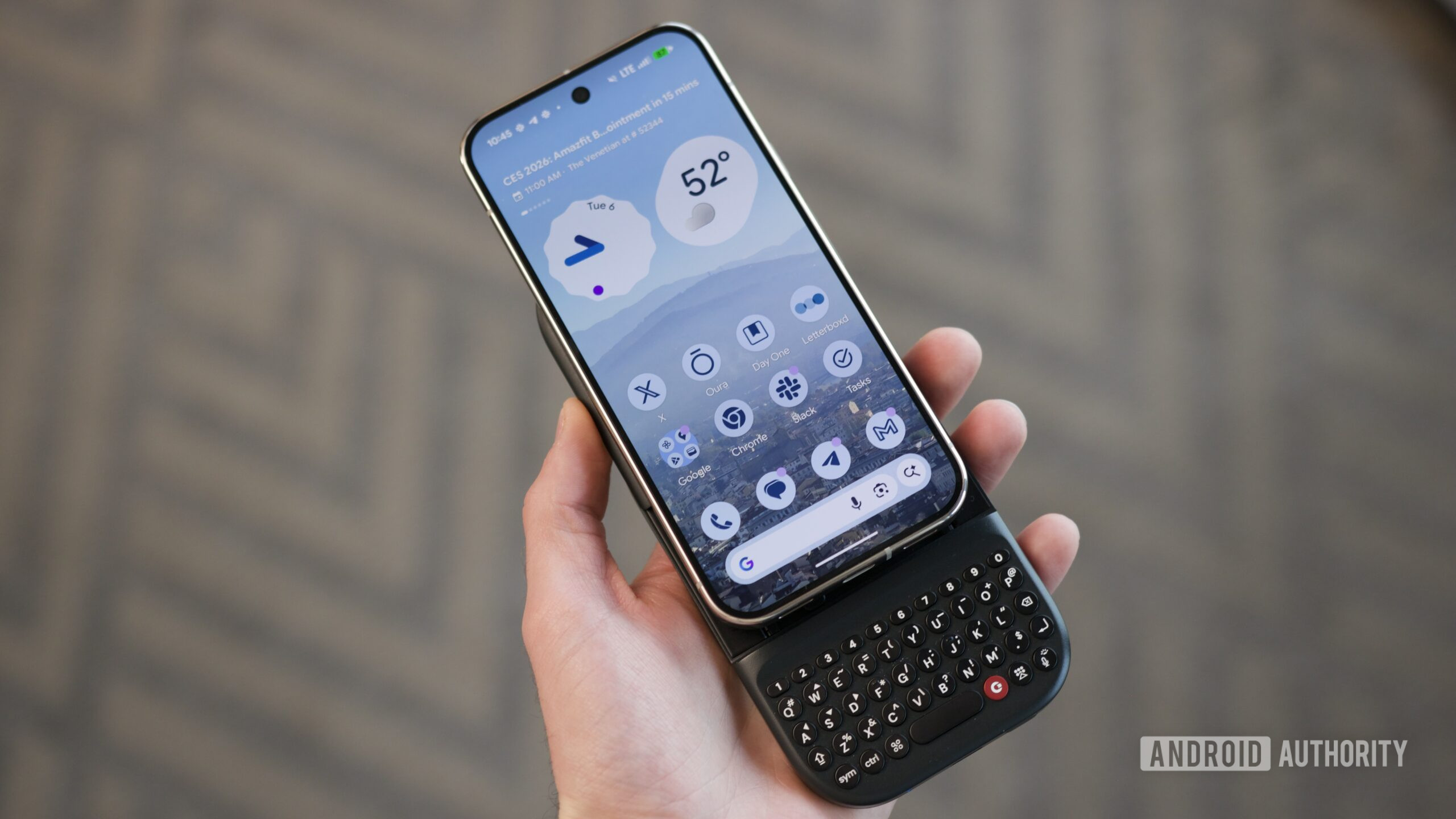
It’s called the Clicks Power Keyboard, and it snaps onto the back of your phone via MagSafe/Qi2 magnets — instantly turning your phone into a modern-day BlackBerry. Compared to Clicks’ keyboard cases, the Power Keyboard has a couple of key benefits: 1) You can attach and remove the Clicks Power Keyboard much more easily than a case, and 2) it allows the keyboard to be attach to any phone that has magnets, whether built into it or via a compatible case.
This sounds good on paper, but does it actually work in practice? After going hands-on with the Clicks Power Keyboard myself, I’d say it does.
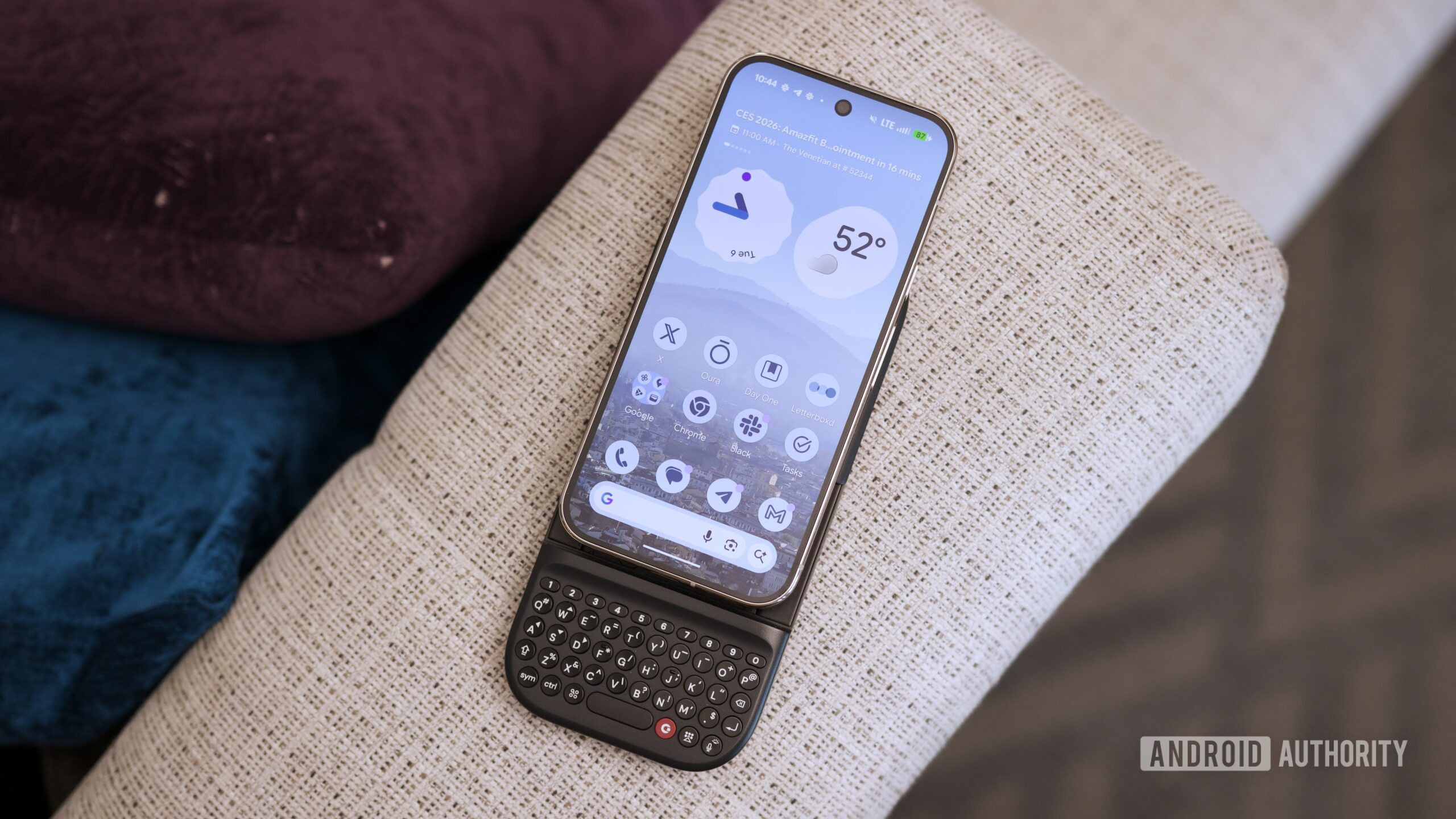
Using the Clicks Power Keyboard is pretty simple. Once you attach it to your phone, it sits on the back just like a Qi2 battery pack (which it technically is, thanks to a 2150mAh battery that charges your phone). However, when you press up on the bottom of your phone, the keyboard reveals itself for when you’re ready to type.
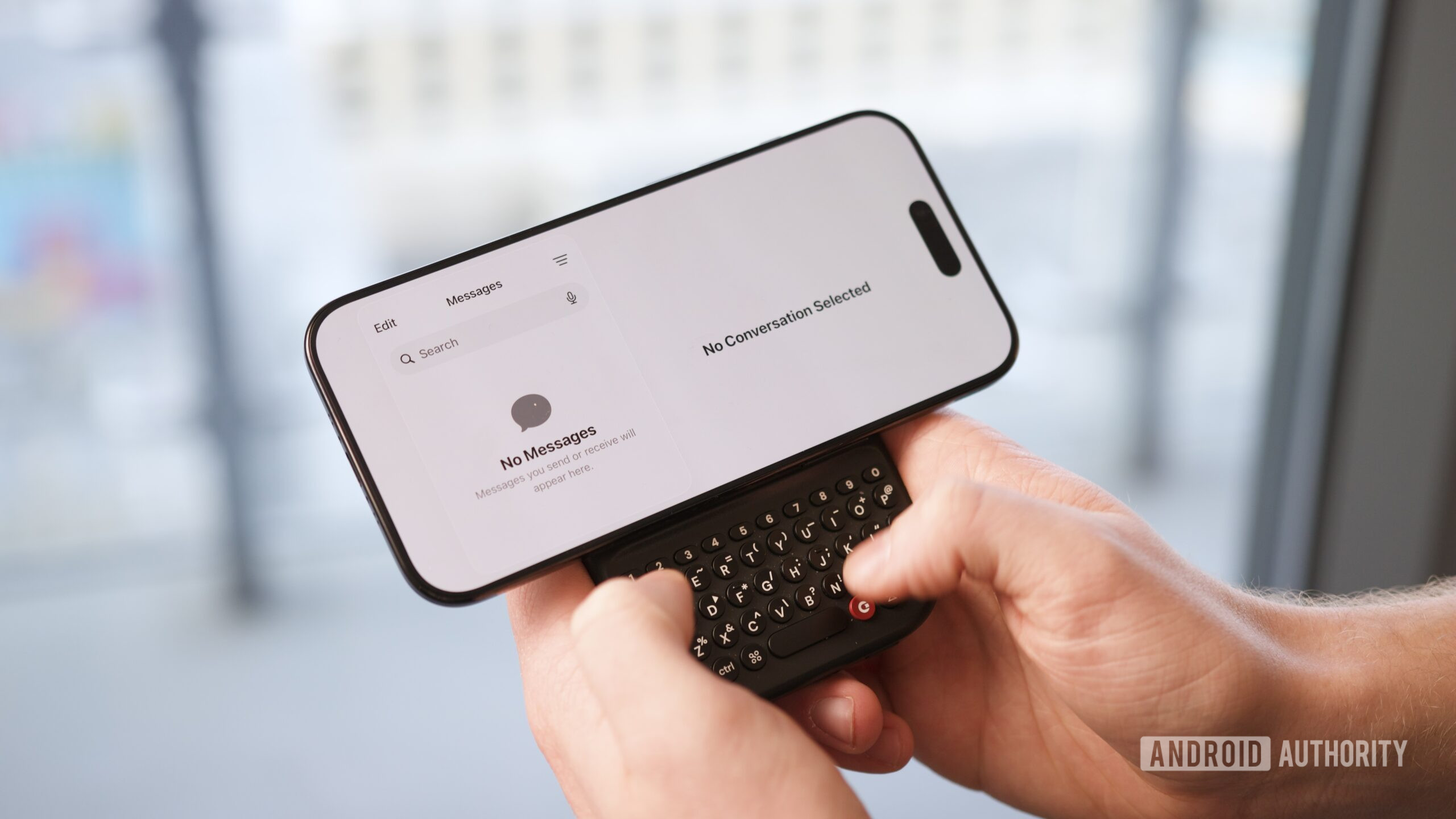
The hinge is adjustable to three positions to accomodate phones of all sizes, and sliding it up and down feels really satisfying. I was initially apprehensive that pushing too hard on the bottom of my Pixel 10 Pro would cause it to pop off the Power Keyboard, but it worked just fine each time. The second and third positions are best suited for using your phone vertically, while the first position is ideal for attaching it horizontally and using it as a makeshift LG Wing.
Joe Maring / Android Authority
What about the keyboard itself? My few typing tests were quite typo-ridden, but a 20-minute hands-on session isn’t nearly enough time to properly adjust to something like this. The keys felt clicky and responsive, and having backlit keys is a really nice touch, too.
It’s also worth noting that, since the Clicks Power Keyboard connects via Bluetooth, you don’t have to use it just with your phone. In my hands-on session, I saw an example of it paired with an Apple TV and used as a remote keyboard for typing on that (which I think is genius). You could also use it with a tablet, computer, or even a VR headset. The keyboard can be paired with up to three devices/profiles at once, and you can switch between those devices with a keyboard shortcut.
Joe Maring / Android Authority
That added functionality is obviously not something you get with a standard Clicks Keyboard, and while it may be a niche benefit of the Clicks Power Keyboard, it’s one I think is really appealing.
What’s also appealing is the price. Clicks Power Keyboard is available for pre-order now for $79. Once shipping begins in the spring, the price will increase to $109. Clicks’ keyboard cases were never quite my cup of tea, but something like the Clicks Power Keyboard seems like it could be a much better fit, and I’m looking forward to spending more hands-on time with it soon.
Follow
Thank you for being part of our community. Read our Comment Policy before posting.