I write for a living and this is the only Mac and iOS app I’ll use in 2026
Ulysses is a powerhouse for professional writing –and it's pretty great for casual writing and storing ideas too.
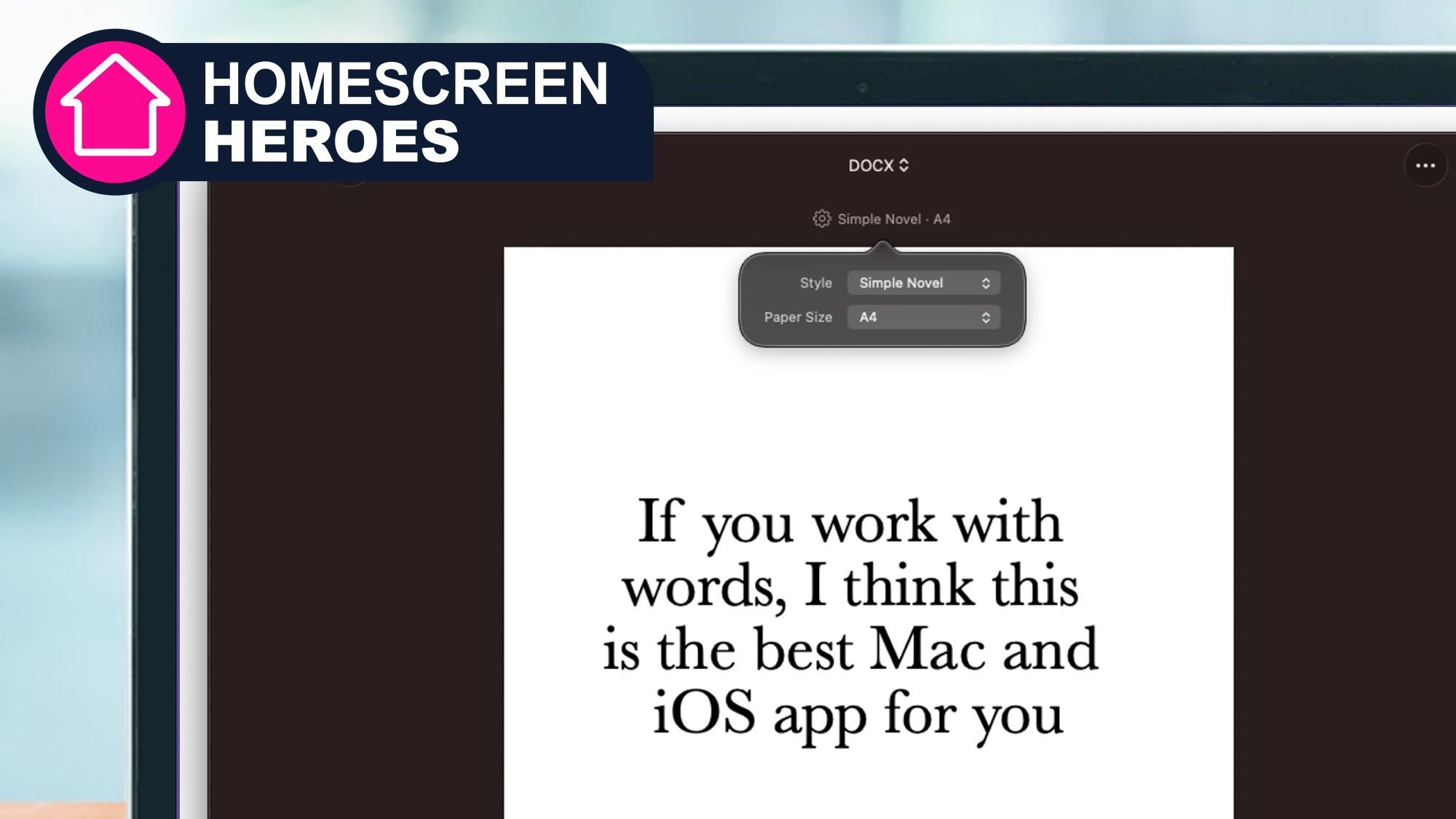
(Image credit: Ulysses)
Homescreen heroes
This is part of a regular series of articles exploring the apps that we couldn't live without. Read them all here.
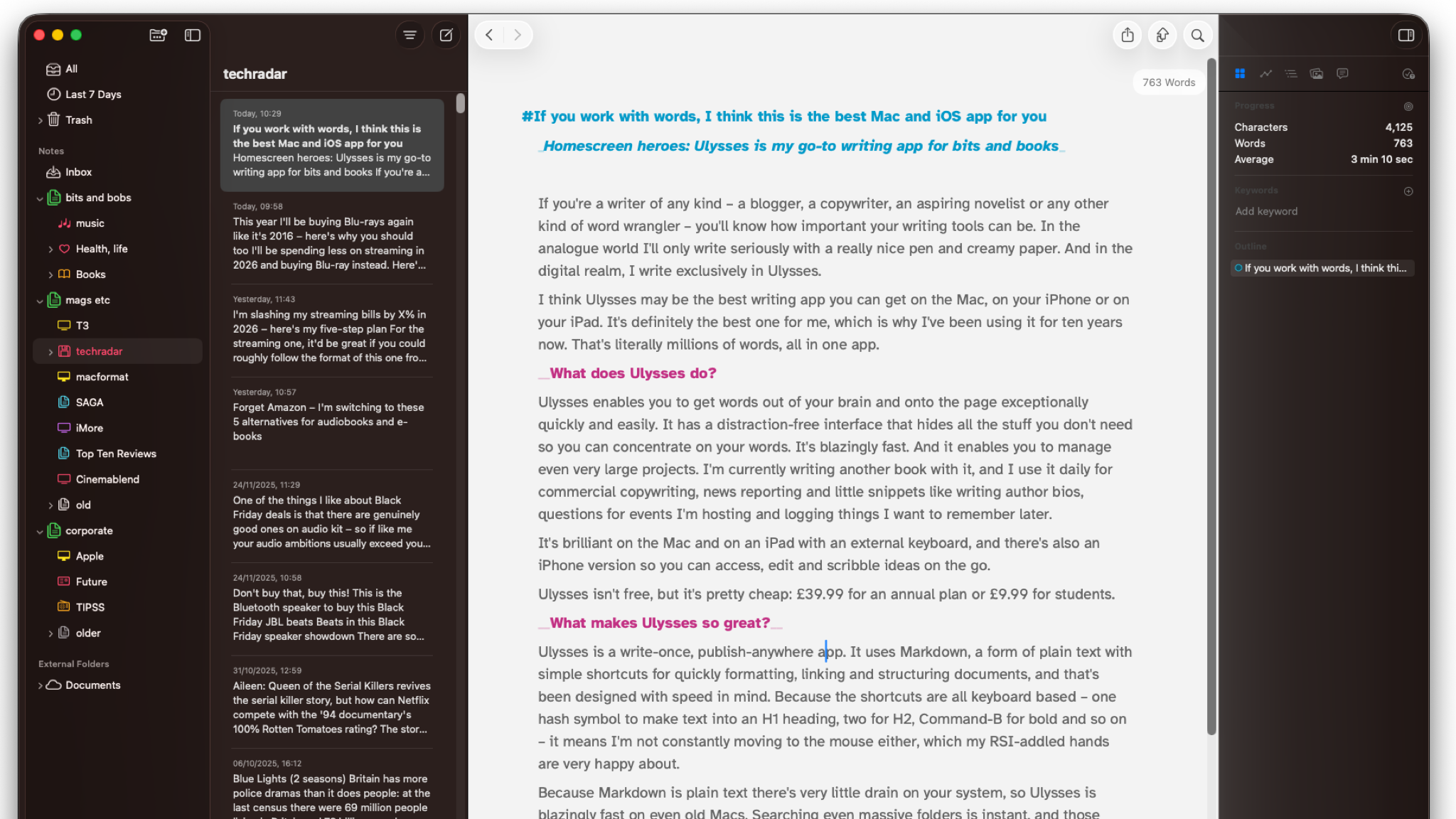
If you're a writer of any kind – a blogger, a copywriter, an aspiring novelist or any other kind of word wrangler – you'll know how important your writing tools can be. In the analogue world I'll only write seriously with a really nice pen and creamy paper. And in the digital realm, I write exclusively in Ulysses.
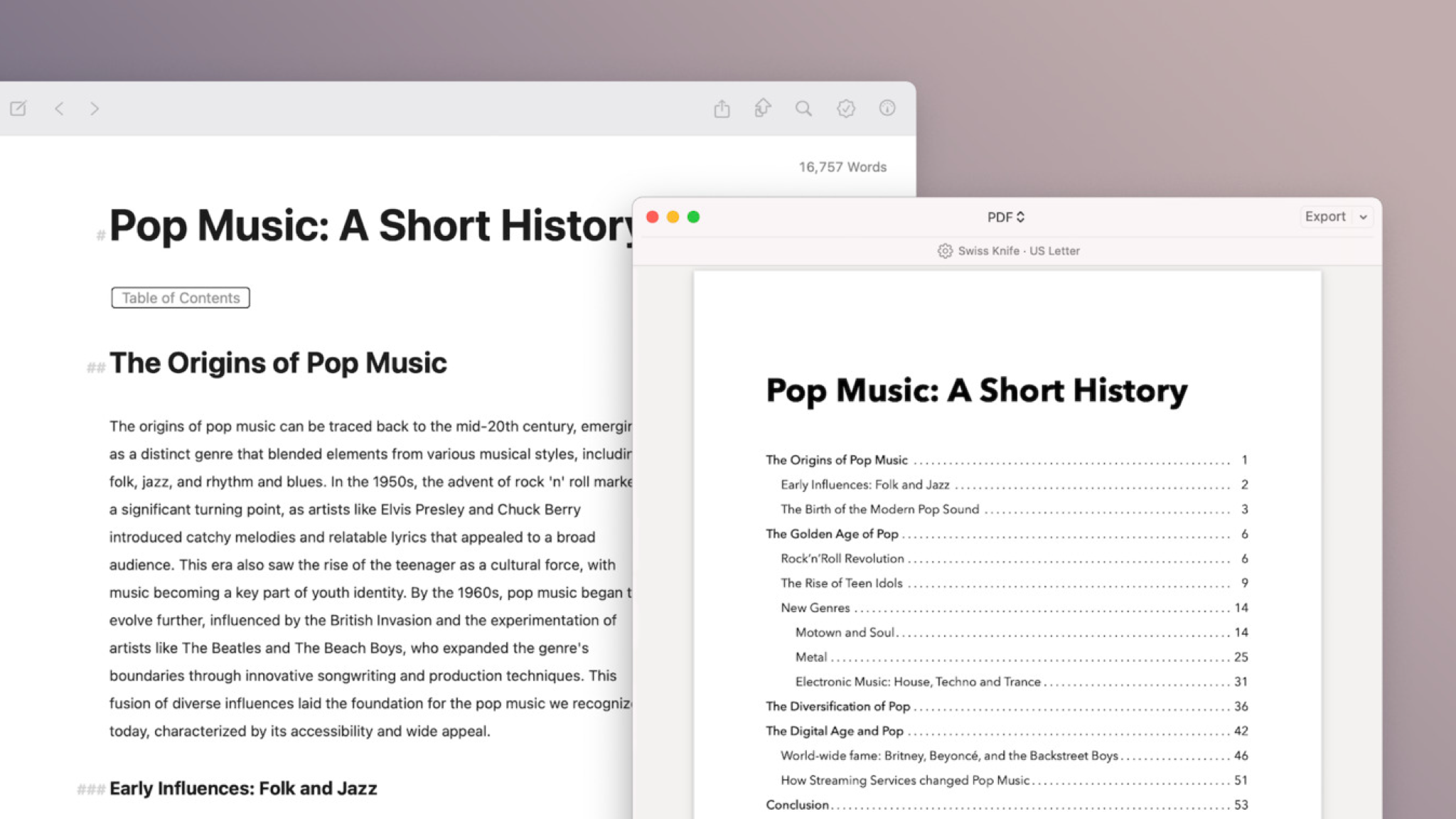
Ulysses can handle big tasks such as creating table of contents from your text (Image credit: Ulysses GmbH & Co.)
What is Ulysses and how much does it cost?
Ulysses enables you to get words out of your brain and onto the page exceptionally quickly and easily, and features a distraction-free interface that hides all the stuff you don't need so you can concentrate on your words.
It's blazingly fast. And it enables you to manage even very large projects. I'm currently writing another book with it, and I use it daily for commercial copywriting, news reporting and little snippets like writing author bios, questions for events I'm hosting and logging things I want to remember later.
It's brilliant on the Mac and on an iPad with an external keyboard, and there's also an iPhone version so you can access, edit and scribble ideas on the go.
Ulysses isn't free, but it's pretty cheap: $39.99 / £39.99 (around AU$60) for an annual plan or £5.99 / $5.99 per month (about AU$9 p/month). Students can also pick it up for $10.99 / £9.99 (or around AU$17) for six months currently.
Why this is my Homescreen Hero
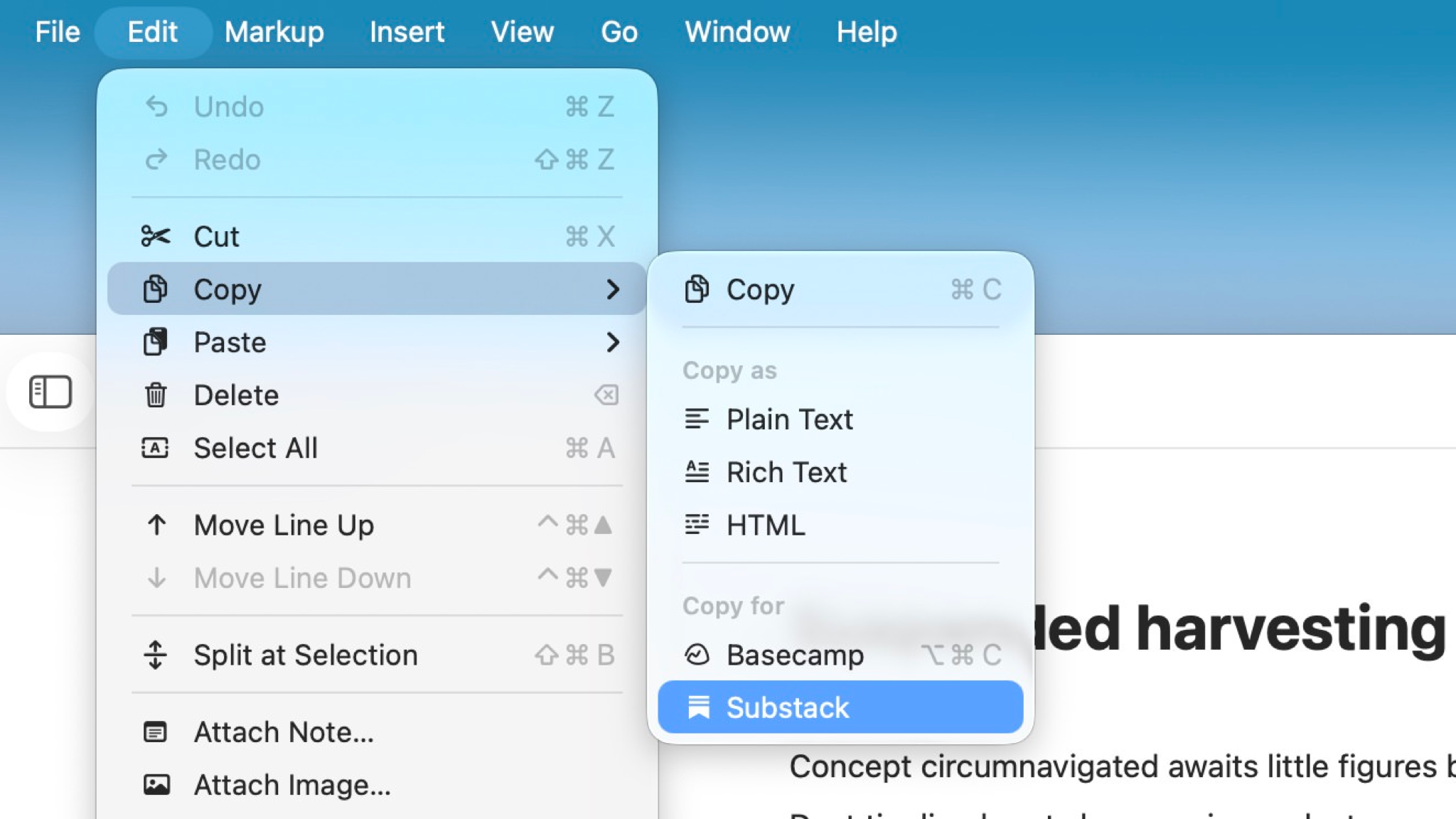
Ulysses enables you to export and copy to pretty much every kind of text format and destination (Image credit: Ulysses GmbH & Co.)
Ulysses is a write-once, publish-anywhere app. It uses Markdown, a form of plain text with simple shortcuts for quickly formatting, linking and structuring documents. Markdown was also designed with speed in mind.
Sign up for breaking news, reviews, opinion, top tech deals, and more.
Because the most common shortcuts are all keyboard based – one hash symbol to make text into an H1 heading, two for H2, Command-B for bold and so on – it means I'm not constantly moving to the mouse, which my RSI-addled hands are very happy about.
Because Markdown is plain text there's very little drain on your system, so Ulysses is blazingly fast on even old Macs. Searching even massive folders is instant, and those plain text files can be opened in pretty much any text app as well as from within Ulysses.