I'm a creative software editor - and these are the 8 most exciting updates that made content creation even easier in 2025
SOURCE:TechRadar|BY: Steve Clark
The best updates I saw in the creative apps space this year, from editing on your phone to designing websites with AI.
(Image credit: Canva)
It’s been a big year for digital creativity. As the creative software editor for TechRadar Pro, I’ve spent the last 12 months covering a seemingly relentless stream of updates, beta launches, platform overhauls, and the maturing of AI tools from nice-to-haves to essential for professional workflows. And these are the 8 most exciting updates I've seen in 2025.
From one of the best photo editors becoming completely free to the arrival of generative AI models that seamlessly integrate into existing pipelines, the creative apps space continues to dramatically shift. These new tools mean it's never been easier to ideate, generate, and collaborate on creative endeavours - whether you're a solo content creator or a creative professional working in a team.
Affinity goes free
(Image credit: Affinity // Canva)
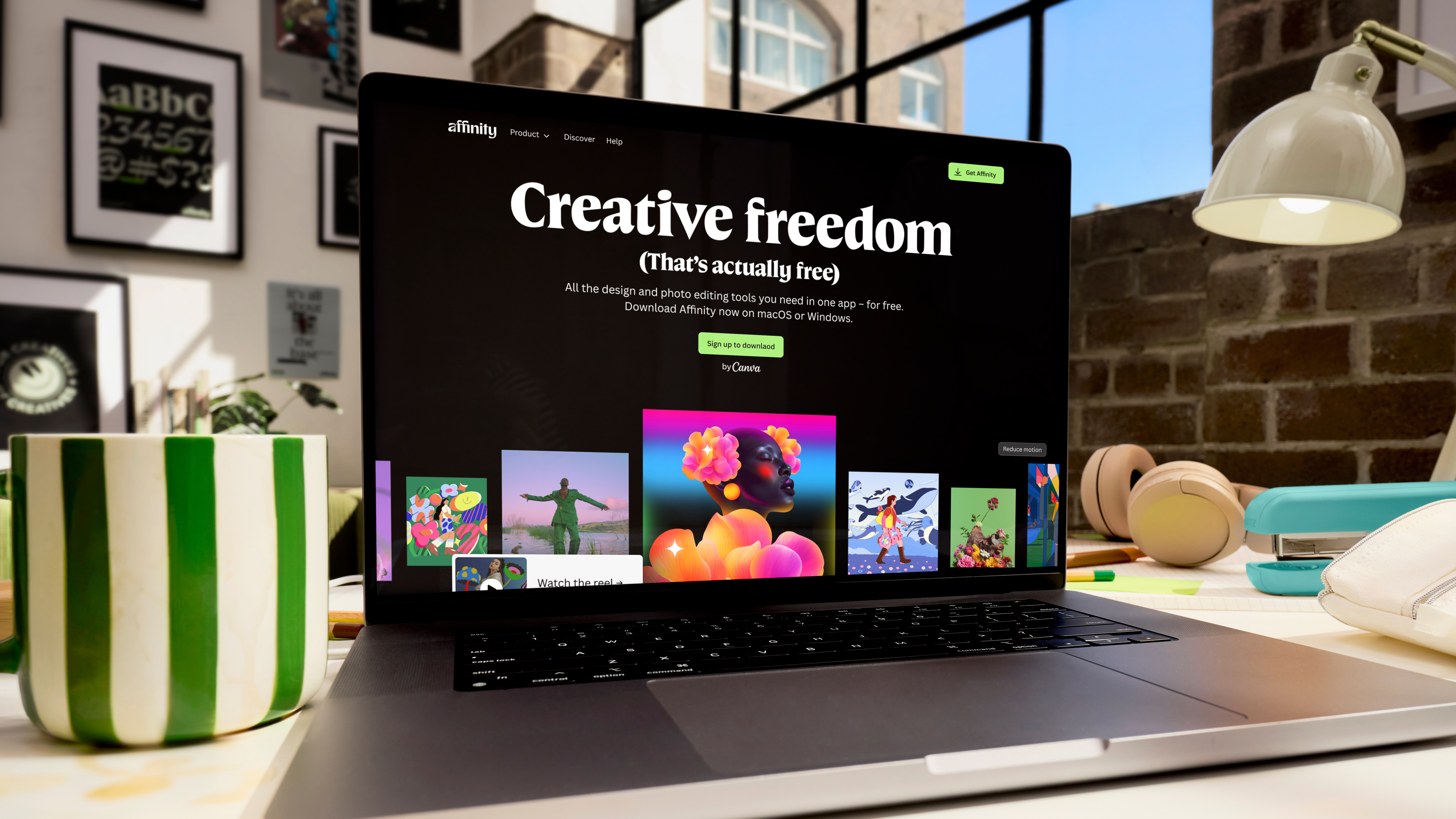
Probably the best news I covered all year - Affinity is now completely free for everyone (and if you're paying a Canva Pro subscription, you get a few more tools, too).
Rumors started long before the reveal, when the site blocked the ability to purchase its apps, followed by making all apps free for iPad users. Then came the news that, yes, all Affinity apps were being rolled into a single platform and that they'd be free for all.
Affinity Photo, Publisher, and Designer have long been one of my favorite alternatives to Adobe Photoshop, InDesign, and Illustrator. It may not be quite as feature-rich as Adobe's own creative software, but it'll tick all the boxes for most creators.
Considering what's on offer - and what I expect to see coming in 2026 - I still can't quite believe it. But it's not one to be missed. Affinity CEO Ash Hewson explained to TechRadar Pro his reasoning for scrapping all lifetime licenses in this article.
Sign up to the TechRadar Pro newsletter to get all the top news, opinion, features and guidance your business needs to succeed!
Adobe Premiere comes to mobile
(Image credit: Adobe // Future)
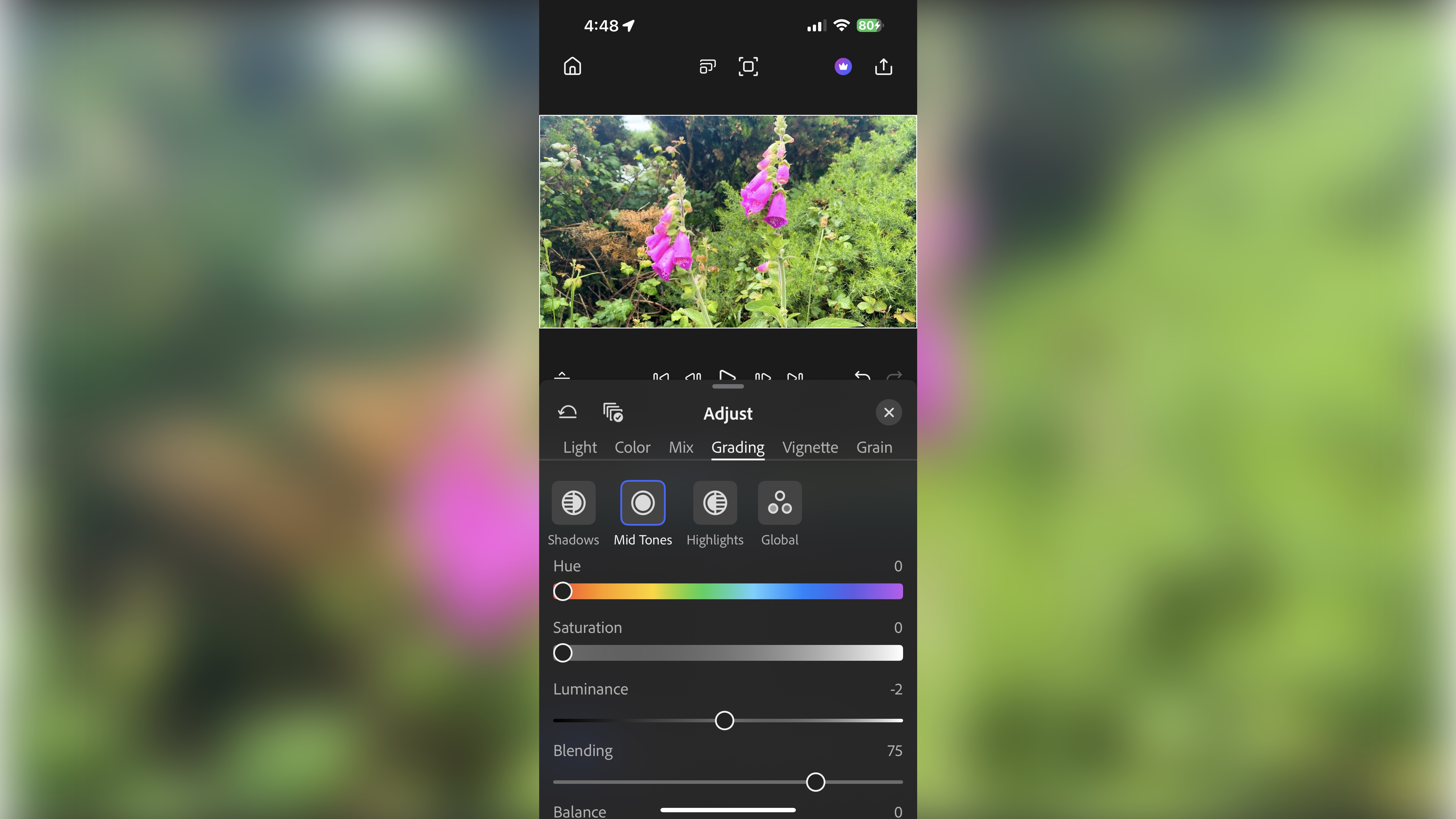
Adobe Premiere Pro is the king of the video editing world - and I was over the moon to see a near-fully-featured version hit the App Store, and the promise of an Android version coming soon.
Known as Adobe Premiere, it's easily one of the best video editing apps around, even more so because it's free to use (although, as usual with Adobe tools, a subscription unlocks even more tools). Despite being an app for iPhone and iPad, we found it delivered extensive editing experience that includes multi-track editing, color correction, and a host of audio tools in our review.
Adobe Premiere really does feel like the future of on-the-go video editing for creators, and I can't wait to see what else it delivers in 2026.
Nano Banana Pro arrives
(Image credit: Google)
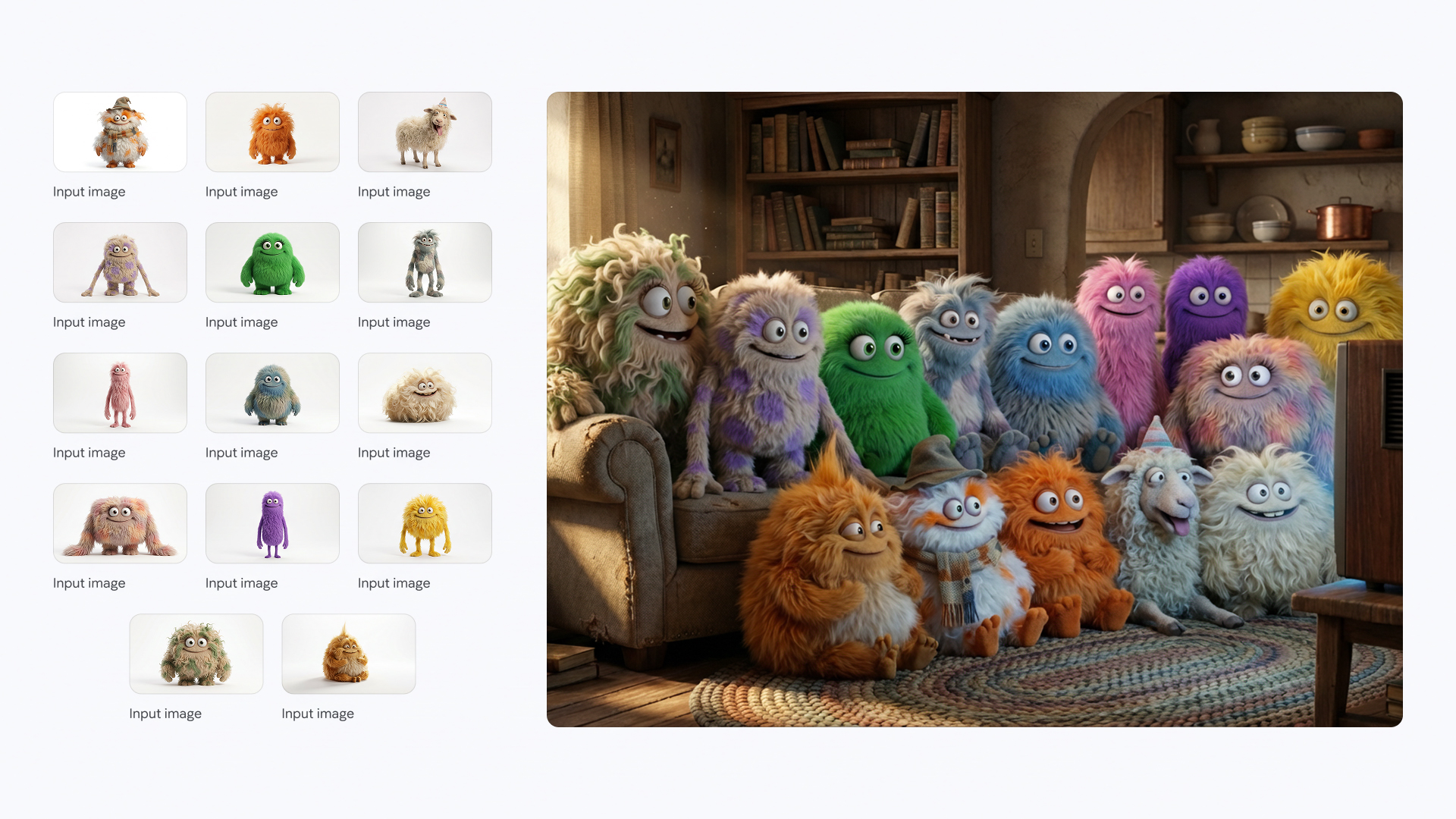
No 2025 round-up would be complete without at least a passing reference to AI. And in the creative space, the stand-out for me this year was the release of Google's Nano Banana Pro. Built for Gemini 3 Pro users, it's leaps and bounds above what the competition does when it comes to AI image generation and editing.
Connecting to Google Search’s knowledge base for real-time information, Nano Banana Pro boasts context-rich visuals, text that's more accurate and legible than predecessors, improved consistency and blending, and studio-quality control over your images.
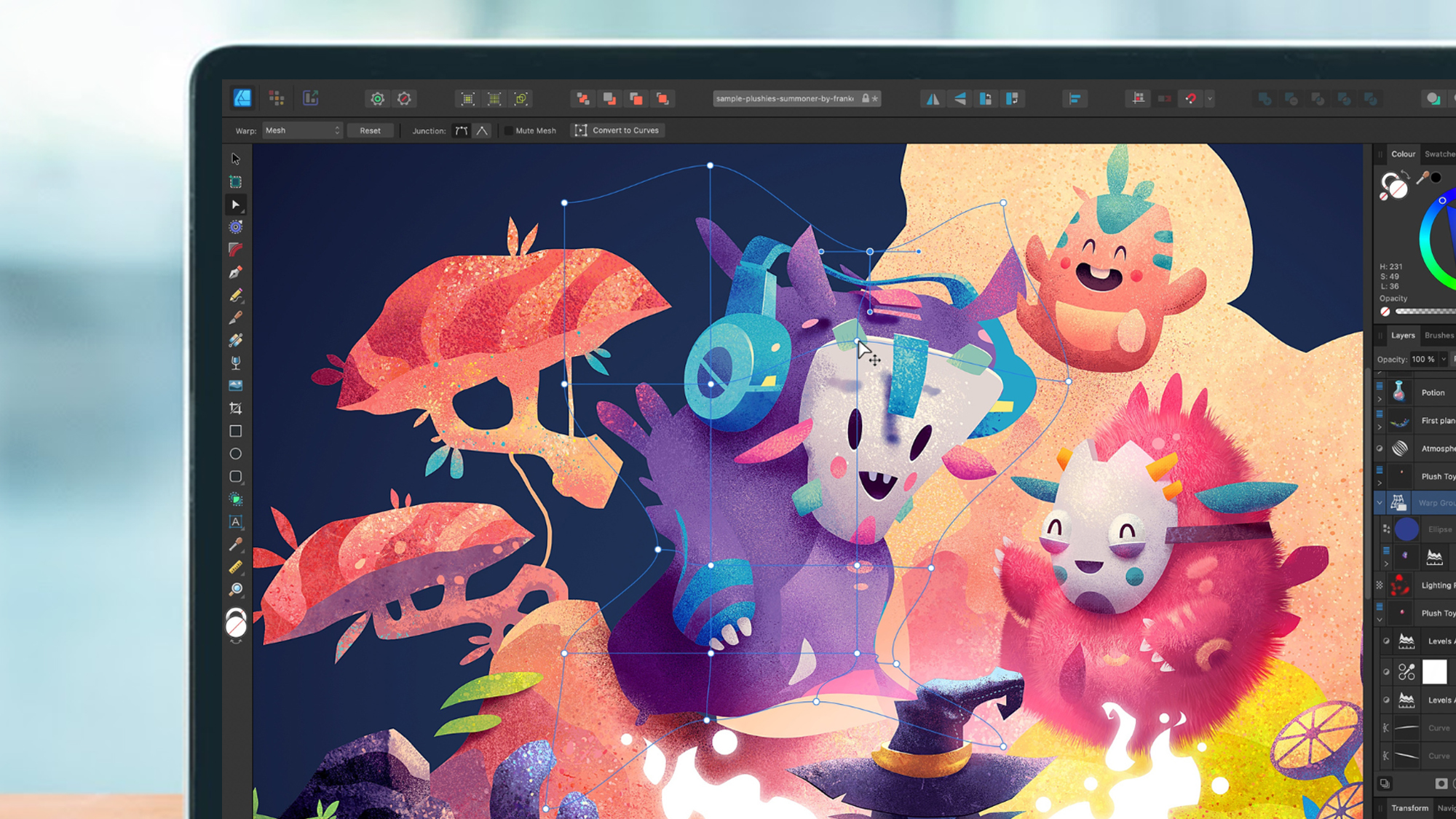
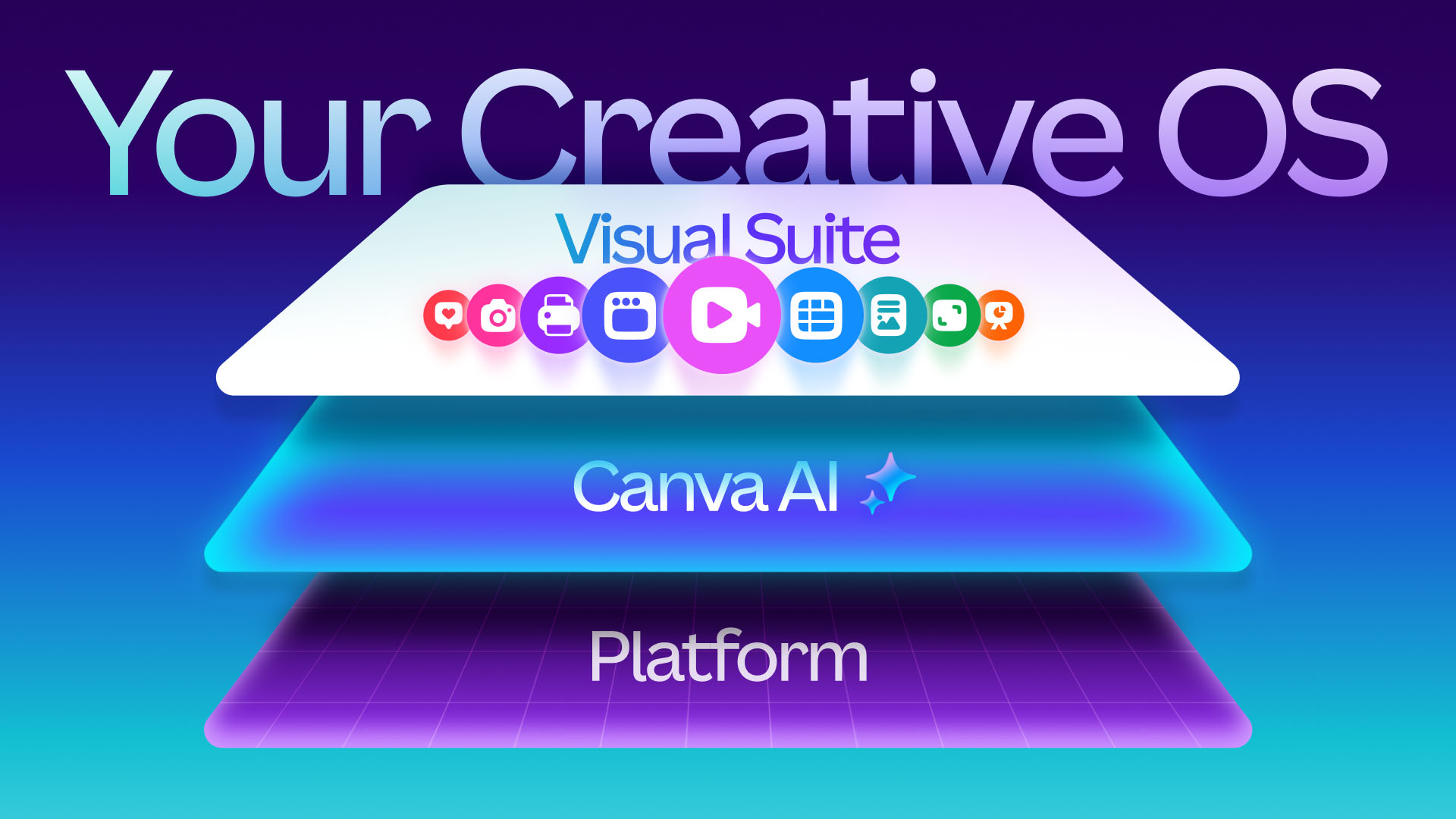
Canva had a big year in the content creation space with its World Tour and the unveiling of its Creative Operating System - a space that seamlessly blends design, collaboration, and publishing on a single platform.
The core update saw a redesign of its Visual Suite, a superior video editing tool, and editable AI output trained to understand the complexity of design. When I spoke to Anna Wood, Product Marketing Lead at Canva in this article, she explained the thinking behind the Creative OS.
"This isn’t just a tool to make a single graphic anymore. We’re building something much bigger. We like to see it as this all-in-one platform that enables the entire creative journey, from your first idea all the way to publishing and tracking performance. Whether you're designing, collaborating with a team, running a campaign, teaching a class, or using AI to speed things up, it all happens in one place."
Photoshop comes to ChatGPT
(Image credit: Getty Images/Cheng Xin)
Adobe dominate the creative software space, so, I wasn't shocked to see the tools come to ChatGPT - it's a natural fit for apps already loaded with AI.
Crack open ChatGPT and you can now use Photoshop, Express, and the Acrobat PDF editor directly on the platform. What really struck me here was that you don't need to know the intricacies of using each app. Using natural language, simply describe what you want to achieve and await the results. The AI does all the work for you.
We watched a demo of Photoshop running inside ChatGPT and the results were impressive. Drag an image into the prompt bar, describe the edit you wish to make, and... that's it, job done. You can then use the built-in control sliders and options to further refine the output.
Edit YouTube shorts inside Adobe Premiere
(Image credit: Adobe // YouTube)
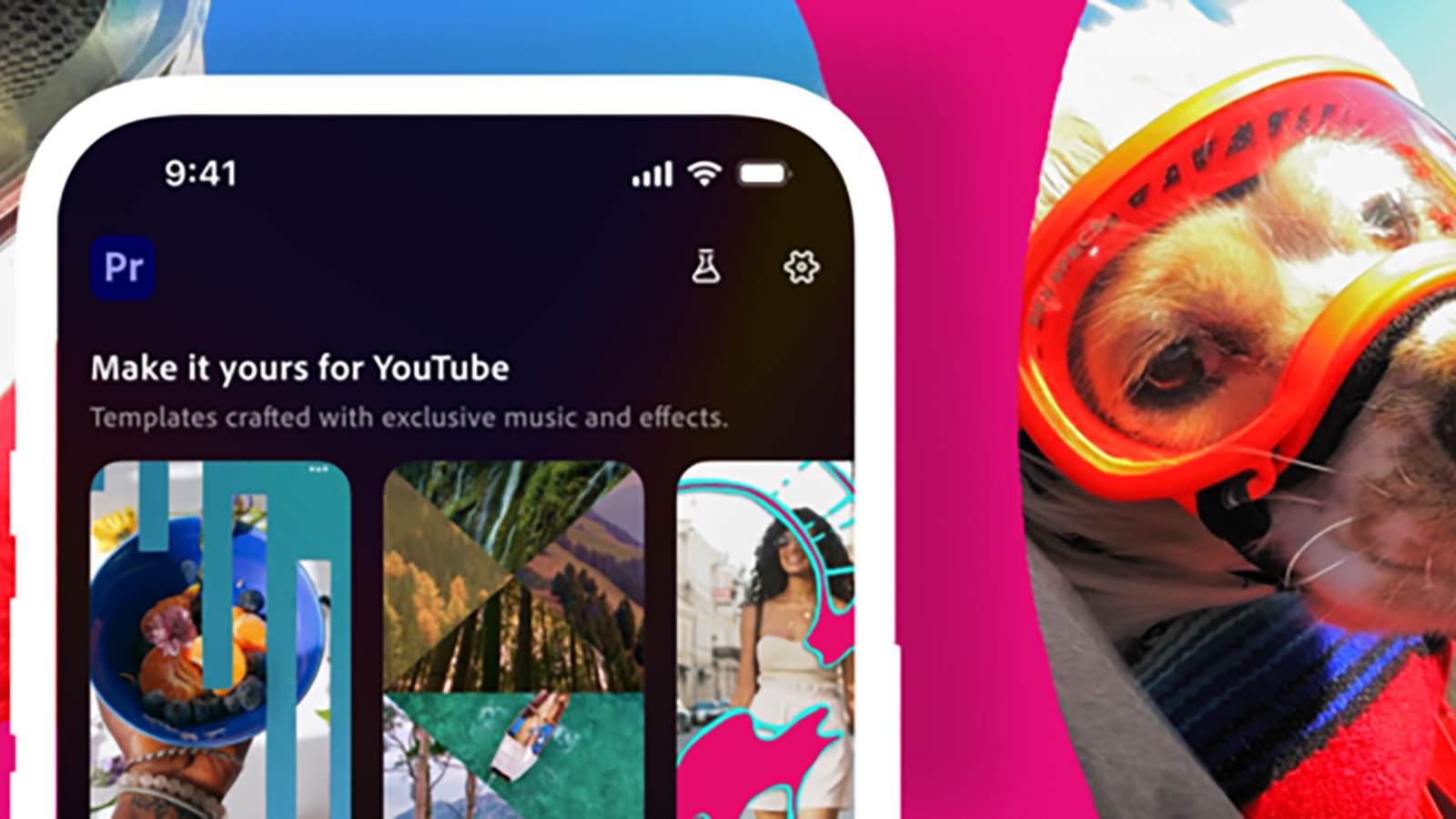
Shortly after launching Adobe Premiere, the video editing app received its first big update - the inclusion of a space specifically for creating YouTube Shorts.
Better still, the update addresses one of the biggest issues we had with Premiere: the lack of transitions.
So, what can you expect with this update? Alongside those extra transitions, there are some exclusive effects, title presets, the option of creating and customizing your own templates, and the ability to easily share your videos direct to YouTube - all within the Premiere app.
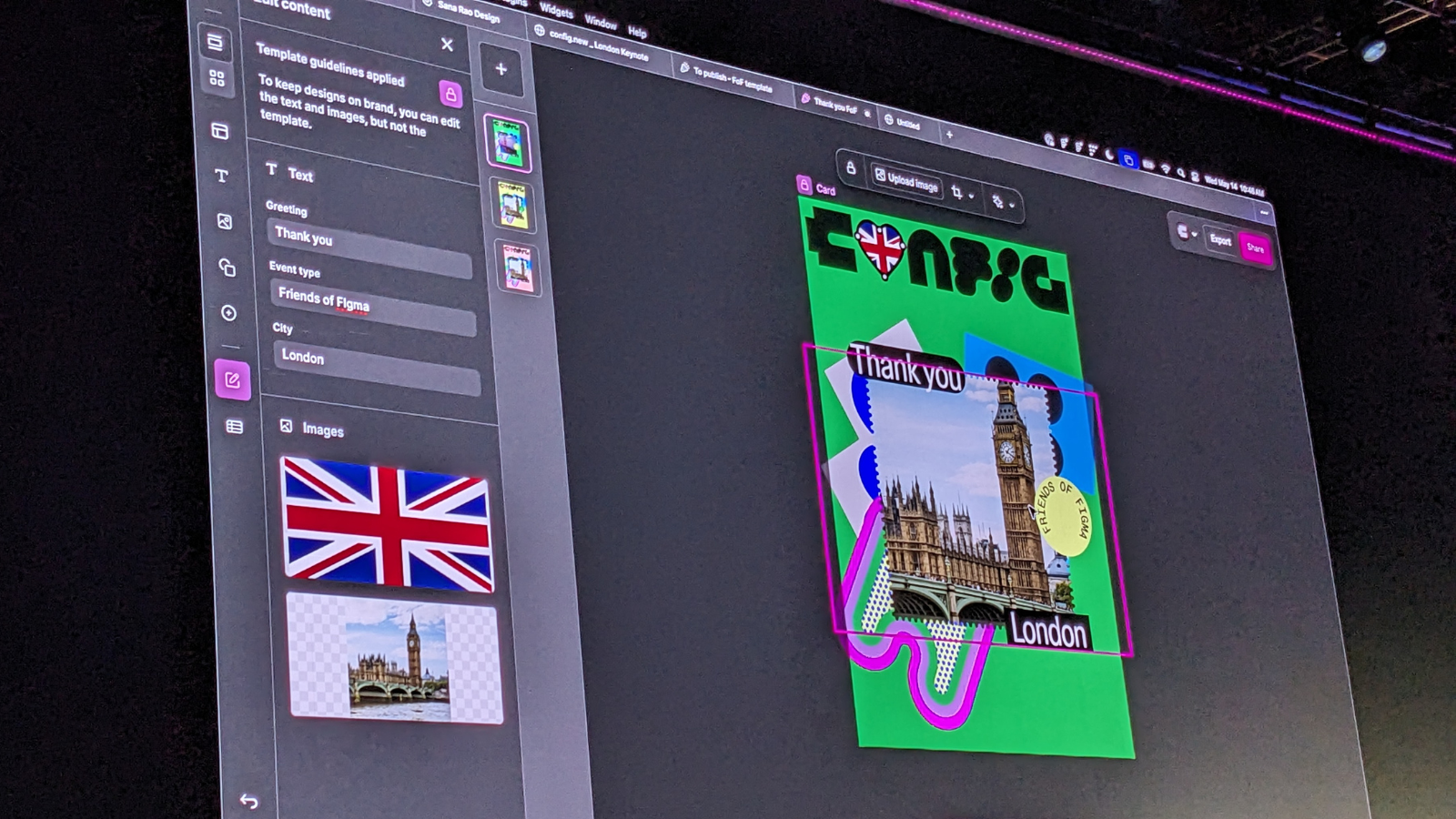
This year, I attended Figma's annual conference FigJam, where the company launched a series of major expansions to the popular design platform.
You can find out all the details in my coverage here, but key highlights include the inclusion of content ideation platform Figma Make, AI-powered website builder Figma Sites, Figma Draw - a spin on Adobe Illustrator - and Figma Buzz for social media asset creation.
On top of all that, at the end of 2025, in its bid to expand image, video, animation, motion design, and VFX creation and editing across the platform, Figma bought node-based AI editing tool Weavy and renamed it Figma Weave. Same powerful tool, now part of one of the best design tools around.
Freepik Spaces goes live
(Image credit: Freepik)
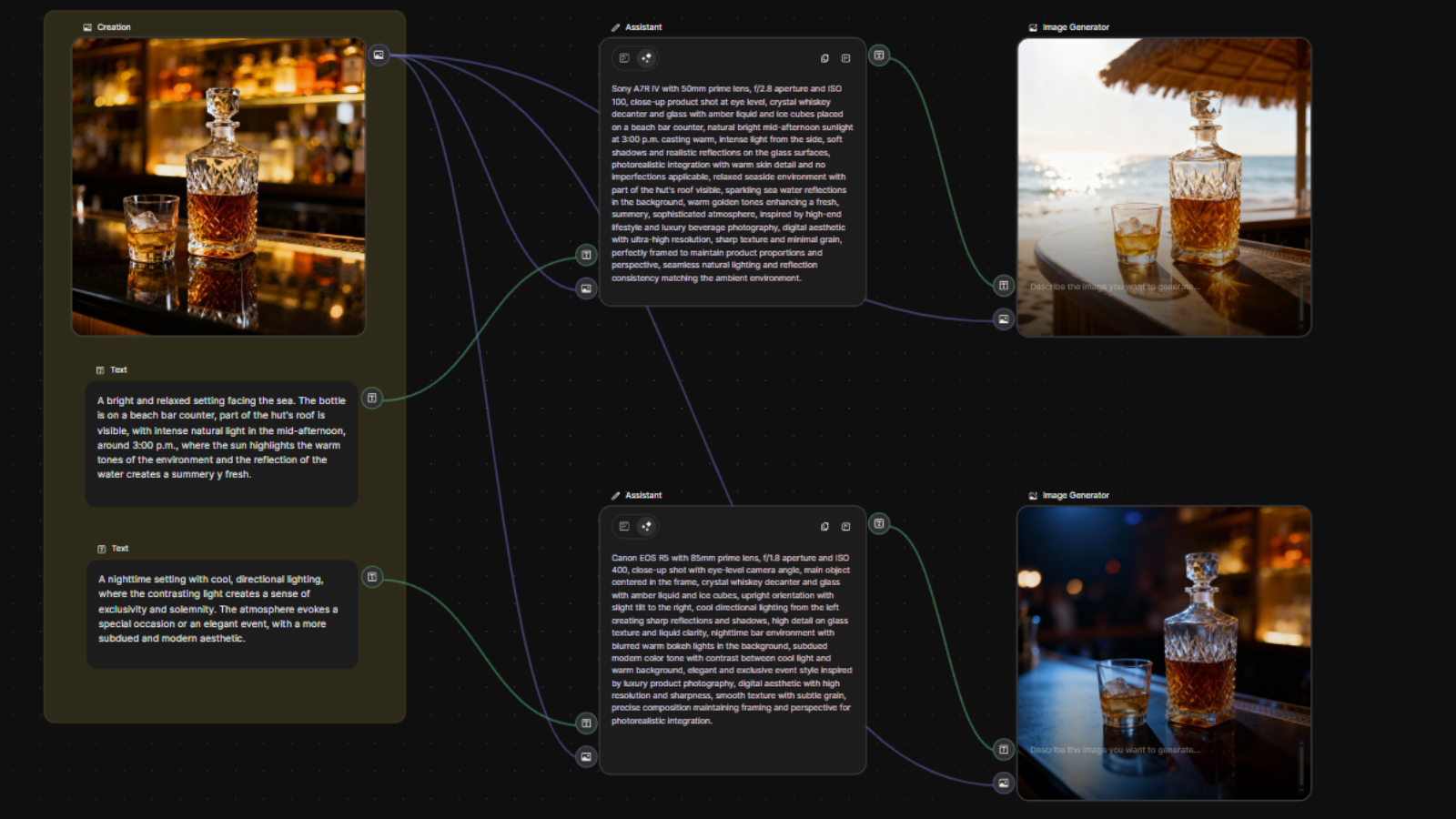
AI was the order of the day at this year's Freepik's Upscale Conference. it was everywhere I looked. But the big news was the launch of Freepik Spaces.
Rather than a never-ending slew of minor updates to AI models, this was a fully fledged product that lets users create and collaborate on a browser-based infinite canvas. Its node-based workflow is super-simple to use (anyone from creative professionals to non-designers can use the tools), letting everyone generate AI images and videos fit for business.
And of course you can alsofollow TechRadar on TikTokfor news, reviews, unboxings in video form, and get regular updates from us onWhatsApptoo.
Steve is B2B Editor for Creative & Hardware at TechRadar Pro, helping business professionals equip their workspace with the right tools. He tests and reviews the software, hardware, and office furniture that modern workspaces depend on, cutting through the hype to zero in on the real-world performance you won't find on a spec sheet. He is a relentless champion of the Oxford comma.
You must confirm your public display name before commenting
Please logout and then login again, you will then be prompted to enter your display name.