Notion isn't just a note-taking app –here are 5 ways I'm using it to run my life in 2026
Notion has become an all-in-one app like no other – here’s why it’s worth a look in 2026, plus my favorite new tools.

(Image credit: Notion)
Notion is a strange beast, even for those who use it regularly. The app’s bread and butter may once have been database management and a place to store notes, but as we head into 2026 it's now grown into something that encompasses so much more.
Last year, I pointed out how you can use a series of tools within the free version of the app to set goals, manage tasks, and build templates. If you want a primer on some of the basic things it can do, I'd recommend reading that first.
But Notion is now able to do so much more, thanks to new tools and, yes, AI. If you’ve spent any time with Notion in the last few years, you may be surprised at what it can help you achieve now.
1. Embracing the Agent
(Image credit: Notion / Future)
Notion is definitely leaning further into AI than ever before, as you might expect.
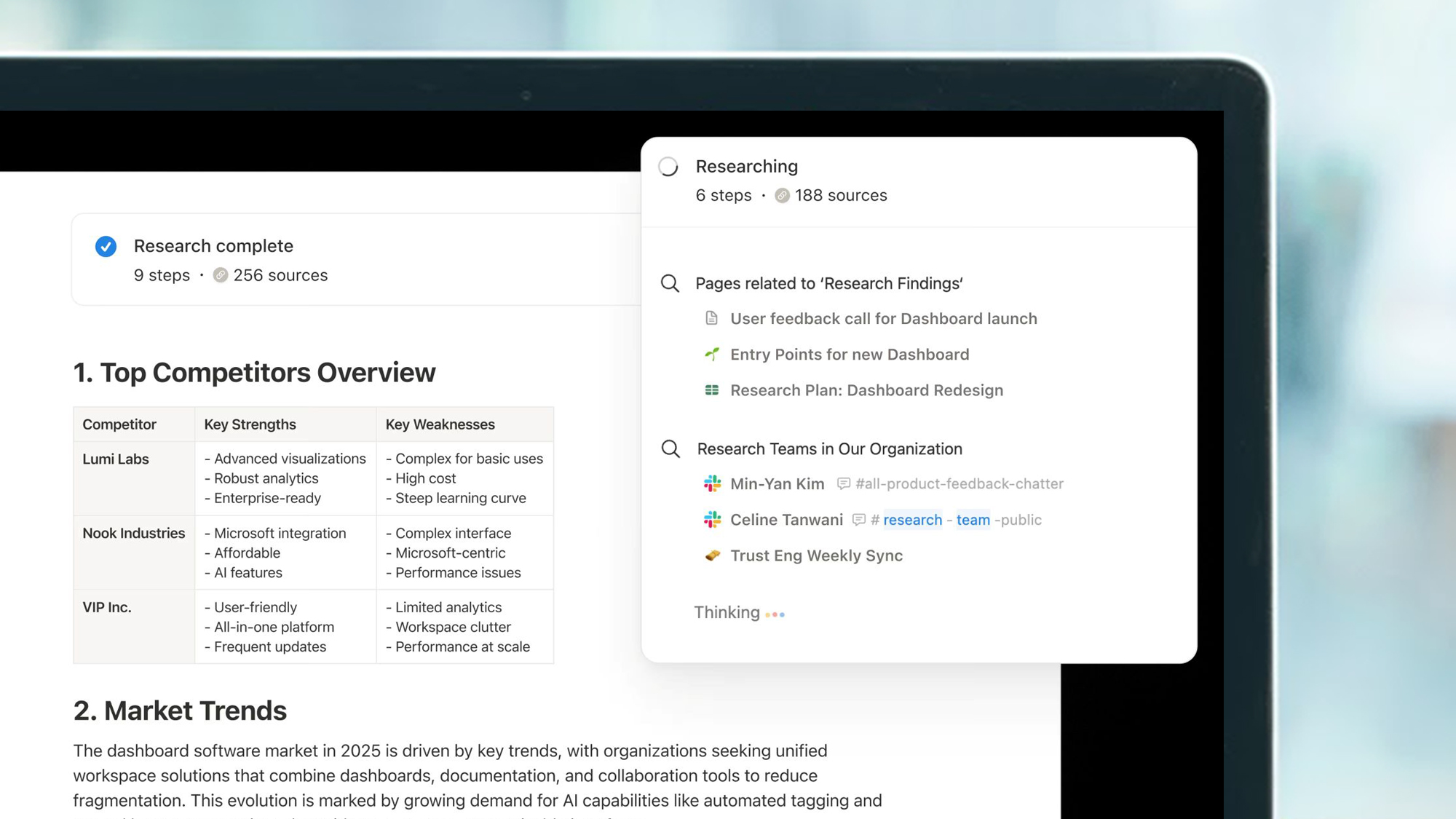
While there’s a whole bunch of AI tools, like being able to create charts from data and asking Notion AI to search through your workspace for something you may have referenced months ago, a more recent feature is Notion Agent.
As the name suggests, this is the company’s Agentic AI. Think of it less like having a tool that can find data or analyze what’s there, and more like having a handy extra pair of hands that can enter data, update pages, and much more. You can get a trial of Notion AI in the free and Plus plans, but for full access to the Agent you need the Business plan ($20 / £16.50 per month, around AU$30 per month). That's what I'm on.
Sign up for breaking news, reviews, opinion, top tech deals, and more.
You can ask your Notion Agent to build a database for just about anything, adding as much information as you can, and it’ll build it in seconds while explaining what it can do and the steps you may want to take next – very handy.
Not all of Notion's AI-powered features need a subscription (for example, Mail and Calendar are free), but understanding what Notion Agent can do could be a huge boon for your organizational outlook in 2026. A good place to start is this video intro to Notion Agent.
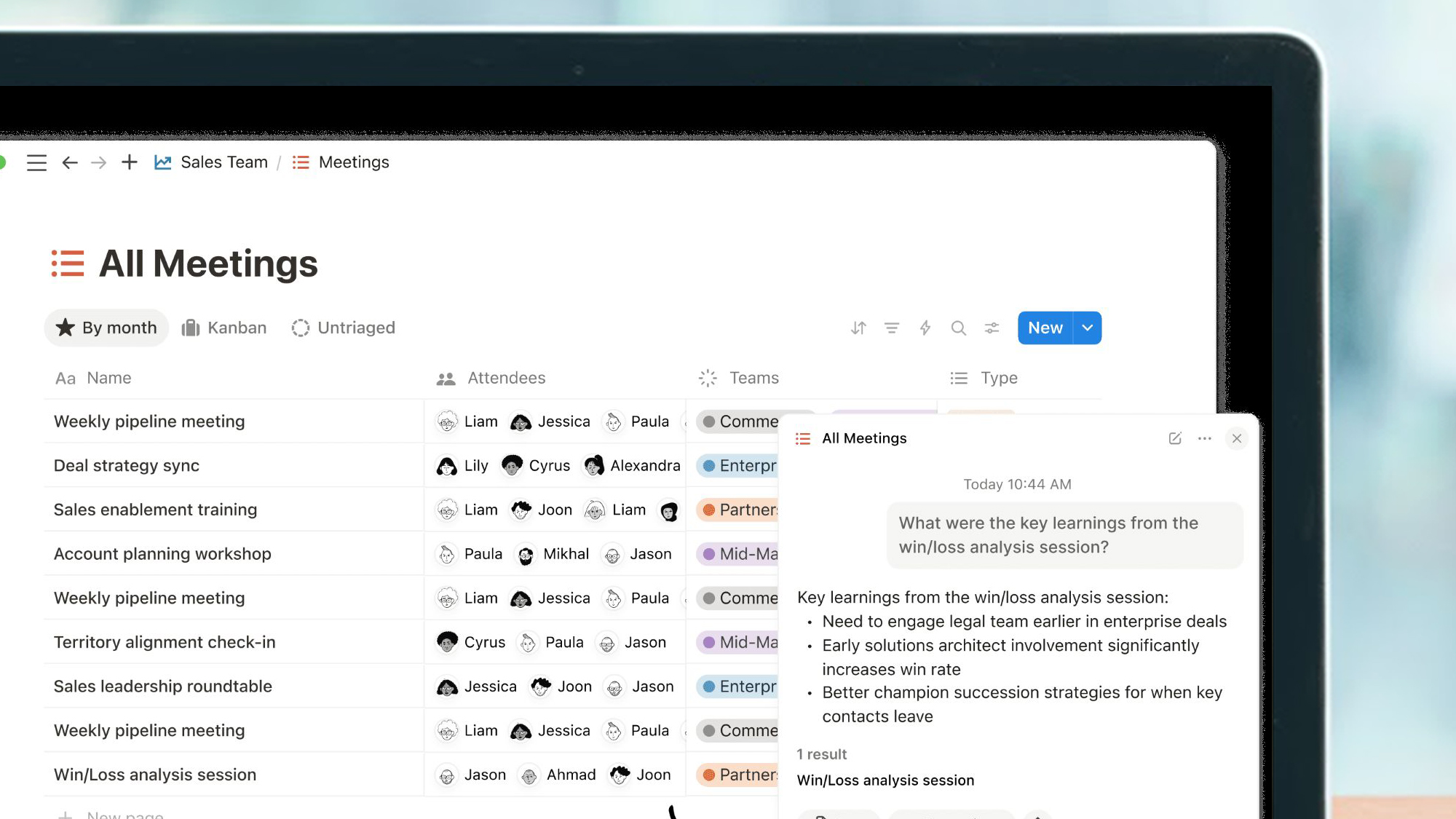
2. Managing meetings
(Image credit: Notion / Future)
One of my favorite features Notion added this year is its Meeting Notes. Real-time transcription is one of the most useful AI tools around, but with Notion you can use a backslash and then ‘meeting’ to get it to listen out for calls.