Samsung's new Freestyle+ portable projector nearly doubles the brightness, and makes the image look better on any surface
Smarter features and bolder images are exactly what Samsung's projector needed needed — but what about audio and battery power?
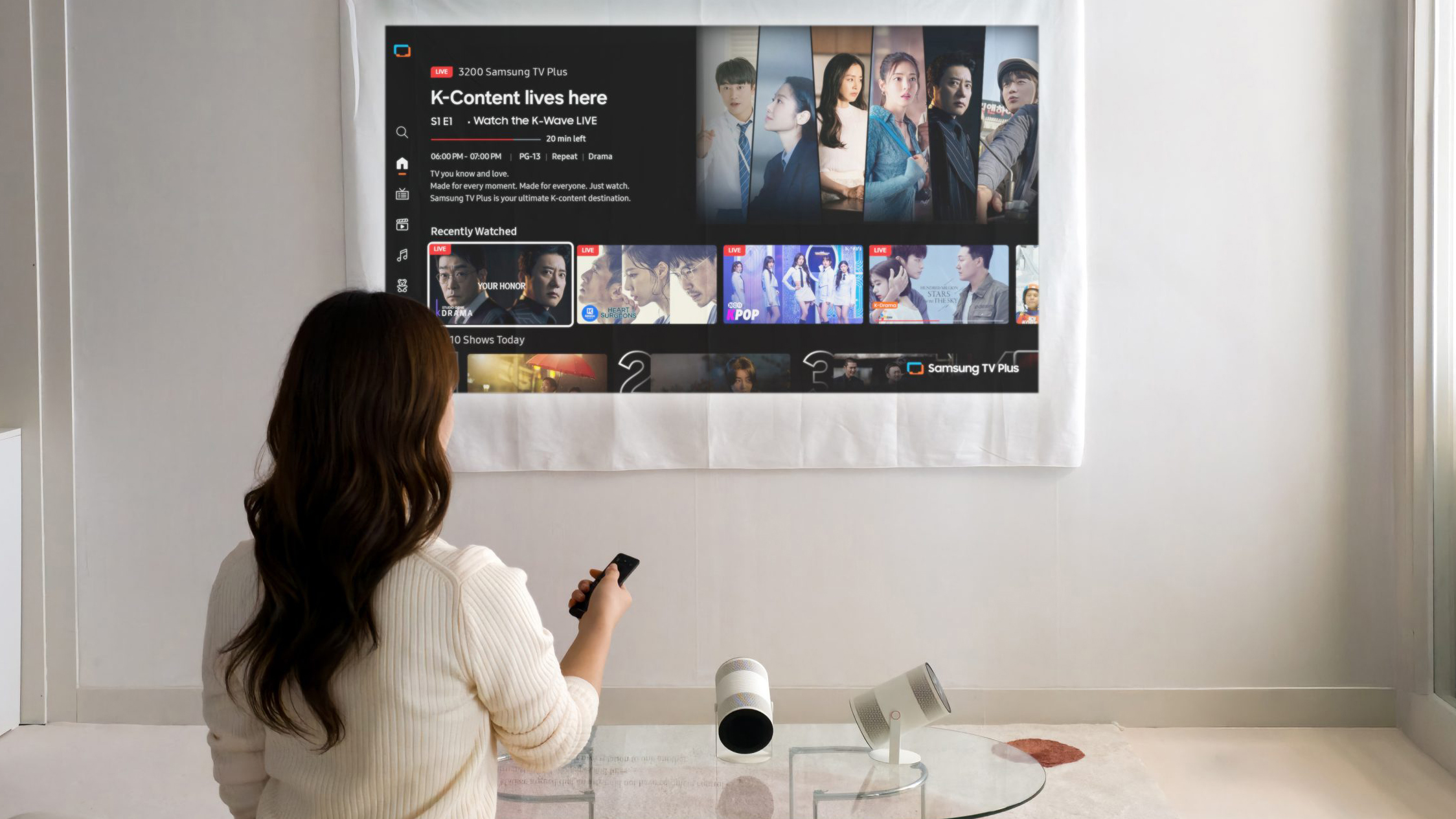
(Image credit: Samsung)
- Samsung unveils The Freestyle+ portable projector
- It's still 1080p with 180-degree angle flexibility
- Upgrades include almost double the brightness of the previous model, and auto Wall Calibration
Samsung has revealed a third-gen version of its super-popular portable projector, the Freestyle. The new model is called The Freestyle+, and having used the previous-generation The Freestyle 2 as well as recent budget competitors such as the Xgimi MoGo 4, I think it's bringing the right kind of upgrades – though a couple of improvements that I'd like to see don't appear to .
Samsung's main pitch with The Freestyle+ projector is that it'll look better – always a plus, no pun intended – through a mix of smart image adjustments and just being brighter.
Samsung says the new model delivers 430 ISO Lumens, which is almost double the 230 ISO Lumens of the previous model, and this is great to hear, because the middling brightness is one of its predecessor's issues (though it still ranks high among our best portable projectors).
That will mean that the images will have bolder colors and will be overall more visible in rooms where the lights aren't super-dim, making it generally more useful and flexible.
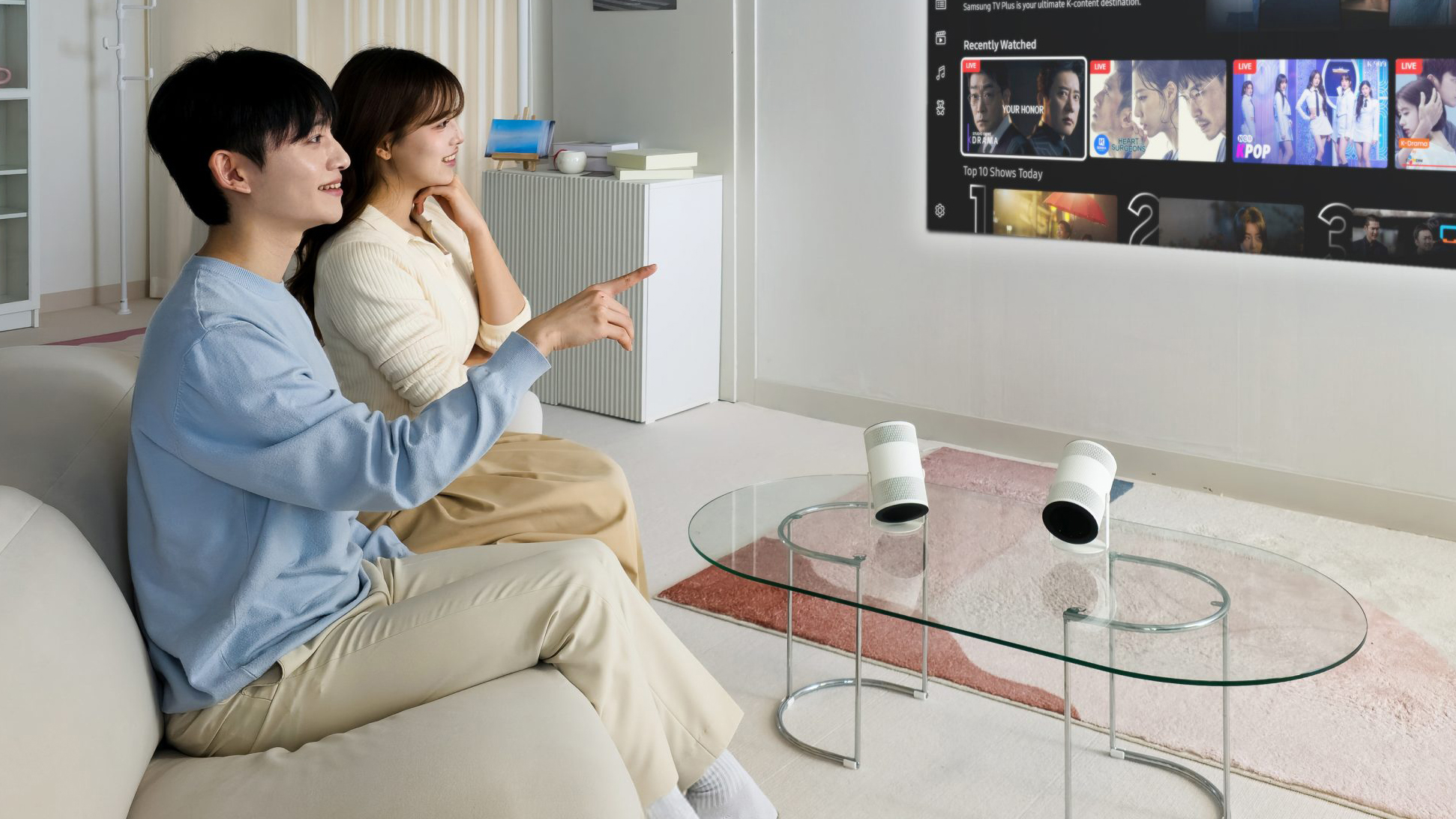
I don't know why the couple owns two of them in these images, I'm sure you can get by with just one (Image credit: Samsung)
But Samsung is also adding some other useful automatic features for a better picture. On top of automatic keystone correction and auto focus, there's now an automated Wall Calibration feature, which means the projector "analyzes the color or pattern of the projection surface and minimizes visual distractions for clear viewing", according to Samsung.
This again should help with the clarity of the images, and accuracy of the color if your wall is off-white or lightly colored (I'm not sure it'll help if you wall is a deep navy, of course).
There's also a Screen Fit feature, which sounds useful if you do use a projector screen: Samsung says this "automatically adjusts the image to match the screen area when used with a compatible projector screen accessory".