There’s a 'secret' sleep timer hidden in your iPhone and iPad – here's how to unlock it for Netflix
Some iOS and iPadOS apps like Netflix don't have built-in sleep timers, but fortunately this lesser-known feature lets you create your own.

(Image credit: Getty Images / Guido Mieth)
If you’re anything like me, watching shows in bed at the end of a long day is a great way to unwind.
However, when I’m spark out and Netflix is still running – sometimes for hours on end – it’s a pain the next day having to trying to find my place again. Some apps have built-in sleep timers, but many (like Netflix) still don't.
I had a new baby six months ago, and I’ve also got a two-year-old, so it’s safe to say that at the end of most days I’m pretty exhausted. Last thing at night, I’ll feed my baby (watching a show on my iPad, propped up on my bedside table), then lie down for a bit waiting for her to fall asleep and for me to get some much-needed shut-eye, too.
As you can imagine, it doesn’t actually take me that long to go to sleep, but, I like the comfort of the screen playing while I drift off. However, after consistently falling asleep within 10-20 minutes, but finding my shows continued to play for sometimes hours on end, I went looking for a solution.
Find the sleep timer
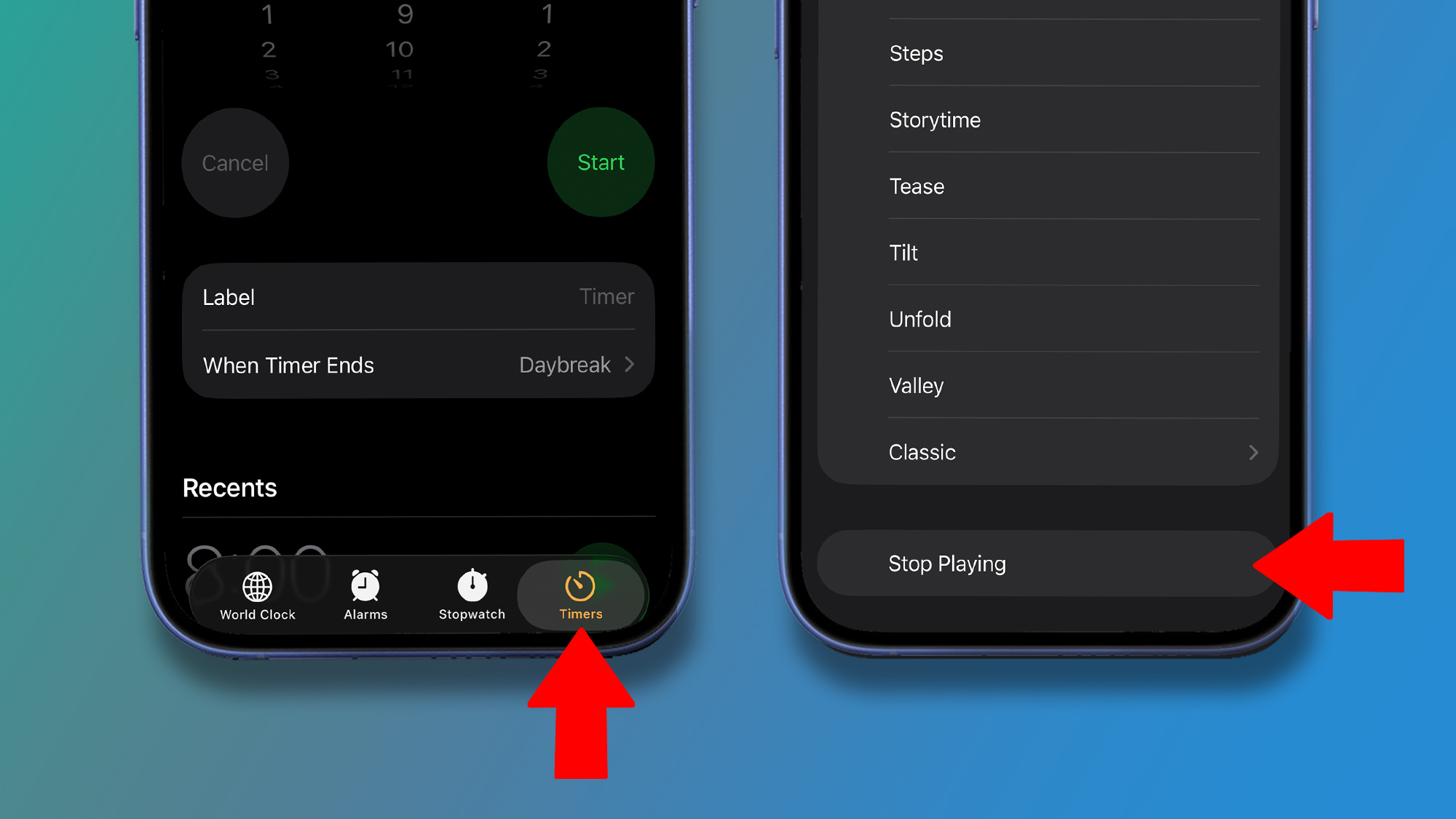
You can set a custom sleep timer for the likes of Netflix in the Clock app (above) – it's the same process on iPadOS if you have an Apple tablet. (Image credit: Apple)
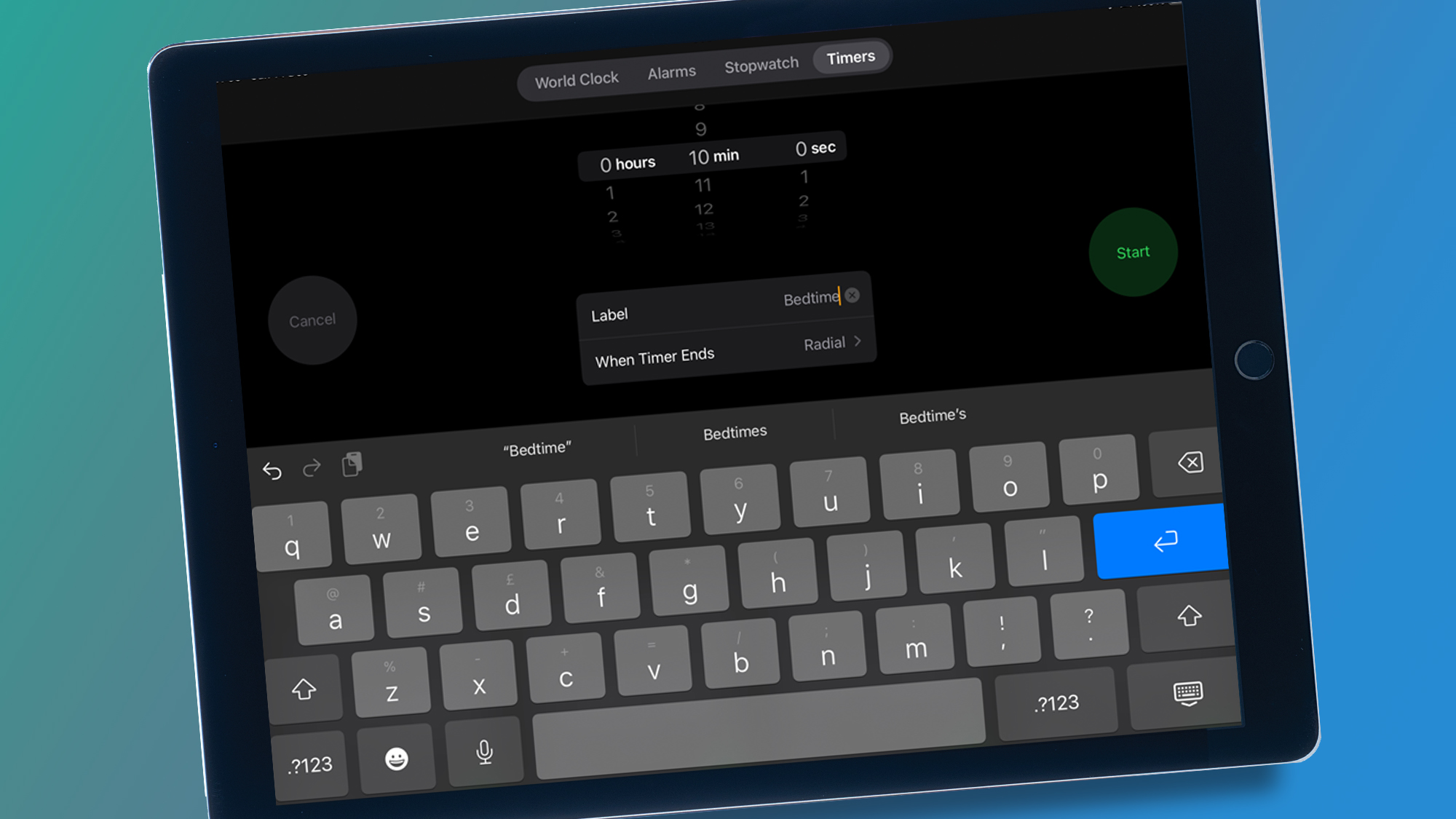
It’s not an obvious setting, so you’ll be forgiven for having missed this. Go to your device’s Clock app, and tap the Timers setting. I’m sure you’ll have used this for other things, such as cooking or as a reminder to do something.
Tap on 'When Timer Ends' and scroll all the way down to the bottom past all the ringtone options, and you’ll see 'Stop Playing' is listed.
Sign up for breaking news, reviews, opinion, top tech deals, and more.
Tap this and when your Timer ends, your Netflix show (or other streaming service) will stop, and your iPad/iPhone will lock. You’ll need to tap 'Set' the first time you do it – you’ll know if you’ve done it right as when you go back to the main timer screen, it will say 'Stop Playing' next to 'When Timer Ends' now.
Depending on how sleepy I am, I set the timer for anything between 5 and 20 minutes – I’ve usually got a pretty good idea of how long I’ll need. Then, the next day when I come back to watch/listen to the show again, I know I’ll only have a maximum of the timer setting to rewind to keep playing from where I left off.
Until I get a device which recognizes exactly when my eyes have closed, it’s the next best thing.