US judge vacates restraining order over Samsung ‘spying on’ smart TV users (Update)
A hearing is scheduled for January 9.
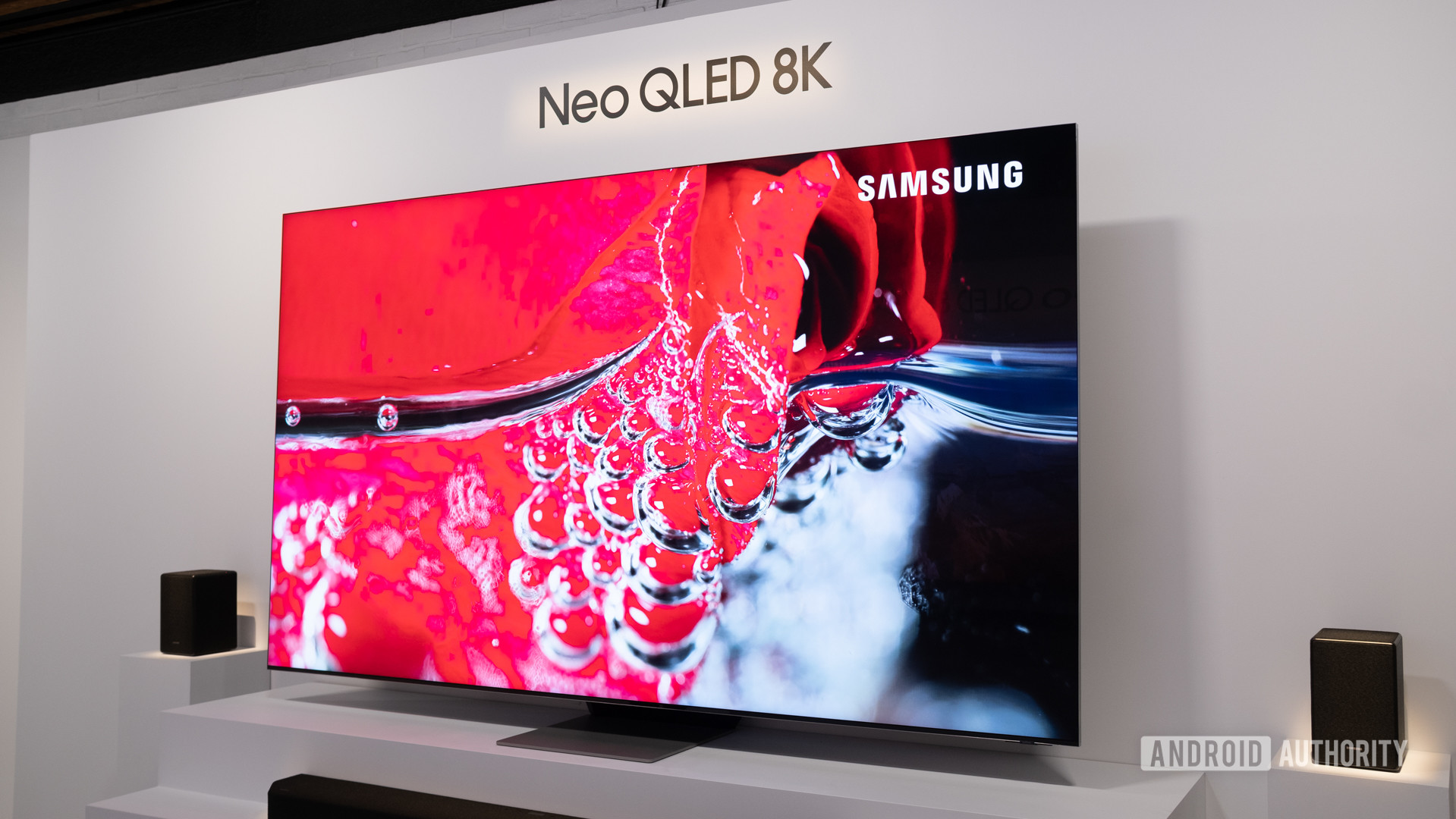
David Imel / Android Authority
TL;DR
- Samsung is one of five TV manufacturers accused of illegally collecting automated content recognition (ACR) data from TVs in the state of Texas.
- A temporary restraining order barred Samsung from collecting ACR data within the state, but the order has been vacated.
- A hearing to potentially impose a temporary injunction against Samsung is scheduled for January 9.
Update, January 8, 2026 (10:57 AM ET): A Samsung representative has reached out to let us know that the temporary restraining order granted on Monday, January 5 was vacated on Tuesday, January 6. That means the order was not in effect when this article was initially published. We regret the error. A hearing is still scheduled for January 9.
The original article appears below, unedited.
Original article, January 7, 2026 (12:47 PM ET): Last month, Texas Attorney General Ken Paxton filed suit against five TV manufacturers for “spying on Texans” through the use of automated content recognition (ACR). In the suits, Sony, Samsung, LG, Hisense, and TCL are all accused of surreptitiously harvesting screenshots of users’ TV content for the purpose of targeted advertising. This week, Paxton’s office announced a new development: a judge in Texas has issued a temporary restraining order against Samsung, stopping the practice within the state.
As spotted by SamMobile, the new restraining order signed by State District Judge Benjamin Smith calls for Samsung and anyone working with the company to halt any collection, sharing, or use of ACR data related to users in Texas, citing violations of the state’s Deceptive Trade Practices Act. A hearing on the case has been scheduled this Friday, January 9.
On smart TVs, ACR can capture hundreds of images of what’s on your screen each minute, whether that content originates from the TV’s built-in apps or a connected device like a dedicated streaming box or game console. The screenshots are sent to your TV’s manufacturer, who can use the data gathered to target ads on your TV, or sell the data to other ad providers to target ads on other platforms.
The new restraining order preventing Samsung from engaging in this behavior is now in effect within the state of Texas. At the hearing on January 9, a judge will consider evidence to decide whether to grant a longer-term temporary injunction; if an injunction isn’t granted, the restraining order expires on January 19. (Sony, LG, Hisense, and TCL are all unaffected by the restraining order.)
Samsung TV users do have chances to opt out of ACR on their devices, but as Texas’s suit against Samsung puts it, the “so-called ‘consent’ Samsung obtains is meaningless,” with details about the system obscured in “hidden, vague, and meaningless” disclosures. Texas argues that this inadequate disclosure runs afoul of state law.
For now, this case applies exclusively to users in Texas. Even if the state wins its case, it could stay that way: It’s not uncommon for tech providers to limit certain features on a state-by-state basis. Google Photos’ facial recognition features, for example, are not available in Illinois or Texas (Paxton sued Google over the features in 2022).
What do you think about the current state of ads on Samsung devices?
772 votes
AG Paxton’s office has a history of grappling with big tech, though proposed limitations aren’t always so consumer-friendly. Last week, a federal judge put a stop to Paxton-backed legislation that would have required app stores to verify the age of users in Texas before allowing them to download apps, ruling the law that was set to take effect on January 1 is likely unconstitutional. Paxton has appealed that decision.
If you’re using a Samsung TV and you’re concerned about your privacy, you do have the option to disable ACR. On modern Samsung sets, the setting is a checkbox labeled Viewing Information Services, found in the Privacy Choices section of the TV’s settings menu. Unchecking that box will turn off ACR on your TV. Different manufacturers label ACR settings differently; you might have to do a little research to find how to disable it on your own TV.
Follow
Thank you for being part of our community. Read our Comment Policy before posting.