'Zombie subscriptions’ are a silent killer – here are 3 ways to fix them for 2026 in minutes
Track down those subscriptions you aren't making use of and save yourself some money over the next 12 months.
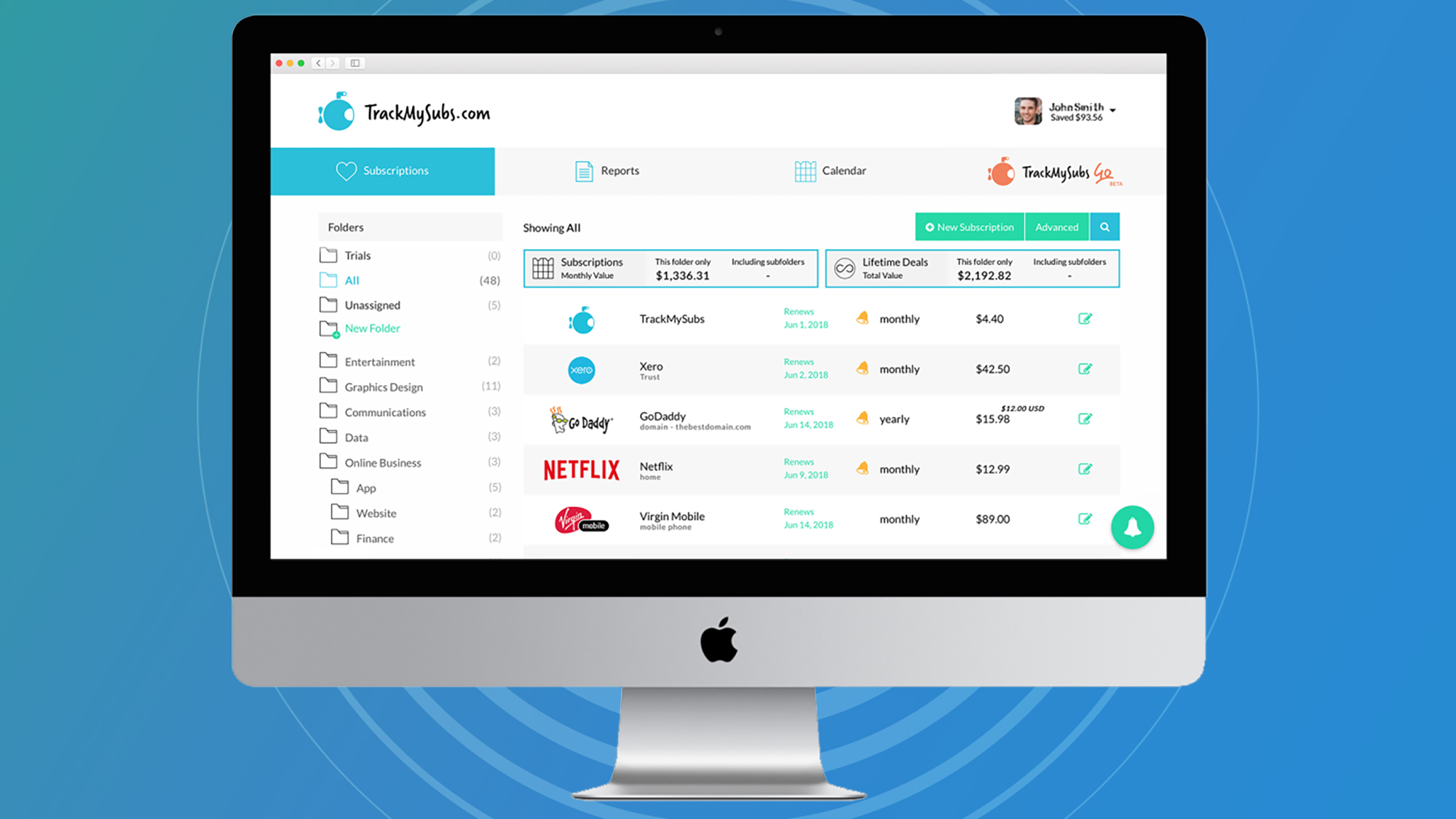
You can manage your subscriptions using apps like TrackMySubs (Image credit: TrackMySubs)
Digital subscriptions are everywhere now: you need them for streaming services, fitness programs, desktop software, cloud storage, news websites, and more. A few dollars here and a few dollars there can add up to a pretty hefty bill by the end of the month.
As the new year gets underway, it's the perfect time to run an audit on just how many subscriptions you're signed up to, and how much it's costing you. With the hectic pace of modern life you'd be forgiven for signing up for certain apps, sites, and digital services, and then forgetting all about them.
This is something I've done recently and it really made me reassess how many of these digital subscriptions I actually need – the amount of money I've been spending each month is actually quite scary.
The good news is that a subscription detox doesn't have to take a long time, especially if you know the right tools for the job – which I've covered below. By investing a few minutes at the start of 2026 to sort this out, you may well find that your bank balance is much better off by the time that 2027 rolls around.
Method one: check your emails
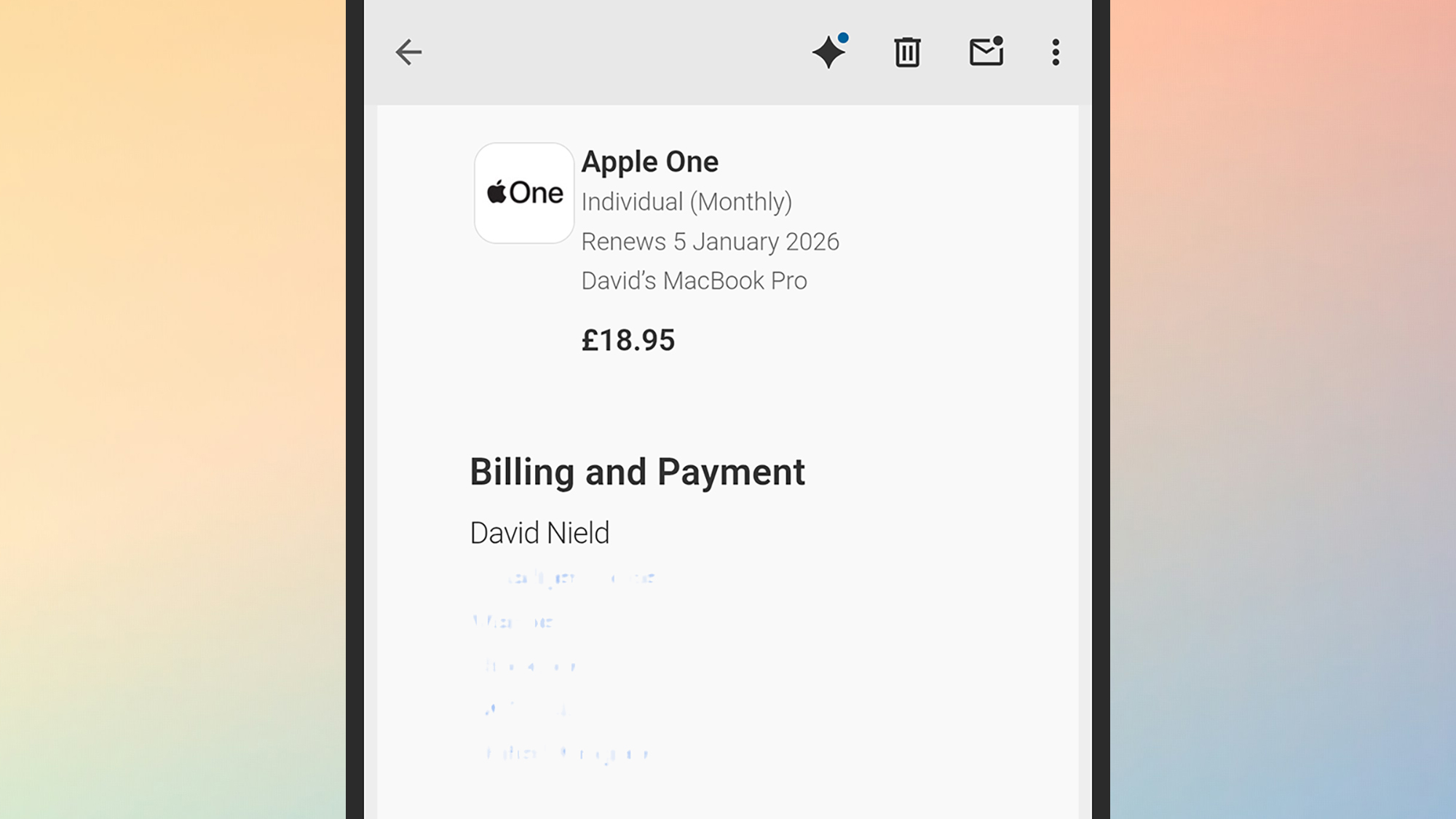
Check your emails for subscriptions (Image credit: Future)
The subscriptions that you're signed up for will often ping you with an email when it's time to renew again for another month or another year – and if there are any that don't extend you this courtesy, then it's another reason to ditch them. If you get the option to enable these email reminders when you sign up, make sure you do so.
A quick search through your inbox can reveal numerous subscriptions you'd forgotten about. Look for words like "renewal", "renew", or "subscription" and see what turns up. In the mobile app for Gmail, for instance, just tap in the search box at the top and start typing. If you spot these emails as they arrive, flag or star them so you've got a list you can refer back to later.
The Apple One subscription is an example of a monthly bill you'll get an email about, if reminders are switched on: The sender will be "no_reply@email.apple.com", you'll get details of how much you're paying and for what, and the emails contain the word "renewals" so will show up in your searches.
Sign up for breaking news, reviews, opinion, top tech deals, and more.
Method two: use the feature built into your phone
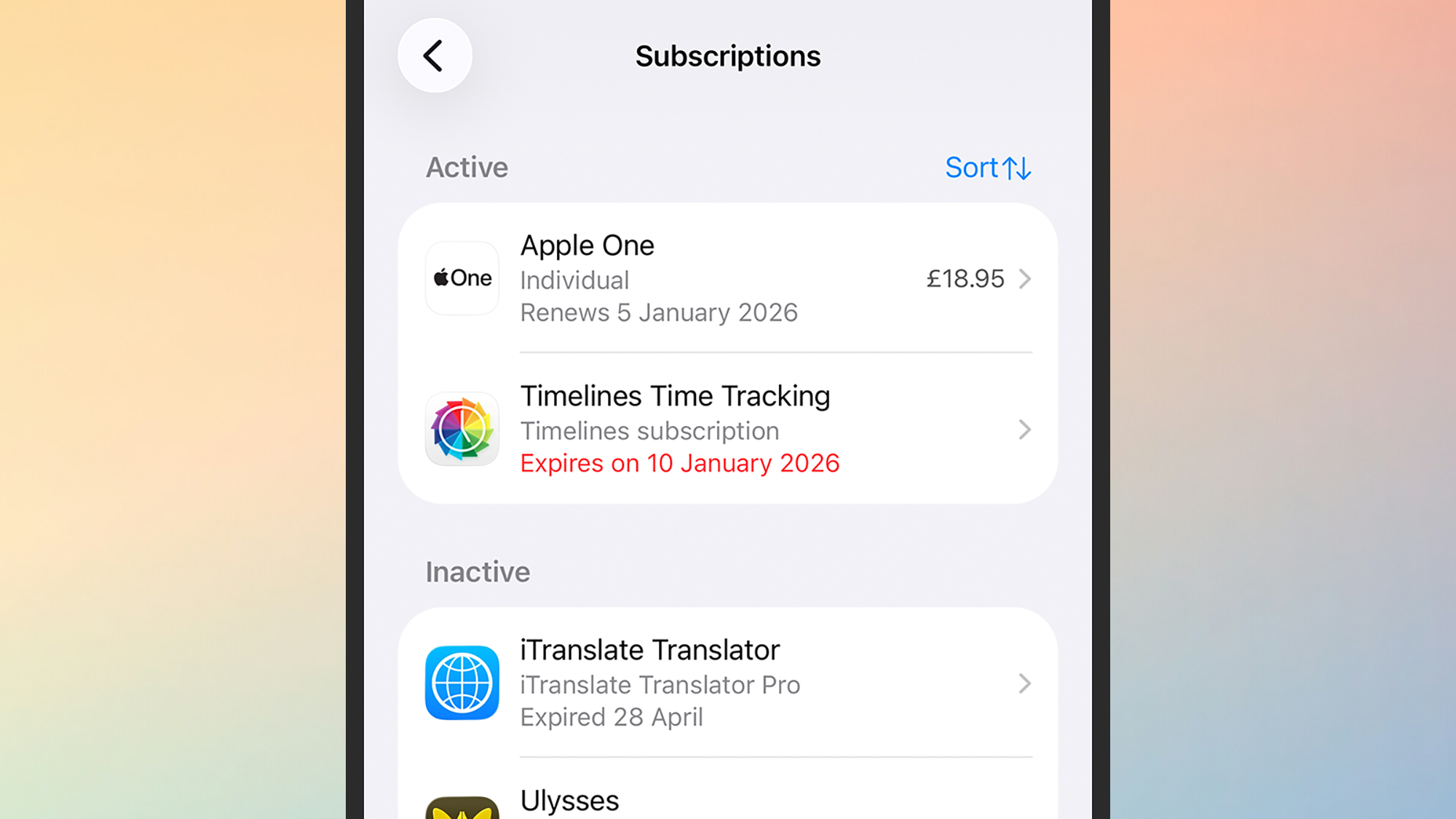
You can also manage subscriptions right from your phone (Image credit: Future)